You know that moment your smart home turns on you? You ask the lights to come on and get nothing. No flicker, no delay, just a dark abyss and the creeping realization your house has decided to be rebellious today.
The worst part? It worked yesterday. You didn’t touch anything, yet here you are, negotiating with a light bulb. It feels random, but it almost always isn’t.
This guide breaks down what’s actually behind these frustrating moments — and how to deal with them, from quick resets to the less obvious fixes that keep your devices from dropping off the map in the first place.
Nothing Changed On Your End, So What’s The Issue?
That’s what makes this so annoying — you spent all this time getting your setup exactly how you wanted it. And now here you are, being ignored by a light bulb.
Smart home setups don’t really stay still. They’re more like a group project where everyone keeps editing the document on Google Drive without telling you.
Want our human-written content to rank above AI-generated garbage? Help us out by clicking this button!
Things update, connections drop and come back, something “syncs,” something else quietly doesn’t, and none of it becomes your problem until you actually try to use it.
It doesn’t take much, either. Sometimes it’s a quick update, a brief network hiccup, or one device just not checking in like it normally does.
On their own, none of that seems like a big deal. But stack a couple of those together, and suddenly your house is acting like it’s never met you before.
And if your setup has been acting increasingly unpredictable lately, you’re definitely not the only one.
According to a 2025 consumer survey by Secure Data Recovery, connectivity and compatibility issues consistently rank among the biggest smart home frustrations.
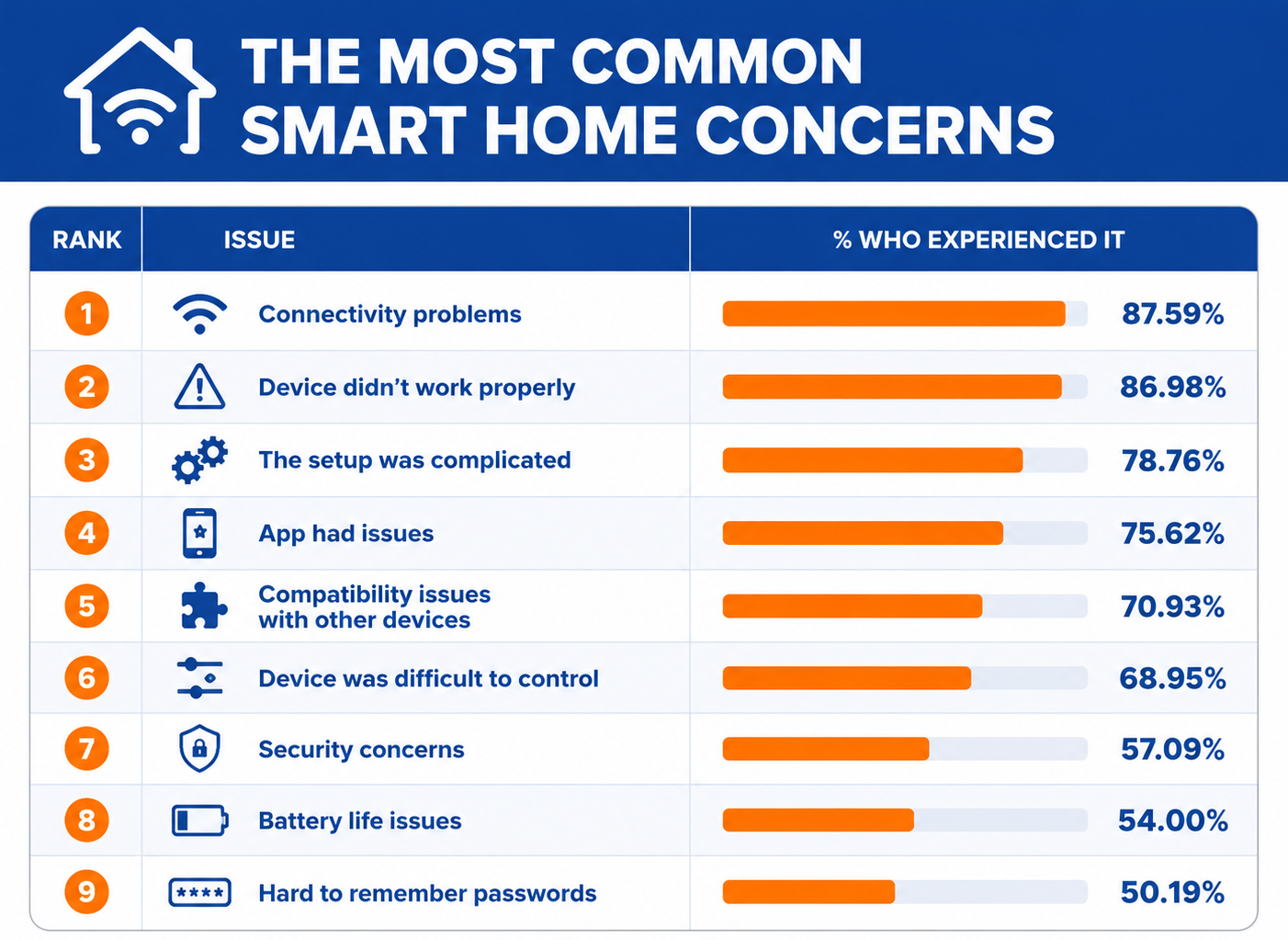
Most smart home problems don’t start with some dramatic failure. Things usually drift out of sync a little at a time until something finally stops cooperating loudly enough to get your attention. Here are the main reasons why that happens.
1. Wi-Fi Instability (The #1 Silent Killer)
Your phone loads things. Your laptop seems fine. So it doesn’t feel like a Wi-Fi issue. But smart home devices are a lot less forgiving. They need a stable, consistent connection, not just “good enough most of the time.”
That’s where things start to fall apart. You’ll see it in small, annoying ways:
- Devices work in one room but not another
- Commands go through eventually
- Things randomly show as “offline,” then come back on their own
- Everything slows down at certain times of day
What’s happening here isn’t a full disconnect — it’s a weak or unstable signal that drops just long enough to break communication.
And it doesn’t take much. A few common culprits are:
- Router placement (tucked in a corner, behind furniture, in a basement)
- Walls and obstacles (especially brick, plaster, or multiple floors)
- Interference from other devices (microwaves, baby monitors, even your neighbor’s Wi-Fi)
- Band confusion (devices bouncing between 2.4GHz and 5GHz networks)
These issues can create just enough instability for smart devices to lose connection and not always recover cleanly.
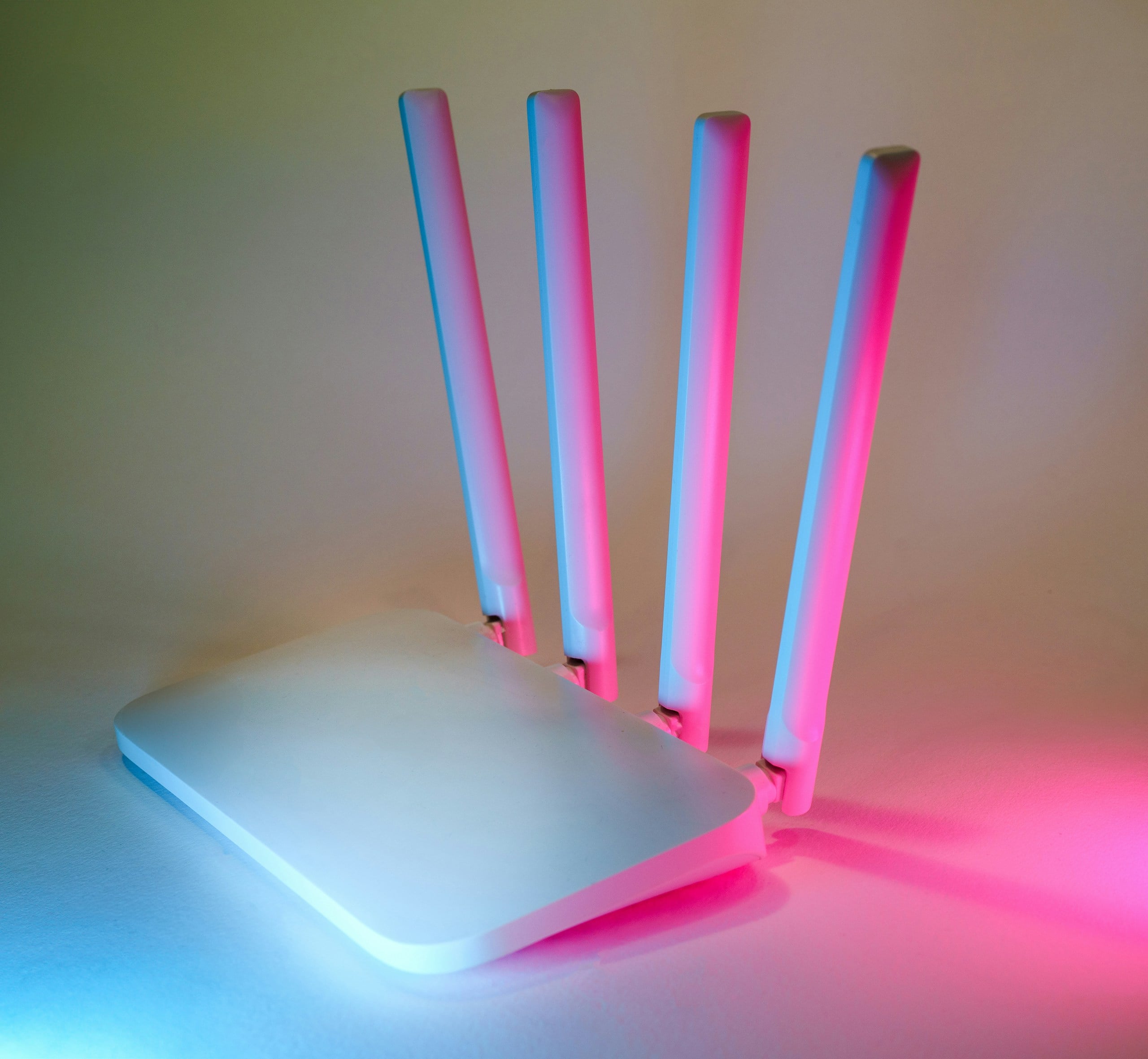
Quick things worth trying before you overthink it:
- Move your router somewhere more central and open
- Restart your router (yes, that’s still a worthy fix)
- Reconnect the smart device to Wi-Fi instead of assuming it’ll fix itself
- Check which band it’s using (many smart home devices only behave on 2.4GHz, and those that are also 5GHz compatible often work better on 2.4GHz )*
None of this is complicated, but it’s exactly the kind of thing that quietly causes problems without making itself obvious.
*Most smart home devices, especially security cameras, smart plugs, light bulbs, and sensors, run exclusively on 2.4GHz Wi-Fi because it offers better range and wall penetration than 5GHz. Major brands that are restricted to 2.4 GHz include Blink, Ring, Google Nest, TP-Link, Amcrest, SimpliSafe, Eufy, Lorex, and many Kasa smart switches.
Tiny Signs Your Smart Home Is About To Start Acting Weird
- Your devices take a second longer to respond than they used to
- One room randomly has more issues than the others
- You keep reopening the app because commands don’t go through the first time
- Voice commands work… eventually
- Restarting the router keeps “temporarily” fixing things
2. You’ve Got More Devices Than Your Network Can Handle
At first, adding more devices doesn’t feel like a big deal.
A couple of smart bulbs. A plug. Then another. A camera. A speaker. Maybe a thermostat. Everything keeps working, so it’s easy to assume your network can handle it.
But at some point, your network starts to overload.
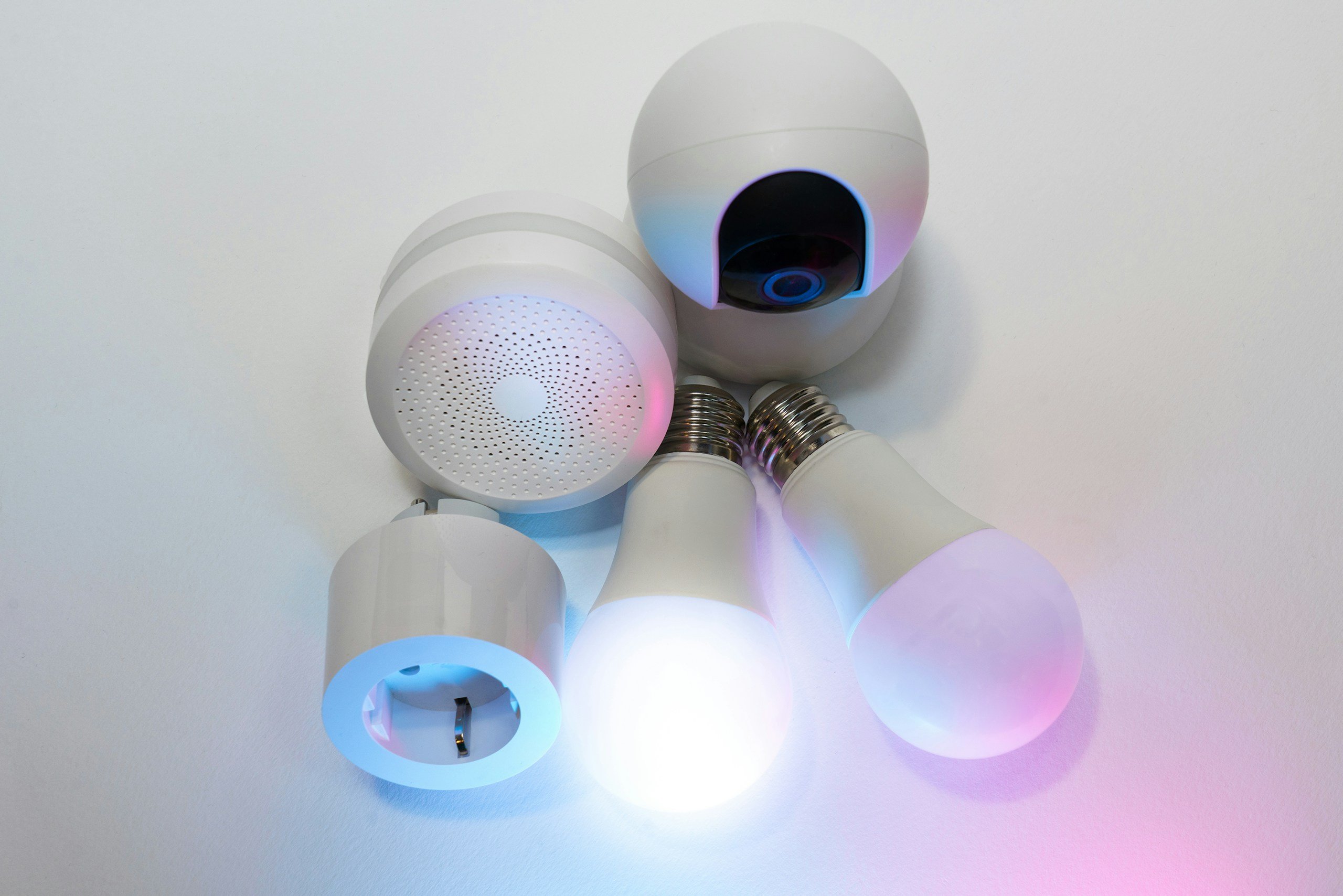
Most home routers are built for typical use — phones, laptops, maybe a TV or two. They’re not always great at handling dozens of devices constantly checking in, updating, and talking to each other.
When that limit gets pushed, things start getting weird:
- Devices randomly drop offline
- Commands lag or don’t go through at all
- One device works while another suddenly doesn’t
- Everything feels inconsistent for no clear reason
Your network is struggling to keep up with the volume of requests being thrown at it, and it’s not always a clean fail. For example, some devices stay connected, others fall off, yet a few reconnect on their own.
How to fix it:
- Upgrade your router if it’s older or entry-level
- Consider a mesh system if you have a larger home
- Spread devices across bands if possible
- Remove or reset devices you’re no longer using
3. An Update Quietly Broke Something
Smart home devices, apps, and integrations update constantly in the background. Sometimes it’s a small patch. Sometimes it’s a bigger change that tweaks how things connect or communicate. Either way, it doesn’t always go smoothly.
A lot of the time, that “nothing changed” moment lines up with an update you never saw happen.
The tricky part is that updates don’t happen in sync. Your app might update before the device does. The device updates, but your integration doesn’t. One piece changes, the others lag behind — and now everything’s slightly out of step.
From your side, it just looks like something broke for no reason.

Signs this is what’s going on:
- The problem showed up suddenly, not gradually
- You notice app changes or new prompts
- You’re being asked to log back in or reconnect things
- A device works in its own app, but not through your assistant anymore
What usually fixes it:
- Restart the device and the app (forces a clean reconnect)
- Check for pending updates across devices and apps
- Re-link accounts or integrations that might’ve disconnected
- If needed, remove and re-add the device
Updates are supposed to make things better, and most of the time they do. But every once in a while, they’re the reason everything stopped working in the first place.
4. A Power Blip Knocked Things Out of Sync
Power doesn’t have to go out for your devices to act up — sometimes, all it takes is a flicker. It’s over in seconds, so everything should be fine. But your devices don’t always recover properly.

Smart home gear depends on a very specific startup order — router, hubs, devices, apps — all reconnecting in a way that makes sense. When power gets interrupted, even briefly, that order can get scrambled.
What’s actually happening is that some devices reconnect cleanly, while others don’t fully reestablish the connections they need. So everything is technically “on,” but not really communicating.
What that can look like:
- A device is online, but won’t respond to commands
- Something works in the app, but not through your assistant
- One device is fine, another isn’t
- Problems show up right after a storm or outage
Quick fixes:
- Power cycle your router first, then hubs, then devices
- Unplug and reconnect the problem device instead of assuming it’ll recover
- Give everything a minute to fully reconnect in order
This is one of those fixes people avoid because it feels too simple. But in a smart home setup, a clean restart isn’t basic. It’s often exactly what puts everything back in sync.
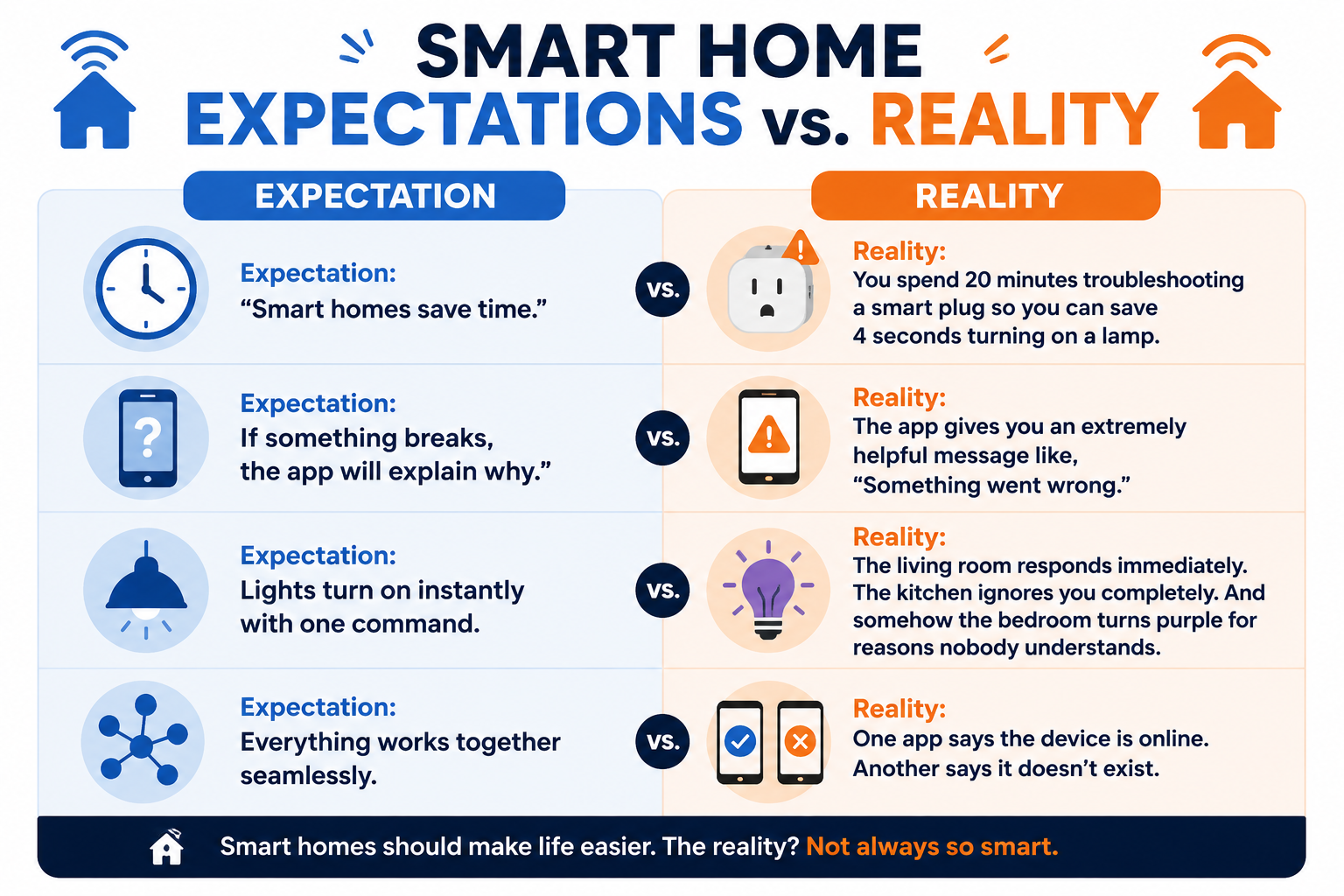
Smart Homes In Theory vs. Smart Homes In Real Life
5. Your Devices Don’t All Speak the Same Language
Everything looks connected until you try to use it.
A device responds in its own app, but ignores your voice assistant. One platform sees it, another doesn’t. Your devices technically work, just not in a way that actually helps.
That’s usually a compatibility problem.
Most smart homes end up mixing ecosystems without really meaning to. You’ve got some things running through Alexa, others through Google Home, maybe something tied into Apple HomeKit. Each one works fine on its own, but they don’t always play well together across platforms.
And “compatible” doesn’t always mean fully compatible.
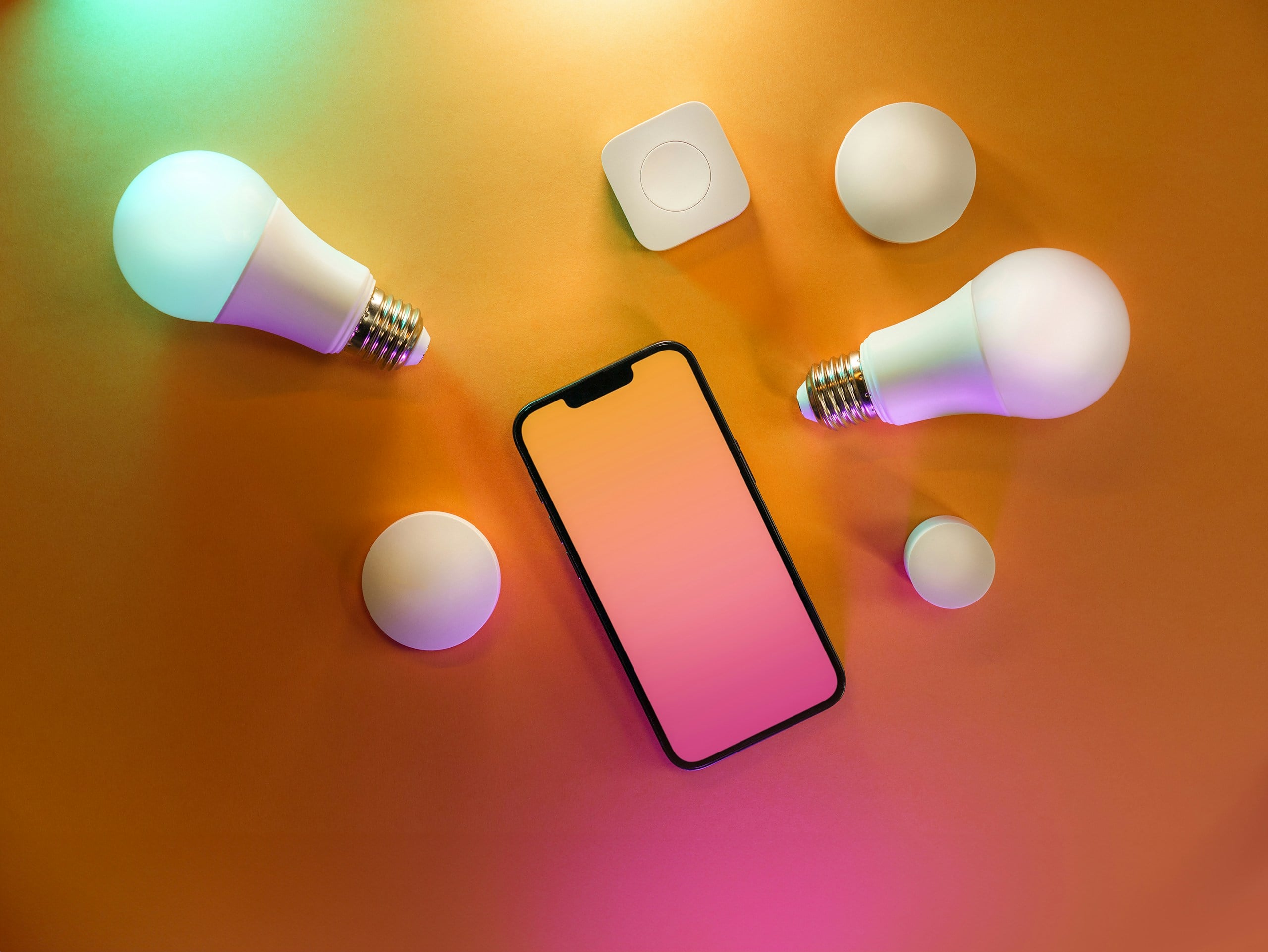
What’s happening is that these systems rely on integrations that don’t always sync perfectly. One side updates, the other lags behind, and suddenly something that used to work just… doesn’t.
What you’re probably seeing:
- A device works in its app, but not through your assistant
- It shows up in one platform, but is missing in another
- Commands work inconsistently depending on how you trigger them
- Automations fail even though everything looks connected
What makes a difference:
- Pick a primary ecosystem and build around it
- Check integrations instead of assuming they’re still connected
- Re-link accounts if something seems out of sync
- When possible, choose devices that are natively supported, not just “works with”
Smart home devices don’t have to completely fail to become frustrating. Sometimes, they just stop understanding each other.
6. The Service Behind It Is Down (And There’s Nothing You Can Do)
Many smart devices rely on cloud services to function. When you tap a button or say a command, the request often goes to a server somewhere else and returns with instructions. If that service has an issue, the chain breaks.
From your side, it just looks like everything stopped listening at the same time. That last part is usually the giveaway.

When multiple devices suddenly stop responding and then mysteriously start working again later, it’s often because the service behind them went down and then came back up.
What usually helps:
- Check the service status for the device or platform
- Look for reports on sites like Downdetector
- Give it time—seriously, that’s often the only fix
This is the frustrating reality of smart homes: part of your setup lives somewhere you don’t control. And when that part goes down, you’re basically waiting it out with everyone else.
7. Your Automations Stopped Lining Up
A light is supposed to turn on at sunset, but doesn’t. A routine runs, but skips a step. Something that used to happen automatically just stops, even though everything still looks connected.
That’s usually not a device problem. It’s an automation problem.
Automations depend on multiple conditions lining up together, such as time, location, device status, and permissions. When one of those slips, the whole thing can fail without making it obvious why.
What’s tricky is that nothing is technically “broken.” The pieces are all there—they’re just not syncing the way they used to.
A few things can quietly throw off your automation:
- Time changes (daylight saving, location settings)
- Location permissions getting reset or restricted
- App updates changing how routines behave
- A device being briefly offline when the trigger happens
Any one of these can be enough to break the chain.
What actually helps:
- Open your automation settings and check each step
- Confirm permissions (especially location-based triggers)
- Simplify routines if they’ve gotten complex
- Recreate the automation if it’s acting inconsistently
8. The Chain Broke And Took Everything Else With It
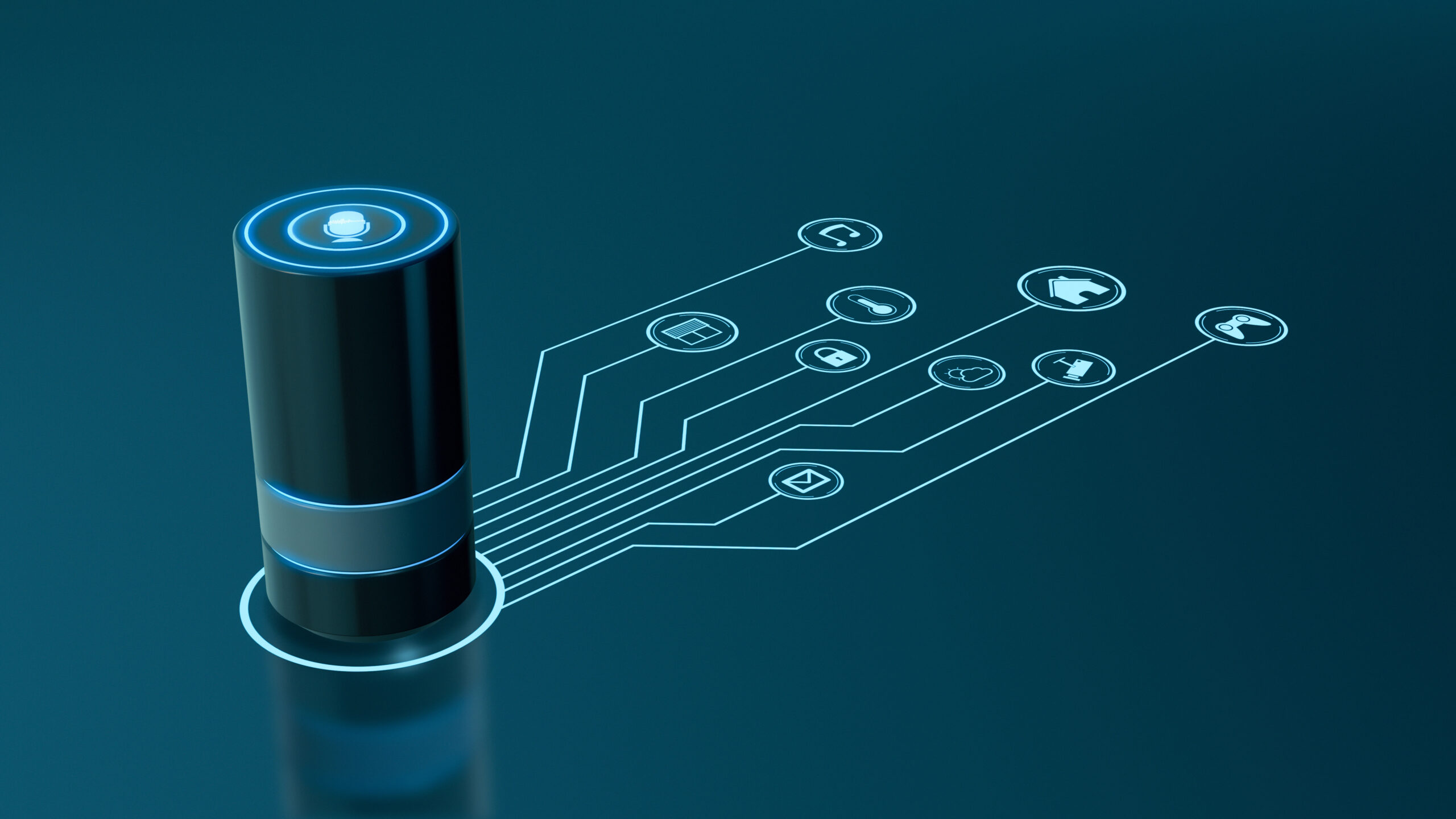
Something small goes wrong — a hub disconnects, a bridge drops offline, your router resets — and suddenly multiple devices stop working at once. Not because they’re broken, but because they all depend on that one piece.
Smart homes aren’t a collection of independent gadgets. They’re a chain. And some links matter more than others.
Common single points of failure:
- Your router (everything depends on it)
- A smart hub or bridge (Philips Hue, SmartThings, etc.)
- Your main assistant device (the one handling commands)
- A key integration or linked account
When one of those central pieces drops, everything connected to it can go with it. From the outside, it appears your entire system failed at once.
What actually helps:
- Restart the “core” devices first (router, hub, main assistant)
- Check if a specific hub or bridge is offline or disconnected
- Reconnect integrations tied to that central device
It’s rare for every device to fail at once. It’s usually one thing in the middle that everything else depends on—and when it drops, it takes the rest with it.
The Most Common Culprit, Based on What’s Going Wrong
- Everything stopped at once → cloud outage or router issue
- One room always struggles → Wi-Fi instability
- Voice commands fail, but the app works → integration issue
- Automations stopped working → permissions or update problem
- One device keeps disconnecting → aging hardware or weak signal
Smart Home Problem Diagnostic Chart
At this point, a lot of these problems probably sound familiar. The tricky part is that smart home issues tend to overlap, which is why everything starts feeling random after a while.
If you’re trying to narrow down what’s actually going wrong, this is a good place to start.
| What’s Happening | What the Problem Could Be | What to Check First |
|---|---|---|
| Devices randomly go offline | Unstable Wi-Fi or network overload | Restart router and check signal strength |
| One room constantly has issues | Weak Wi-Fi coverage or interference | Router placement and dead zones |
| Everything stopped working overnight | Background update or cloud outage | App updates and service status |
| Devices work in the app, but not with voice commands | Compatibility or integration issue | Re-link Alexa/Google/HomeKit connections |
| Lights or routines stopped running automatically | Automation settings or permissions issue | Check routines, triggers, and location permissions |
| Problems started after a storm or outage | Power interruption knocked things out of sync | Restart router, hubs, then devices |
| Multiple devices failed at once | Hub/router/integration failure | Identify what those devices all depend on |
| Devices reconnect, then fail again later | Network overload or unstable connection | Count connected devices and router age |
| The app says “offline,” but the device still works sometimes | Weak or inconsistent connection | Reconnect device to Wi-Fi |
| Everything suddenly started working again on its own | Temporary cloud/service outage | Check outage reports before resetting everything |
| Only older devices keep having issues | Aging hardware or dropped support | Check firmware support and device age |
| Manual controls work, but automations don’t | Automation sync problem | Review automation triggers and permissions |
The “Just Try This First” Fixes
Once you’ve got a rough idea of what might be causing the problem, it’s worth running through a few basics before you start tearing apart settings or reconnecting your entire house one device at a time.
These fixes solve a surprising number of problems when things fall out of sync.
Start here:
- Restart your router
Not just unplug and plug back in instantly—give it a full minute. This clears out connection issues and forces everything to reconnect cleanly. - Restart the problem device
A quick power cycle can reset whatever connection got stuck. - Open the app and check status
Sometimes the issue is obvious once you’re looking—offline, needs setup, account disconnected. - Reconnect the device instead of waiting
Smart devices don’t always fix themselves. Manually reconnecting can shortcut the problem. - Check for updates
If something’s out of sync, updates can either fix it—or at least explain why it broke. - Try the command a different way
If voice isn’t working, use the app. If the app fails, try voice. This helps narrow down where the problem actually is.
None of this is complicated. And that’s the point.
When smart home setups break, it’s often not because something major failed—it’s because something small got out of sync and never corrected itself.
These steps don’t fix everything, but they’re the fastest way to figure out whether you’re dealing with a simple hiccup or something deeper.
When It’s Time to Replace A Device
Sometimes it’s not a hiccup. It’s just a device aging out. They slowly get less reliable — disconnecting more often, responding inconsistently, and needing to be reset more than they should.
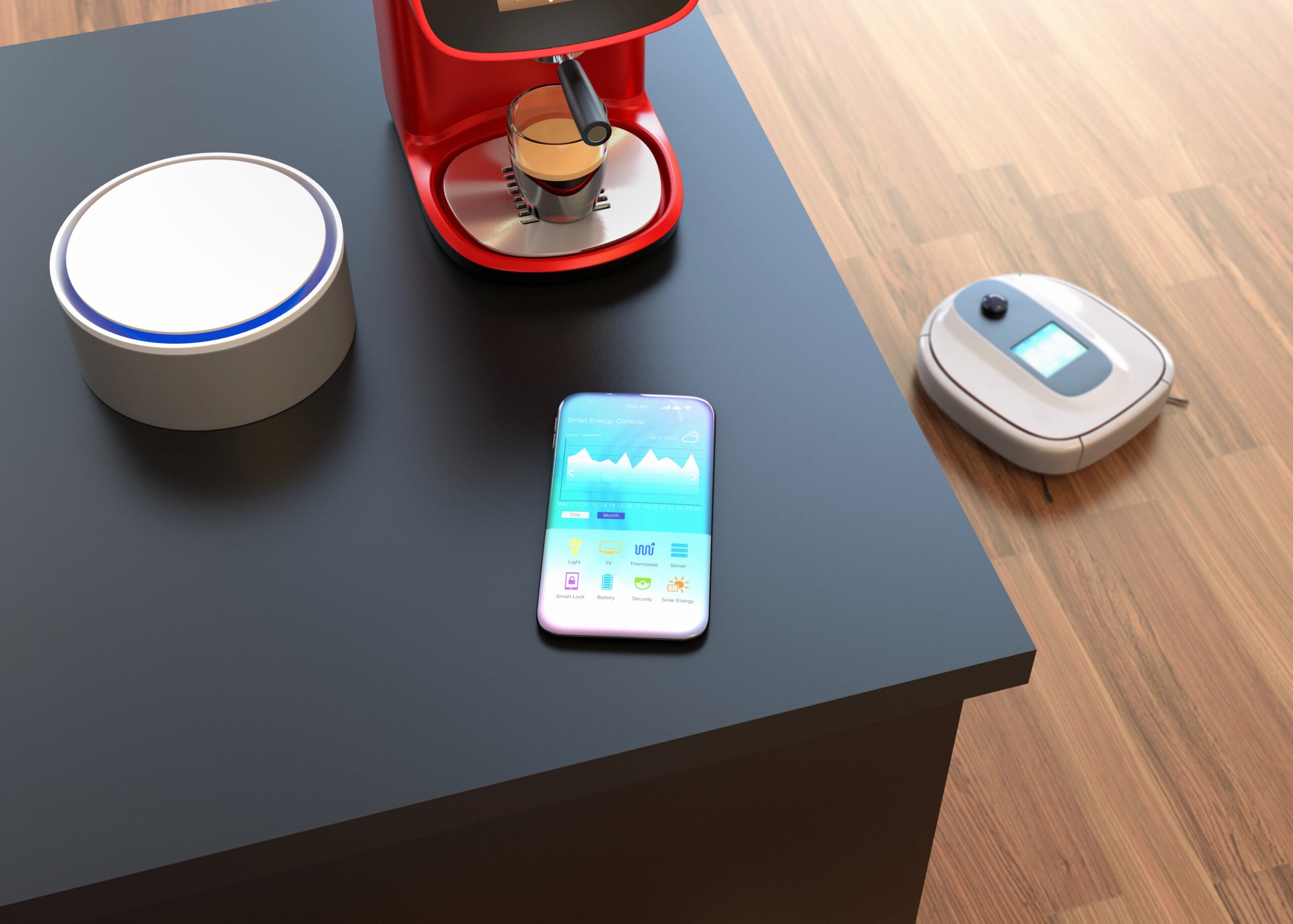
Older hardware and outdated software eventually stop keeping up. Support gets dropped, integrations change, and devices that used to work perfectly don’t always fit into the system the same way anymore.
Most smart home devices start showing their age somewhere around the 3–5 year mark, while routers and hubs often begin struggling closer to 4–6 years, especially in setups with lots of connected devices.
A few signs it’s time to replace something:
- The problem is always the same device
- You’ve already tried reconnecting and resetting multiple times
- It hasn’t had a meaningful update in a long time
- It’s causing issues for other devices, not just itself
What usually helps:
- Replace the problem device, not everything at once
- If the same problems keep showing up across multiple devices, consider upgrading your router or hub first
- Look for devices that are actively supported and regularly updated
Smart homes don’t usually break overnight. They slowly reach a point where one piece just can’t keep up anymore, and everything around it starts feeling unreliable because of it.
Frequently Asked Questions
Still dealing with a setup that makes no sense? These are the questions people usually end up Googling after everything stops working. If you don’t see your question here, ask us in our comments.
Why Do My Smart Devices Go Offline At The Same Time Every Day?
If it’s happening on a schedule, it’s usually not random.
A few common culprits:
- Router resets or ISP maintenance happening overnight
- Network congestion during peak hours (evenings)
- Automations or routines triggering at the same time and overwhelming things
If the timing is consistent, that’s your clue—it’s tied to something scheduled, not a one-off glitch.
Why Does My Smart Device Say “Offline” But Still Work Sometimes?
This is one of those weird in-between states.
What’s usually happening:
- The device is connected to Wi-Fi, but not properly communicating with the app or service
- There’s a delay in status updates, so the app thinks it’s offline when it’s not
- The connection is unstable, so it drops in and out quickly
It’s basically there… just not reliably enough to trust.
Do Smart Home Devices Slow Down Your Wi-Fi?
Not in the way most people think, but they do add pressure to your network.
Individually, most smart devices use very little bandwidth. The issue is:
- How many devices are connected at once
- How often they’re checking in, syncing, and updating
It’s less about speed, more about capacity and stability.
Why Do Some Devices Reconnect Instantly While Others Stay Offline?
Not all devices recover the same way.
It usually depends on:
- How the device handles reconnections
- Whether it depends on a hub, cloud service, or direct Wi-Fi
- How recently it’s been updated or maintained
Some devices are just better at finding their way back than others.
Is It Better To Keep Everything On One Smart Home Platform?
In most cases, yes. Mixing ecosystems isn’t ideal.
Using one primary platform helps:
- Reduce compatibility issues
- Keep automations more reliable
- Make troubleshooting a lot simpler
You don’t have to replace everything—but having a “main system” makes a big difference.
How Often Should I Restart My Router Or Devices?
Not constantly, but not never, either.
A good rule of thumb:
- Router: every few weeks or when things feel off
- Devices: only when they’re acting up
If you’re restarting things all the time, that’s usually a sign of a deeper issue.
Troubleshooting Wi-Fi & Other Tech Problems
If your setup still feels off or you’re having other device issues, these guides break down a few of the bigger underlying issues that may be related to your Wi-Fi connection or your tech habits.
- Why your wireless connection keeps dropping → and how to stabilize it
- Why your Wi-Fi works in one room but not another → what’s actually causing those dead zones
- Why smartphones start acting strange after a few years → what aging hardware and software drift actually look like over time
- The tech habits that secretly slow down your devices → small everyday habits that gradually make everything less reliable
If you’ve had one of those “this makes absolutely no sense” moments with your smart home setup, you’re not the only one. Drop your experience in our comments. There’s a very good chance someone else has run into the exact same thing.