At some point, your phone turns on you, as if it’s subtly trying to break up with you.
The same phone that used to open apps instantly now needs a few moments to “think” before responding. The battery drops from 40% to 12%, like it hit a trapdoor. It gets weirdly hot doing absolutely nothing. And somehow, it always freezes right when you actually need it.
It’s not broken or dead. It’s just not behaving like its old self, which is almost more frustrating.
This is easy to chalk up to “it’s just getting old,” but what’s actually happening behind the scenes is a lot more specific — and a lot more fixable — than that.

Top 9 Reasons Smartphones Start Acting Weird Over Time
- Battery degradation
- Storage slowly filling up
- Background apps piling up
- Software updates outpacing older hardware
- App bloat and cached data building up
- Overheating and performance throttling
- Aging internal components
- Outdated or buggy apps
- Maybe it’s not your phone (but your connection)
None of these usually feels dramatic on its own. But over time, they start stacking, and that’s when your phone goes from “working fine” to “why is this thing struggling to open the weather app?”
Want our human-written content to rank above AI-generated garbage? Help us out by clicking this button!
Why This Usually Isn’t Just One Problem
Here’s what most people miss: It’s rarely just one issue. A slightly worn battery. Storage is getting tight. A few extra apps are running in the background.
Individually, they’re manageable. Together, they can make your phone feel completely different. That’s why fixing one thing usually doesn’t solve the entire problem.
What’s Actually Going On Behind the Scenes
At first, it feels random. Your phone lags one day. Overheats the next. Apps start closing for no reason. The battery suddenly can’t make it through the afternoon.
But there is a pattern — you just can’t see it yet. What you’re experiencing is your phone trying to keep up with more than it used to. Not one problem, but a combination of problems.
As you go through this list, you’ll be able to spot which of these are affecting your phone and why they tend to show up together. However, we encourage you to start with number one and work your way down.
1. Your Battery Is Degrading (And It Affects Everything)
Your phone’s battery isn’t just holding less charge than it used to. It’s also getting a little unpredictable.
So instead of smoothly powering everything like it did when it was new, it starts struggling to keep up.
As Apple explains, battery health doesn’t just affect how long your phone lasts on a charge — it can also affect peak performance as the battery chemically ages.
That can look like:
- Your phone slowing down for no obvious reason
- Apps taking longer to open (or just giving up entirely)
- Your phone getting weirdly warm while doing something basic
- The battery dropping suspiciously fast the second you actually need it
And yes, sometimes your phone will quietly slow down on its own to prevent a crash.
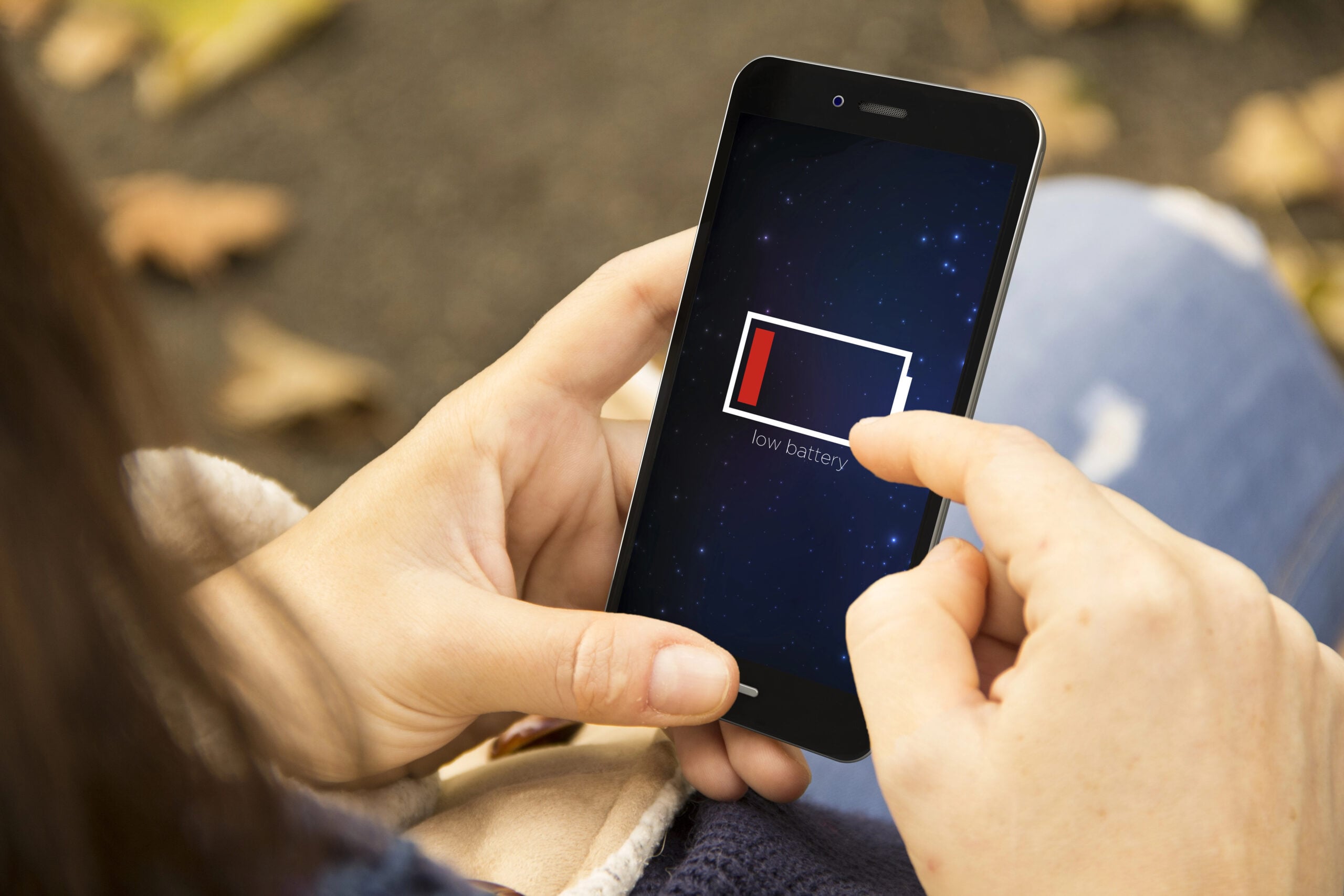
At first, you don’t really notice it. Maybe it drains a little faster or gets too warm once or twice. Then suddenly, it feels like your phone can’t keep up with anything.
That’s not random — you’ve hit the point where your battery can’t deliver consistent power anymore.
Try These First:
- Turn on low power mode (yes, even if you hate it)
- Reduce background app refresh
- Lower brightness / disable always-on display
- Check battery health in settings (this can be eye-opening)
- Consider replacing the battery (seriously, this alone can make your phone feel years younger)
Still acting weird?
If your phone is also lagging, overheating, or acting generally dramatic, the battery may be just one piece of the puzzle.
Pro Tip: Follow The 20–80 Rule
To slow battery wear, keep your charge between 20% and 80% as much as possible.
According to many tech experts, regularly letting your battery drop too low or keeping it fully charged for long periods can shorten its lifespan. That’s because lithium-ion batteries handle partial charges better than extreme highs and lows.
2. Your Storage Is Almost Full (Even If You Didn’t Notice)
Storage doesn’t usually fill up in one dramatic moment. It sneaks up on you.
A few photos here. A couple of videos there. Apps quietly storing data in the background. Cached files you didn’t even know existed.
Before long, your phone is running low on space, and that’s when things start getting weird.
You might notice:
- Apps taking longer to open
- Keyboard lag when typing
- Photos or videos taking forever to load
- Random app crashes or freezing
And the frustrating part? You might check your apps and photo gallery and think: “I don’t even have that much stuff on here.”

But your phone does. Behind the scenes, your storage is being used by:
- Cached data
- System files
- App leftovers
- Downloads you forgot about
At first, your phone manages it. Then it runs out of breathing room. That’s when performance starts to drop fast.
Fast Fixes:
- Delete unused apps (be honest, there are a few)
- Clear app cache where possible
- Remove old photos/videos or back them up to cloud storage
- Check storage breakdown in settings (this is usually eye-opening)
- Clear out downloads and old files
Did You Know? Photos & Videos Are Usually The Real Storage Hogs
Apps get the blame, but your camera roll is often the biggest storage user. A few years of photos, videos, screenshots, and duplicates can quietly take up tens of gigabytes of space. Clearing just a small portion can make a noticeable difference.
3. Too Many Apps Running In The Background
Even when you’re not actively using them, your apps don’t really stop running.
They refresh. Sync. Check for updates. Track location. Send notifications, and do whatever it is apps do when you’re not looking.
Individually, it’s not a big deal.
But over time, as you install more apps, your phone ends up juggling a lot of background activity at once.
That can show up as:
- Your phone feeling slower throughout the day
- Apps taking longer to switch between
- Battery draining faster than expected
- Your phone getting warm for no obvious reason
And it’s not always obvious why, because everything looks “closed.” But your phone is still working behind the scenes.
At first, it handles this just fine. Then one day, it starts to feel like it’s constantly trying to catch up.
Google’s Pixel support guidance specifically points users to battery usage by app and recommends keeping battery optimization turned on for smoother background management.
Quick Wins:
- Close apps you’re not actively using
- Turn off background app refresh for non-essential apps
- Limit location access (many apps don’t need it all the time)
- Review which apps can send notifications (fewer = less activity)
- Restart your phone (seriously, it helps more than you think)

4. Software Updates Start Outpacing Your Hardware
Your phone didn’t change, but the software running on it did.
Every update brings new features, better graphics, smarter AI tools, and more background processes. Which is great until your phone has to actually run all of it.
When your phone was new, it handled everything easily. A couple of years later? It’s working a lot harder just to keep up.
That can show up as:
- Apps taking longer to load after updates
- Animations feeling less smooth
- More frequent freezing or stuttering
- Features that feel laggy instead of helpful
And sometimes, it’s subtle at first. Then after one update, it’s like: “Wait… was it always this slow?”
That’s not your imagination. Your hardware is the same, but the demands on it keep increasing. Eventually, your phone reaches a point where it can still run everything, just not smoothly.
What To Do:
- Update apps regularly (older apps can clash with newer systems)
- Turn off unnecessary animations (can noticeably improve speed)
- Disable features you don’t use (widgets, background updates, etc.)
- Restart after updates (helps clear temporary slowdowns)
- If possible, avoid installing major updates on very old devices
5. App Bloat And Cached Data Start Piling Up
Apps don’t stay the same size forever.
Over time, they quietly collect data, such as cache files, saved content, login info, downloads, and who knows what else. Some apps can grow way beyond their original size without you ever realizing it.
Multiply that across dozens of apps, and your phone ends up carrying around a lot of extra digital clutter.
That can show up as:
- Apps opening slower than they used to
- Glitches or freezing inside specific apps
- Storage filling up faster than expected
- Your phone feeling sluggish overall
And the weird part? You might look at your apps and think everything seems normal, but behind the scenes, they’ve gotten heavier.
At first, your phone handles it. Eventually, all that extra data starts slowing things down.
Quick Fixes:
- Clear cache for apps that allow it (especially browsers and social media apps)
- Delete and reinstall apps that feel glitchy
- Remove apps you rarely use
- Offload large apps (if your phone supports it)
- Check which apps are using the most storage in settings
Still acting weird?
If your phone also feels hot or struggles across multiple apps, this kind of buildup is often happening alongside other issues.
6. Your Phone Is Overheating (And Slowing Itself Down)
Phones don’t like heat. At all.
When your phone starts getting too warm, it doesn’t just sit there and suffer. It actively slows itself down to protect its internal components.
This is called thermal throttling, but you don’t need to remember that. You’ve probably felt it:
- Your phone gets warm while doing something simple
- Apps start lagging out of nowhere
- The screen dims or performance drops
- Everything just feels slower
And sometimes it happens during obvious things (like gaming or videos). Other times, it’s just sitting in your hand like: “Why are you hot right now??”
That’s your phone quietly trying not to overheat.
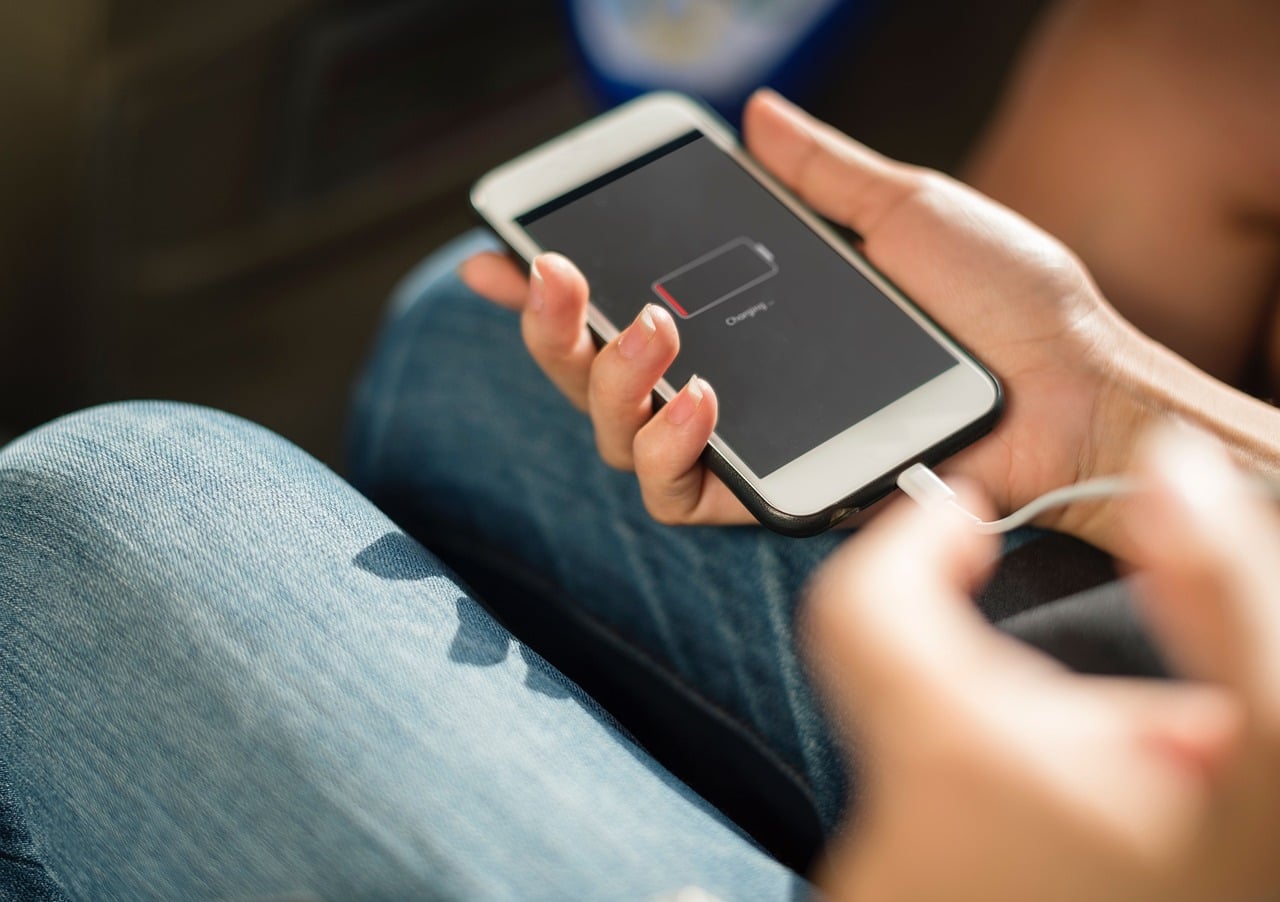
Heat can come from:
- Heavy app usage
- Background processes
- Charging (especially fast charging)
- Warm environments
- A battery that’s starting to struggle
At first, it’s occasional. Then it starts happening more often, and performance takes a hit every time.
Simple Solutions:
- Take your phone out of its case if it’s getting hot
- Avoid using it while charging
- Close heavy apps running in the background
- Keep it out of direct sunlight (cars are the worst for this)
- Let it cool down before pushing it again
Expert Advice: Charging While Using Your Phone Increases Heat
Using your phone while it’s charging, especially for video, gaming, or scrolling, can generate extra heat. And heat is one of the fastest ways to wear down your battery over time. If your phone feels warm while charging, taking a break can actually help extend its lifespan.
7. Your Phone’s Hardware Is Slowly Wearing Down
We don’t usually think of phones as “wearing out,” but they do.
Inside your phone are components that have been working constantly for years — your processor, memory, and storage. And like anything that gets used every single day, they don’t perform exactly the same forever.
Over time, your phone may:
- Take longer to read and write data
- Feel slower switching between apps
- Struggle a bit more with multitasking
- Lag during things that used to feel effortless
And because it happens gradually, you don’t really notice it… until you do.
That’s when your phone starts to feel “older,” even if nothing specific broke. It’s not one failure; it’s just everything working a little less efficiently than it used to.
Quick Tips:
- Restart your phone regularly (helps clear temporary slowdowns)
- Keep your software updated (can improve performance optimization)
- Reduce multitasking (fewer apps open at once)
- Free up storage space (gives your phone more room to operate)
- Be realistic — some slowdown is just part of aging hardware
8. Outdated Or Buggy Apps Can Throw Everything Off
Sometimes, it’s not your phone — it’s the apps on it.
Apps are constantly being updated to work with newer operating systems, new features, and different devices. But when an app falls behind (or just has a bad update), things can get weird fast.
You might notice:
- One specific app crashing over and over
- Your phone freezing when you open certain apps
- Random glitches that don’t seem consistent
- Performance issues that come and go
And it can feel confusing, because everything else might seem fine until you open that one app.
That’s usually a sign the app — not your phone — is the problem.
At first, it’s just occasional. Then it starts happening more often, and suddenly it feels like your whole phone is acting up.
Fast Fixes:
- Update your apps regularly (this fixes a lot more than people realize)
- Delete and reinstall apps that keep crashing
- Check app reviews (others are probably having the same issue)
- Avoid apps that haven’t been updated in a long time
- Restart your phone after fixing or removing problematic apps
9. It Might Not Be Your Phone At All (It Could Be Your Connection)
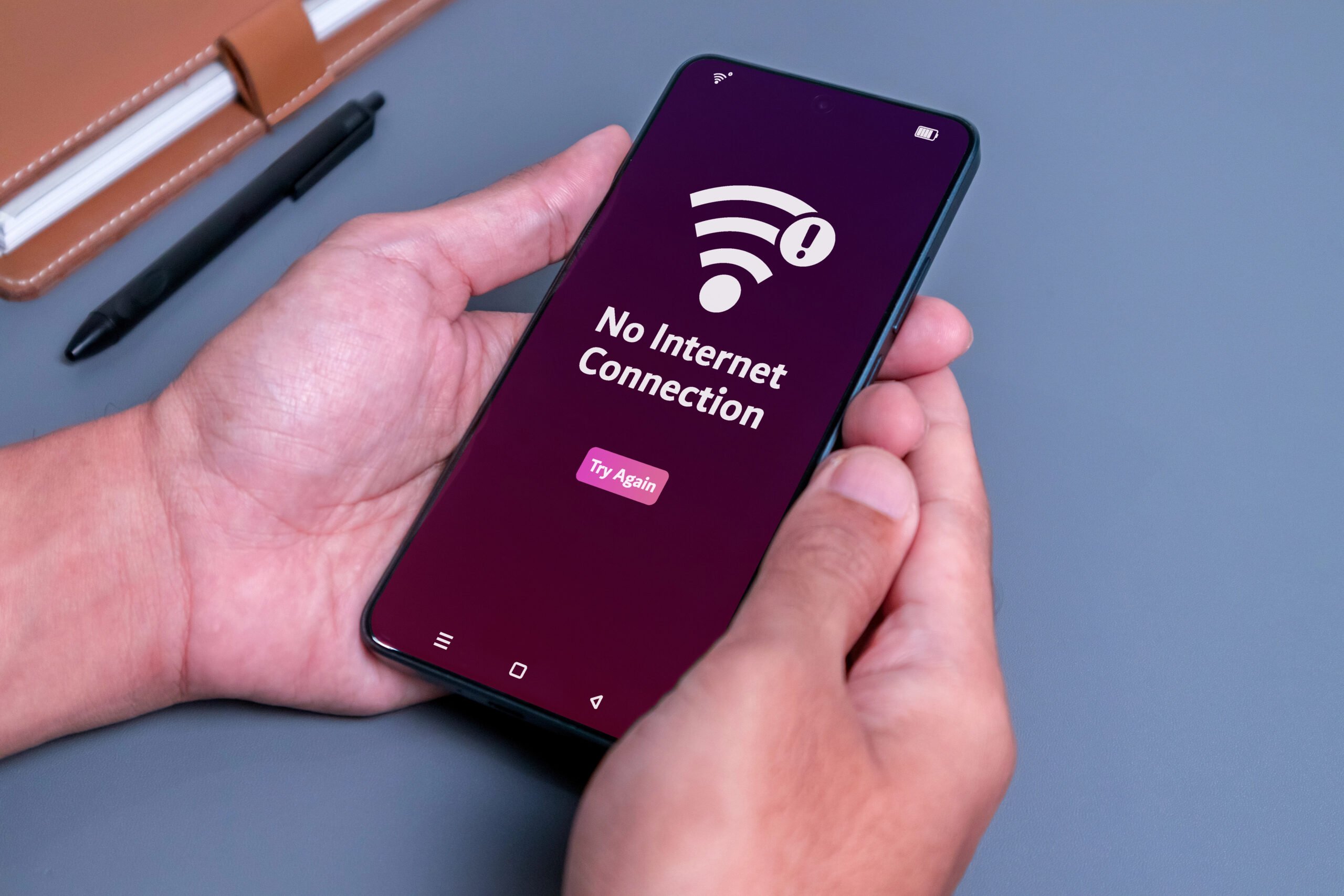
Sometimes your phone feels slow, but it’s not actually your phone. It’s your connection.
When Wi-Fi or cellular data is weak, unstable, or overloaded, your phone can look like it’s struggling:
- Apps take forever to load
- Videos buffer or drop quality
- Messages send slowly
- Pages half-load and freeze
And it feels exactly like a performance issue. So naturally, you assume: “My phone is getting slow.”
But really, it’s just waiting on the internet. This gets more noticeable over time because:
- Your apps rely more on real-time data than they used to
- Networks get more crowded
- Your expectations are higher (because your phone used to feel instant)
So when things lag, it feels like your phone is the problem, even when it isn’t.
How To Check:
- Toggle Wi-Fi off and back on
- Switch between Wi-Fi and cellular to compare performance
- Restart your router (yes, it still works)
- Move closer to your router or out of crowded areas
- Run a quick speed test to confirm
Short On Time? 7 Quick Fixes You Can Try Right Now
If your phone has been acting strange, you don’t need to do anything drastic. A few fast targeted fixes can make a noticeable difference.
Start with the ones that match what you’ve been noticing:
1) Free Up Storage (One of the Biggest Wins)
If your phone is even close to full, this alone can make things feel sluggish.
Where to check:
- iPhone: Settings → General → iPhone Storage
- Android: Settings → Storage / Device Care
Once you’re there, look for:
- Large apps you forgot about
- Duplicate or old photos/videos
- Downloads and files you don’t need
This is often the fastest way to make your phone feel better quickly.
2) Check Your Battery Health
If your battery is struggling, your phone slow itself down to compensate.
Where to check:
- iPhone: Settings → Battery → Battery Health & Charging
- Android: Varies by device (look under Battery or Device Care)
If your battery health is significantly reduced, replacing it can make a huge difference.
3) Restart Your Phone (Yes, Really)
It sounds simple, but it works.
A restart:
- Clears temporary files
- Resets background processes
- Fixes small glitches
If your phone has been acting weird, this is always worth trying first.
4) Clear App Clutter
Apps quietly collect data over time, and it adds up.
Try:
- Clearing cache (especially for browsers and social apps)
- Deleting apps you don’t use
- Reinstalling apps that feel glitchy
If one app feels off, it might actually be dragging everything else down.
5) Reduce Background Activity
Your phone may be doing more than you think behind the scenes.
You can lighten the load by:
- Turning off background app refresh for non-essential apps
- Limiting location access
- Reducing notifications
Less background activity = smoother performance.
6) Let It Cool Down
If your phone feels warm, performance may already be reduced.
Try:
- Removing the case temporarily
- Avoiding heavy use while charging
- Keeping it out of direct heat
A cooler phone is almost always a faster phone.
7) Update (Or Clean Up) Your Apps
Outdated or buggy apps can cause random slowdowns and glitches.
- Update apps regularly
- Check reviews if one app is acting strangely
- Remove apps that haven’t been updated in a long time
Sometimes fixing one app fixes everything.
None of these is complicated. But together, they can help your phone feel a lot more like itself again. If your phone still feels slow, you may need to do a more thorough cleanup using this article as a guide.

When It Might Be Time to Stop Fixing and Upgrade
At a certain point, no amount of clearing storage or restarting your phone is going to bring it all the way back.
And that’s not because you did anything wrong. It’s just how these devices work.
After a few years, you’re dealing with:
- A battery that’s worn down
- Hardware that’s not as fast as it used to be
- Software that keeps getting more demanding
You can improve things. Sometimes a lot. But you can’t fully rewind time.
And that’s the frustrating part because your phone might still mostly work, just not the way it used to. So how do you know when you’ve crossed that line?
It’s probably time to consider upgrading if:
- Your phone struggles with everyday tasks (not just one app)
- Performance issues keep coming back, even after fixes
- Your battery drains quickly, no matter what you try
- Updates seem to make things worse instead of better
That doesn’t mean you have to upgrade immediately. But it might explain why your phone feels like it’s fighting you lately because, in a way, it kind of is.
Frequently Asked Questions
Still trying to figure out what’s going on with your phone? You’re definitely not the only one. These are some of the most common questions people ask when their phone starts acting unpredictably. If you don’t see yours here, ask us in the comments.
How Long Should A Smartphone Last?
Most smartphones work well for about 2 to 4 years.
After that, you’ll usually start noticing:
- shorter battery life
- slower performance
- compatibility issues with newer apps and updates
Some phones can last longer, but they rarely feel as smooth as they did when they were new.
Do Software Updates Slow Down Your Phone?
Not intentionally, but they can make older phones feel slower.
Updates are designed for newer hardware, which means older devices have to work harder to keep up. Over time, that extra demand can show up as lag, slower app performance, or reduced battery life.
Why Is My Phone Slow Even When I Have Plenty Of Storage?
Storage is just one piece of the puzzle.
Your phone can still feel slow because of:
- Battery degradation
- Background apps
- Overheating
- Aging hardware
That’s why it often feels confusing — everything looks “fine,” but something still feels off.
Is It Worth Replacing The Battery Instead Of Upgrading?
In many cases, yes.
If your phone is otherwise in good shape, replacing the battery can:
- Improve performance
- Reduce overheating
- Extend the life of your device
It’s often one of the most noticeable upgrades you can make.
Why Does My Phone Randomly Overheat?
Usually, it’s a combination of factors:
- Heavy app usage
- Background activity
- Charging habits
- Environmental heat
Your phone will slow itself down to cool off, which is why overheating often goes hand-in-hand with lag.
Is Your Computer Acting Up, Too?
If you’ve noticed your computer suddenly slowing down for no obvious reason, a lot of the same patterns apply: things build up over time, small issues stack, and eventually performance takes a hit.
If that sounds familiar, it’s worth taking a quick look at our guide on why your computer suddenly feels slow. Once you know what to look for, these “mystery slowdowns” start to make a lot more sense and get a lot easier to fix.
What’s the weirdest thing your phone has started doing lately? Drop a comment and describe what’s going on — there’s a good chance someone else is dealing with the exact same thing.