Have you ever noticed this?
You’re in the living room, Netflix in 4K, no buffering, life is good.
Then you walk into the kitchen, and suddenly your Zoom call freezes like it’s 2009.
Same house. Same Wi-Fi. Totally different experience.
You hold your phone up to the ceiling like a modern-day Simba, hoping for a single bar of signal. It’s infuriating. Why is your internet blazing fast on the sofa but nonexistent ten feet away?

The truth is, why technology works in one room but not another isn’t a mystery; it’s a battle between your router and your house. Your home is not just a place you live, it’s basically an obstacle course for your internet.
Want our human-written content to rank above AI-generated garbage? Help us out by clicking this button!
Let’s break down what’s actually happening, and why one room feels like fiber-optic heaven while the next feels like dial-up purgatory.
First, a Quick Reality Check: Wi-Fi isn’t Magic
It feels like magic. It’s not.
Wi-Fi is just radio waves. Same family as FM radio, baby monitors, and even your microwave.
And radio waves are a little fragile.
They:
- get blocked
- bounce around
- interfere with each other
- weaken over distance
So when your signal drops, it’s not random. It’s physics quietly doing its thing.
7 Reasons Your Wi-Fi Works in One Room but Struggles in Another
It’s easy to blame “bad internet” when your signal drops the second you leave the living room. But most of the time, the problem isn’t your internet plan at all. It’s the space around you.
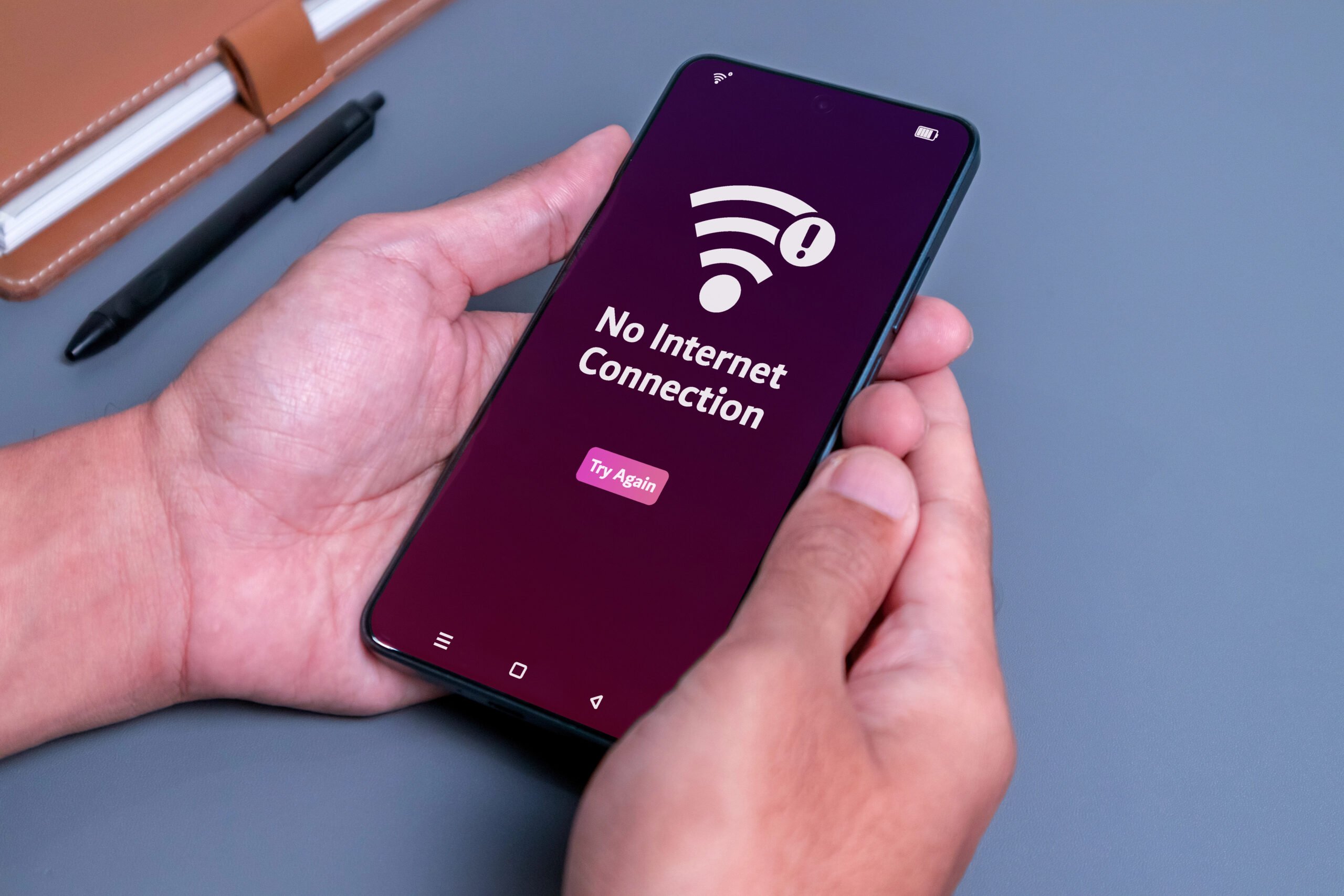
Wi-Fi has to fight its way through walls, floors, furniture, competing devices, and whatever strange little quirks your home layout has cooked up. That’s why one room feels fast and reliable, while the next feels like your router gave up halfway there.
Before you spend money on new gear, it helps to know what’s actually causing the problem. Here are the seven most common reasons your Wi-Fi gets weird from room to room, and what each one is really doing behind the scenes.
1. Your Walls Are Blocking Your Signal
If your Wi-Fi signal were a person, drywall would be a screen door, but concrete would be a brick wall. Most of us don’t think about what’s inside our walls until the Zoom call drops.
Not all walls are created equal. Some barely touch your Wi-Fi. Others absolutely devour it.

Standard drywall and wood are relatively “polite” to Wi-Fi. They let the signal pass with a minor speed tax. However, if you live in an older home with plaster and lath (which often hides a metal mesh) or a modern condo with concrete pillars, your Wi-Fi is essentially trying to shout through a pillow.
- Drywall? Easy. Signal glides through.
- Wood? Still fine.
- Brick or concrete? Now we’ve got a problem.
- Metal? That’s basically a force field.
It’s kind of like shouting through different materials:
- Through a curtain → muffled
- Through a wall → barely heard
- Through a steel door → good luck
And let’s talk about mirrors. That massive, floor-to-ceiling mirror in your hallway? It’s basically a giant signal deflector. Most mirrors use a thin layer of metal backing that reflects Wi-Fi waves right back where they came from. If your router is staring into a mirror, it’s effectively yelling at its own reflection while your bedroom stays silent.
What to do Instead:
If your home leans heavily on dense materials, stop expecting one router to carry the whole place.
That’s not a strength issue; it’s a geometry issue.
2. Your Router Is in the Wrong Location
We get it. Routers are ugly. They have blinking lights and spider-like antennas that don’t exactly scream “interior design.” Naturally, your first instinct is to shove it inside a wooden cabinet or hide it behind the TV.
Stop doing that.
Think of your router like a lightbulb. If you put a lightbulb in a closet, does it light up the hallway? No. Wi-Fi travels in 360-degree ripples. When you tuck it into a corner or floor-level cabinet, you’re burying half of your signal in the foundation.
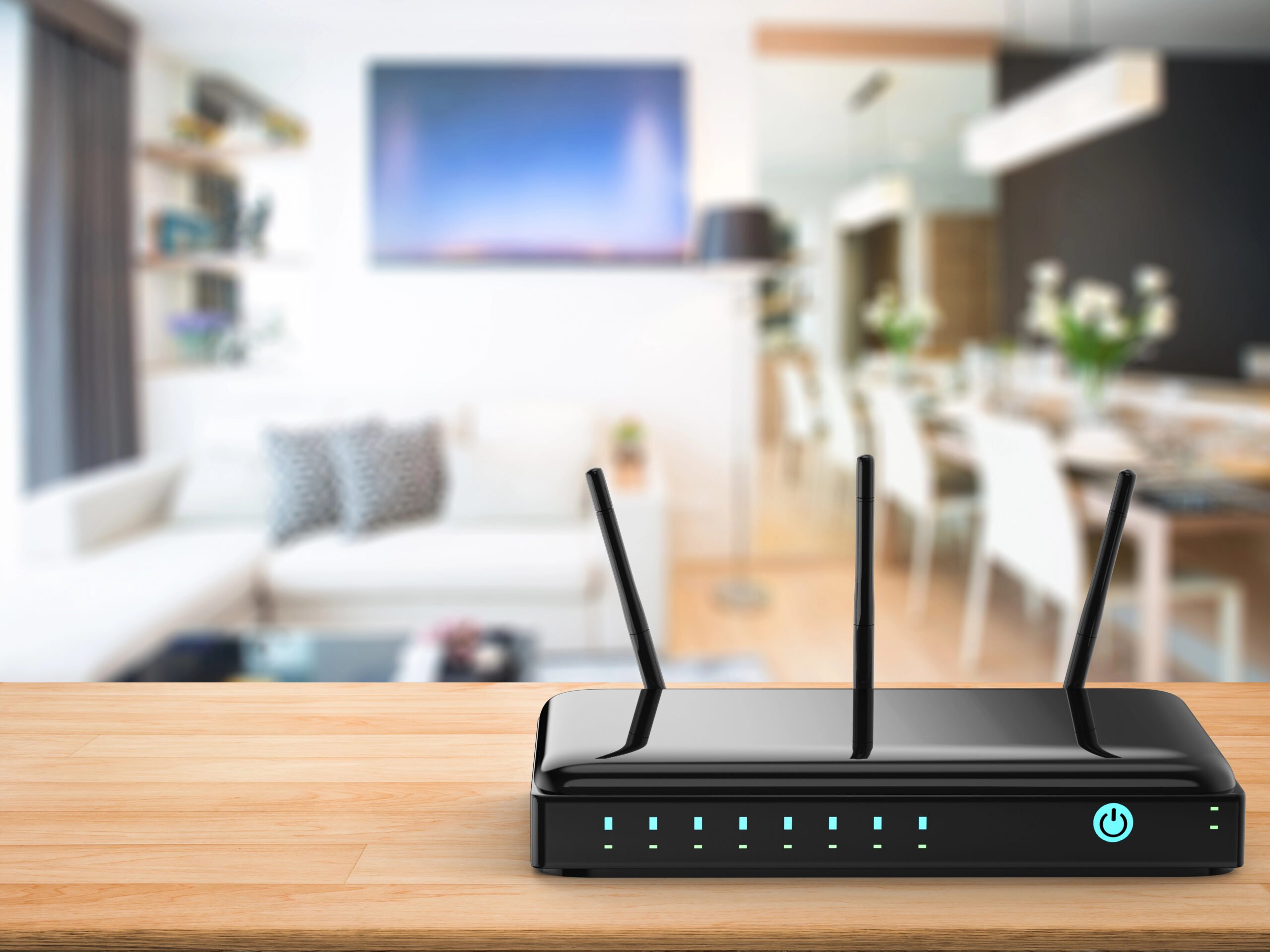
The Fix (and it’s simple)
Put your router:
- The Golden Rule: High and central.
- The Reality Check: Put your router on a shelf, not the floor. The higher it is, the fewer “obstacles” (like your heavy oak coffee table) it has to climb over.
It won’t win interior design awards, but your internet will feel completely different.
3. Dead Zones Are Forming in Your Home
Wi-Fi doesn’t just travel in straight lines; it bounces off surfaces. Sometimes, these waves hit each other and cancel out, creating a “Dead Zone.”
It’s like being in a room with a bad echo; you know someone is talking, but the words are a jumble. If you have a specific spot in a room where the internet just dies, try moving your router just a few inches. In the world of physics, a tiny shift can be the difference between a “Dead Zone” and a “Full Bar” zone.

Try This Before Buying Anything
Move your router a little. Not across the house, just a bit.
Six inches. A foot. Rotate it slightly.
It sounds almost too simple, but small shifts can completely change how signals spread.
Does your home have a specific “dead zone” that defies all logic? Often, the culprit is something as simple as a large filing cabinet or a stack of mirrors you haven’t moved yet.
4. Household Devices Are Causing Interference
This one surprises people. Your devices, which are part of everyday life, might be the problem.
Your Wi-Fi isn’t living alone… It’s sharing space with a bunch of other devices.
Things like:
- microwaves
- baby monitors
- Bluetooth speakers
- older cordless phones
Especially on the 2.4 GHz band, it can get crowded fast.
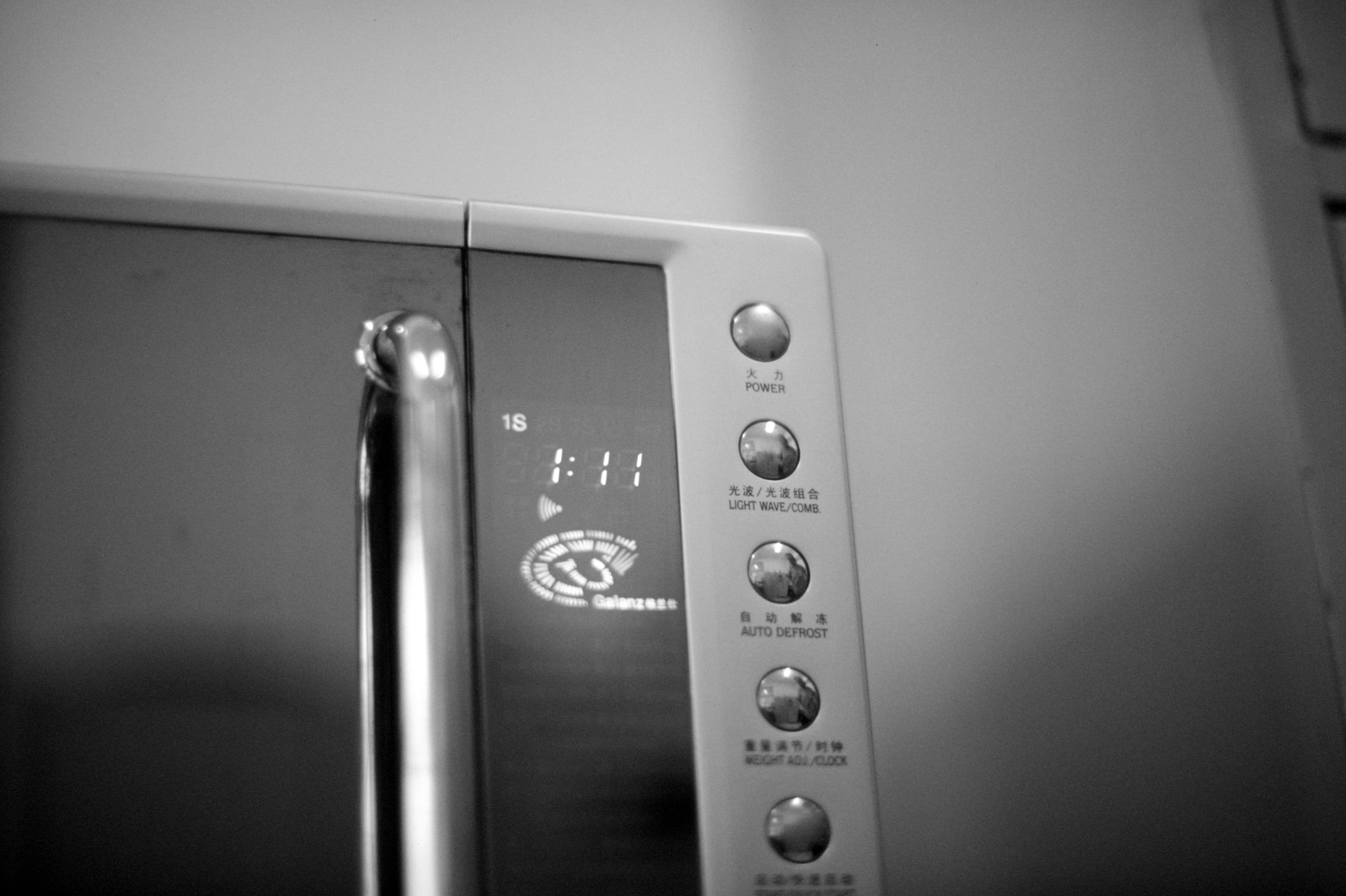
The Microwave is a Digital Bully
Ever notice that your internet stutters exactly when you’re reheating last night’s pizza? That’s not a coincidence.
Many household items, such as microwaves, baby monitors, and those old-school cordless phones, operate at 2.4 GHz. This is the same “invisible highway” many Wi-Fi signals use. When the microwave kicks on, it floods that highway with noise. Suddenly, your laptop can’t hear the router because the microwave is screaming.
What Helps:
Keep your router a little distance from:
- kitchen appliances
- dense electronics setups
And when possible, connect important devices to 5 GHz instead. It’s usually quieter.
5. Network Congestion From Neighbors
Your neighbors are stealing your airspace (accidentally).
If you live in an apartment, a condo, or even a tight-knit row of townhomes, you’ve got a “hidden roommate” problem. You’re not just sharing a wall or a floor; you’re sharing the air itself.
Think of your Wi-Fi signal as a conversation. In a quiet, isolated house in the woods, your router and your phone can whisper to each other across the house and hear every word.

But in an apartment building? It’s like trying to have a heart-to-heart in the middle of a crowded stadium. Everyone is talking at once, and they’re all using the same few “languages.”
Network Congestion
Most older routers default to the 2.4 GHz band. The problem? There are only three “lanes” on that highway that don’t overlap. If your neighbor in 4B is streaming a movie on Lane 1, and the person above you is gaming on Lane 1, your router has to wait for a literal microsecond of silence to send its own data. This is network congestion, and it’s the primary reason your internet crawls during “peak hours” even when your signal bars look full.
The Strategy: Change the Frequency
If you want to escape the noise, you need to move to a less crowded room. Most modern routers are “Dual-Band” or even “Tri-Band,” meaning they offer different lanes for your data to travel on.
- Switch to 5 GHz: This is the fast lane. It doesn’t travel through walls quite as well as the 2.4 GHz stuff, but it’s much “wider” and far less crowded. It’s the difference between a dirt road and an eight-lane superhighway.
- Upgrade to Wi-Fi 6E (6 GHz): If you have a brand-new router and a modern phone (like an iPhone 15 Pro or newer), you can access the 6 GHz band. This is currently the VIP lounge of the internet. Almost no one is on it yet, meaning zero interference from your neighbors’ ancient printers or noisy microwaves.
The Pro Move: Go into your router settings and give your 5 GHz and 2.4 GHz networks different names (e.g., “The_Batcave_Fast” and “The_Batcave_Slow”). Force your TV and work laptop onto the “Fast” side. You’ll leave the crowded 2.4 GHz lane to the “smart” lightbulbs and older gadgets that don’t need much speed anyway.
6. Not All Wi-Fi Is Created Equal
This part gets glossed over in the manual, but it’s the secret to why your phone works in the hallway but dies in the bathroom.
Most modern routers are like a multi-lane highway, offering different “bands” or frequencies. You aren’t just connected to “The Wi-Fi”… you’re likely connected to one of three very different personalities.
- 2.4 GHz (The Marathon Runner): This band is the old reliable. It’s slow and gets easily annoyed by your microwave, but it can travel through walls and furniture like a pro. If you’re far away from the router, this is usually the only signal that reaches you.
- 5 GHz (The Sprinter): This is where the speed lives. It’s great for 4K streaming and gaming, but it’s a bit of a homebody. It hates walls. If you move two rooms away, 5 GHz often gives up and quits.
- 6 GHz (The VIP Lounge): Only the newest gadgets can see this one. It’s incredibly fast and blissfully quiet because your neighbors aren’t on it yet. But like a fragile ego, it breaks the moment it hits a solid object.
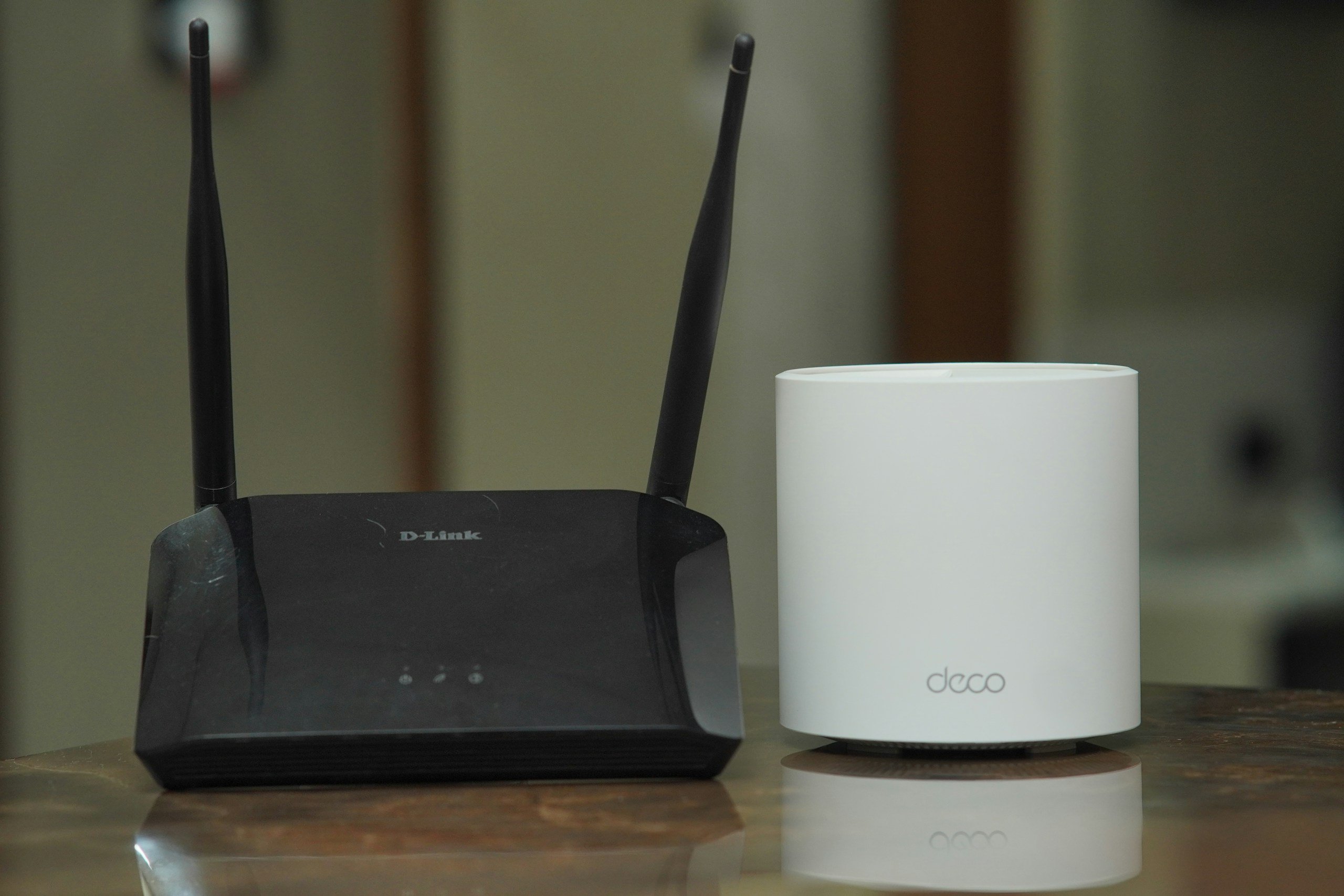
The catch? Your devices are often stubborn. Your phone might “cling” to the 2.4 GHz band because it’s familiar, even if the 5 GHz band is available and faster. If your internet feels sluggish even with “full bars,” you might just be stuck in the slow lane.
7. Sometimes… One Router Is Just Outmatched
We’ve all been there: buying the most expensive, “high-performance” router with eight antennas that looks like a robotic spider, hoping it will finally reach the attic. But here is the hard truth: sometimes, the problem isn’t the quality of your router. It’s the quantity.
If your home is over 2,000 square feet, has multiple floors, or is built with the kind of thick materials that would survive a storm, a single router is simply outmatched. It’s not broken. It’s just outnumbered by the square footage.
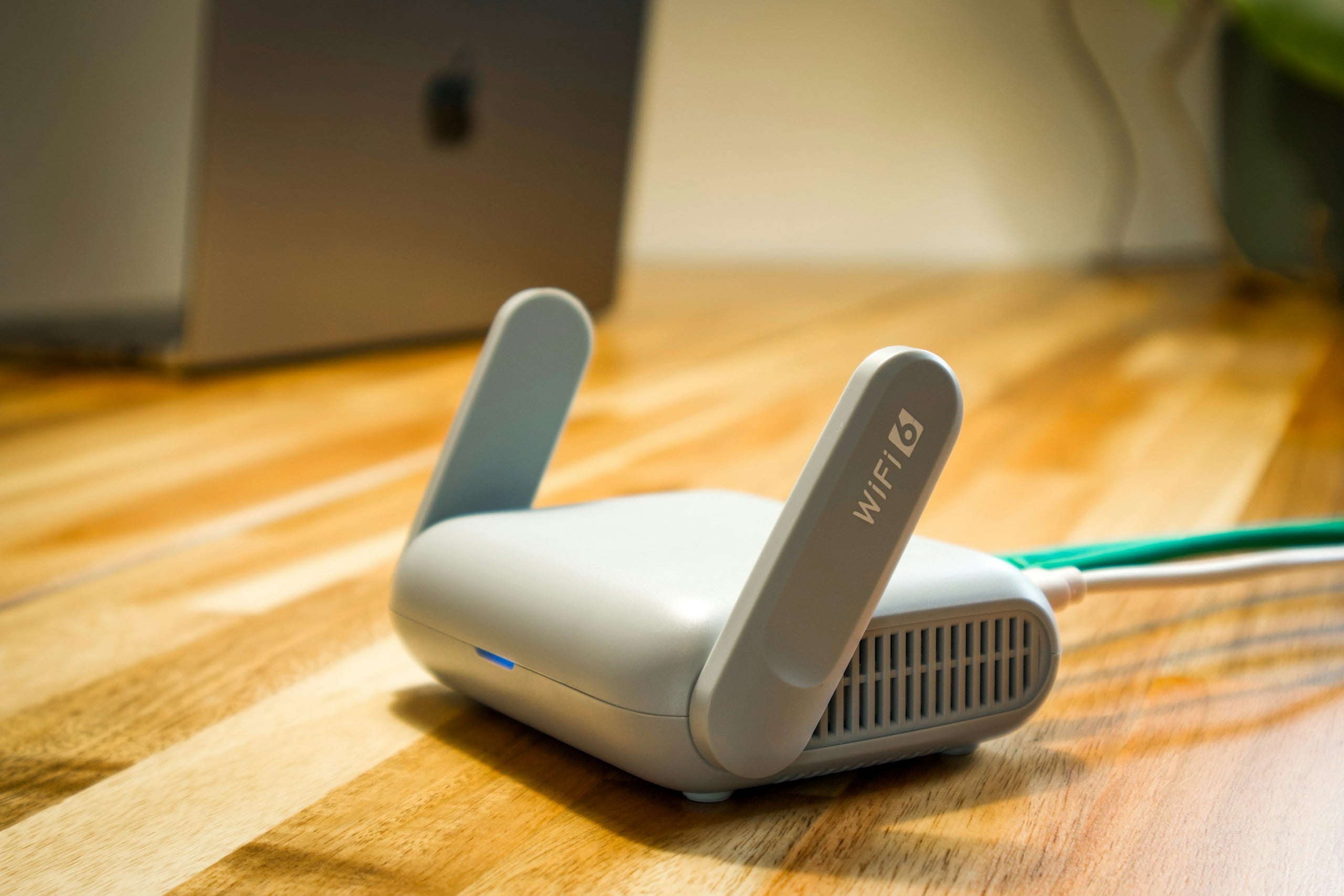
Making it Work: Your Hardware Cheat Sheet
If you’ve moved your router, dusted off the antennas, and you’re still seeing that “Connecting…” spinning wheel, it’s time to stop tweaking and start upgrading. You’re likely facing a “coverage vs. capacity” problem. Basically, your current tech is trying to run a marathon in flip-flops.
Here is how the common fixes stack up:
| The Tool | Best For… | The “Catch” |
| Wi-Fi Repeater | A quick, cheap boost for one room. | It’s a megaphone. It amplifies a weak signal, which usually cuts your speed in half. |
| Wi-Fi Extender | Reaching a specific “dead” office or garage. | Often requires a wired connection (Ethernet) to the router to be truly effective. |
| Powerline Adapter | Getting a signal through stone or concrete. | Uses your home’s copper power wires. If your wiring is old, your speed will be too. |
| Mesh System | The “Set it and forget it” for big homes. | The priciest option, but it’s the only one that feels like “invisible” magic. |
Extenders vs. Repeaters: The Name Game
People use these terms interchangeably, but they aren’t the same thing. Honestly, the naming doesn’t help anyone, so let’s break it down in plain English.
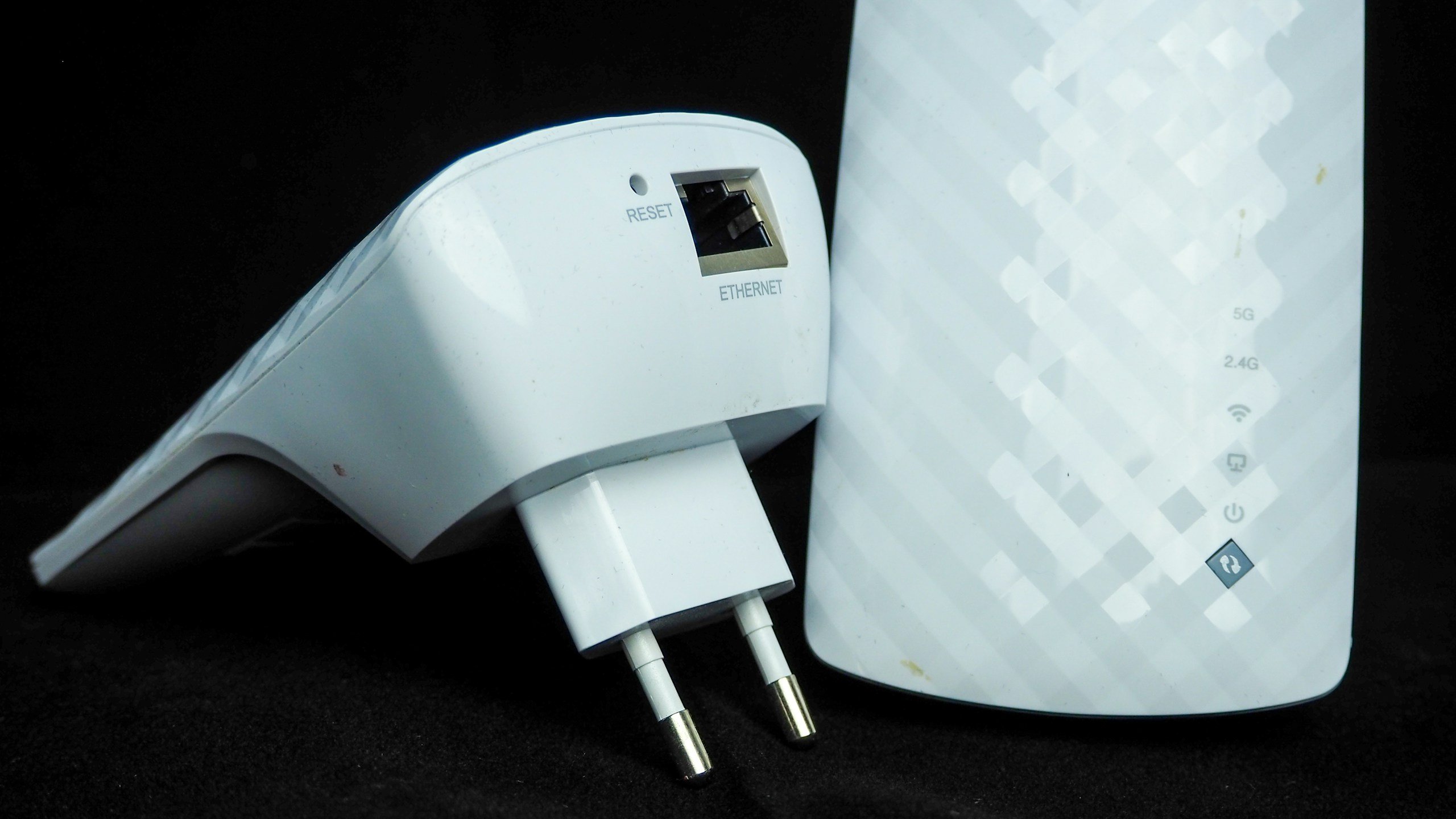
The Repeater (The Megaphone)
A repeater grabs your existing Wi-Fi signal and rebroadcasts it. Sounds useful, right? The catch is that it has to talk and listen on the same channel at the same time. Imagine someone repeating everything you say exactly as you say it—it’s annoying, and it takes twice as long to get the point across. This is why repeaters often feel sluggish; they can cut your bandwidth by 50% the moment you plug them in.
The Extender (The Bridge)
An extender usually creates a completely new access point. In many setups, it connects back to your router through a “stronger link”—sometimes a physical cable or a dedicated wireless channel. This means it doesn’t have that “half-speed” problem. It’s rebuilding the signal rather than just stretching a tired one.
Which one should you pick?
- Repeaters are for “emergency” situations where you just need some signal to check emails on the patio.
- Extenders are for when you actually need to work or stream in that far-away room.
If you’re trying to fix a consistently weak room, an extender, or better yet, a Mesh system, will give you a more reliable result.
If you just need your Kindle to download books on the back porch, a cheap Repeater is fine. It’s not fast, but it gets the job done.
If you live in a house with thick plaster walls that kill radio waves on contact, look at a Powerline Adapter. You plug one into the wall by the router and the other in your “dead room.” It turns your house’s electrical system into a giant internet cable. It’s clever, if a bit dependent on how your house was wired in 1974.
But if you want to walk from the basement to the attic while on a FaceTime call without a single stutter? That’s where the Mesh System comes in.
Enter the Mesh System
Think of a Mesh system as a relay team for your internet. Instead of one lonely router in the closet trying to do everything, you place several “nodes” around your home. They talk to each other constantly, creating a single, seamless blanket of coverage.
- No more “switching” networks: You don’t have to manually join a new Wi-Fi signal when you go upstairs. The system hands your device off from one node to the next like a baton in a race.
- The Golden Rule of Placement: This is where most people mess up. If you have a dead zone in your bedroom, do not put a mesh node in the bedroom. If the node is in a dead zone, it has no signal to grab. Place it halfway between the main router and the weak area. It needs to “hear” the main signal clearly so it can repeat it loudly.
At the end of the day, physics always wins. But with a well-placed Mesh system, you’re finally giving the physics of your house a run for its money.

Quick Tip: When you set up a Mesh system, don’t hide the nodes behind your 1990s encyclopedia set. They need to “see” each other to talk. Keep them in the open, and they’ll keep you connected.
The 2026 Cheat Sheet: Hardware that Actually Works
If your gut-check confirmed a coverage problem, you’re likely in the market for some new gear. But walk into any tech store in 2026, and you’ll be buried in boxes screaming about “Wi-Fi 7” and “AI-driven beams.”
Here is the no-nonsense list of what to buy right now to fix your home’s dead zones once and for all.
- Best Overall Mesh: eero Pro 7 – It’s the “invisible” choice. It handles moving from room to room better than anything else we’ve tested.
- The Speed Demon: Asus ZenWiFi BQ16 Pro – If you have 2Gbps+ fiber and a massive house, this is your beast. It’s pricey, but it’s essentially a rocket ship.
- Best Budget Router: TP-Link Archer BE3600 – You get the new Wi-Fi 7 tech without the “early adopter” tax. Great for smaller homes.
- The “Thick Wall” Fix – Powerline 2000 Kit – If your walls are literally stone, skip the airwaves and use your home’s copper wiring.
| Best Overall Mesh | Best for Speed | Best Budget | Best for Thick Walls |
|---|---|---|---|
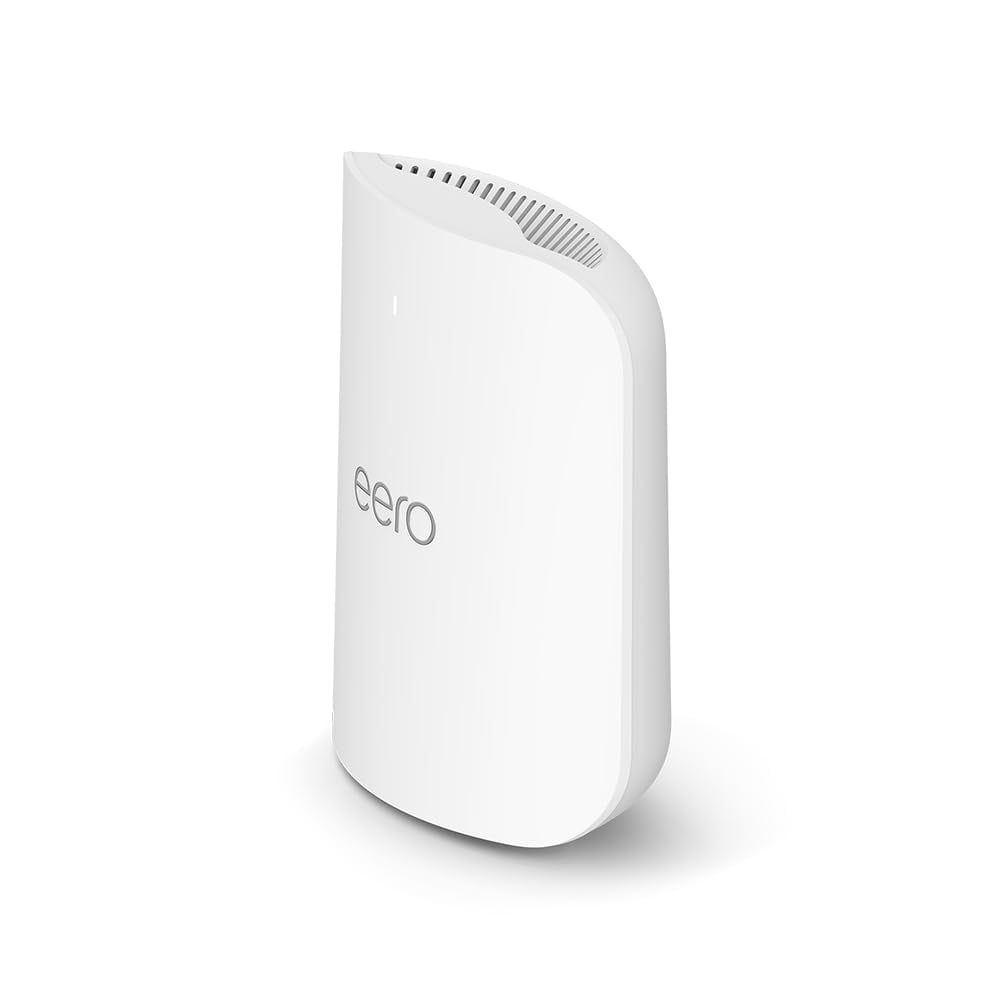 | 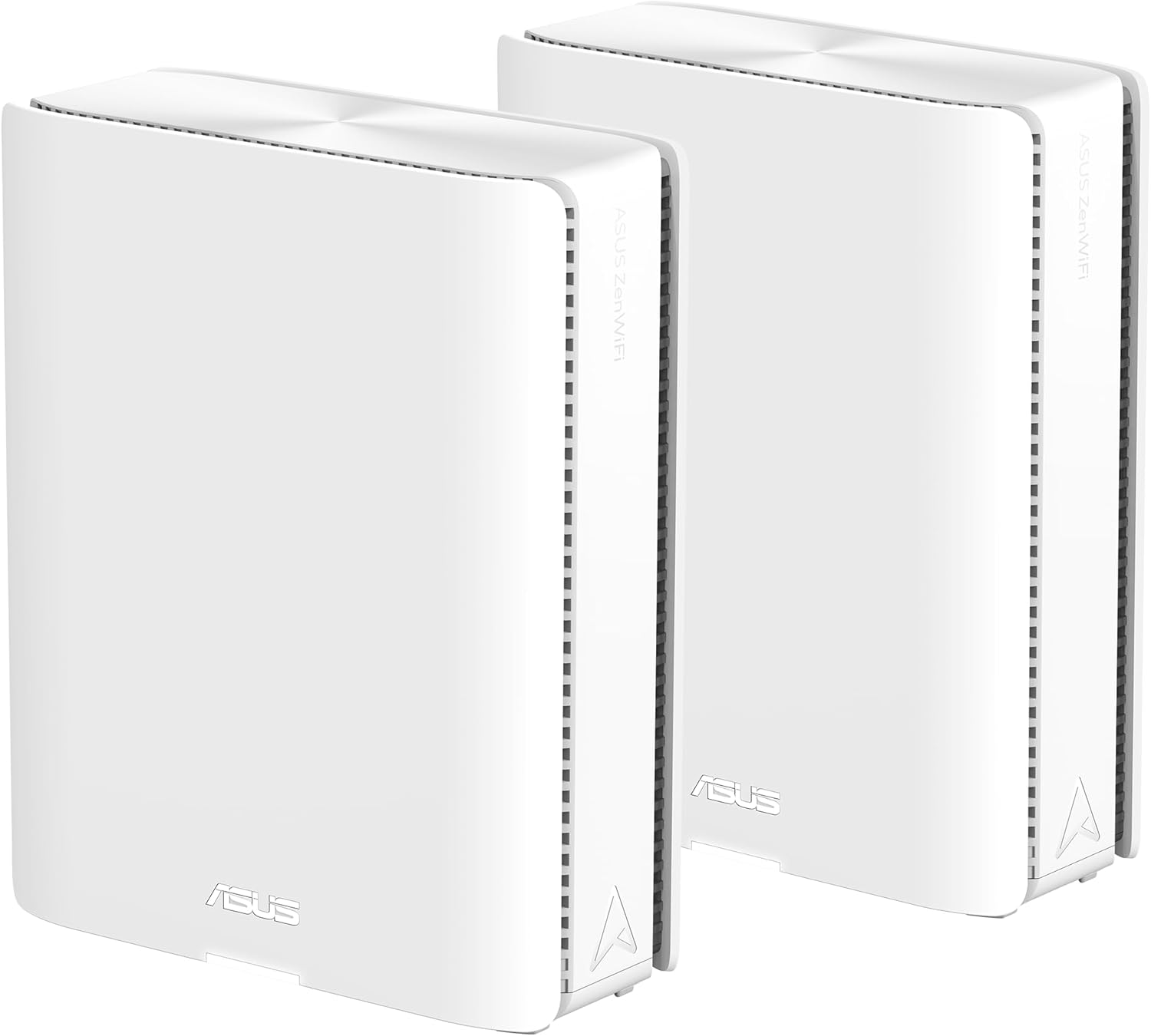 | 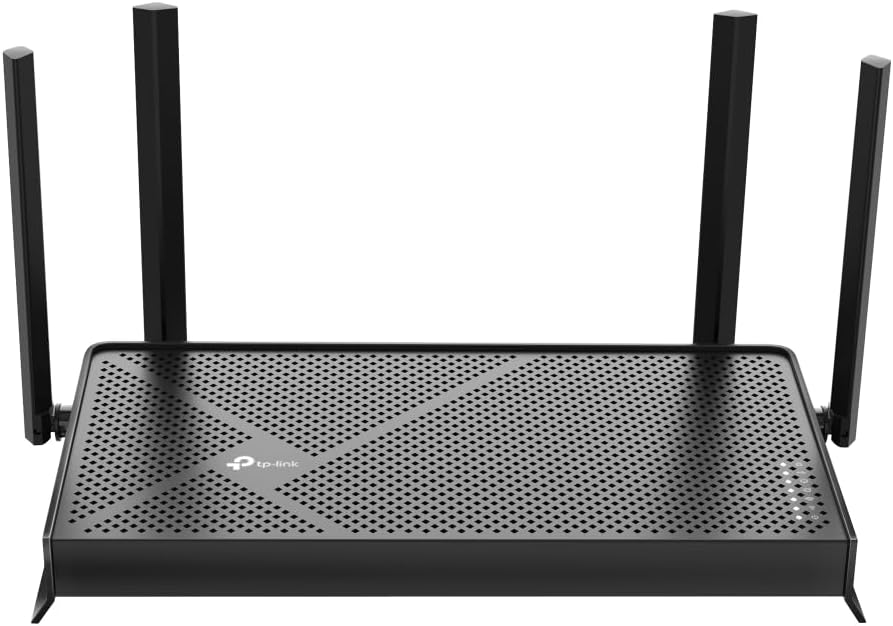 | 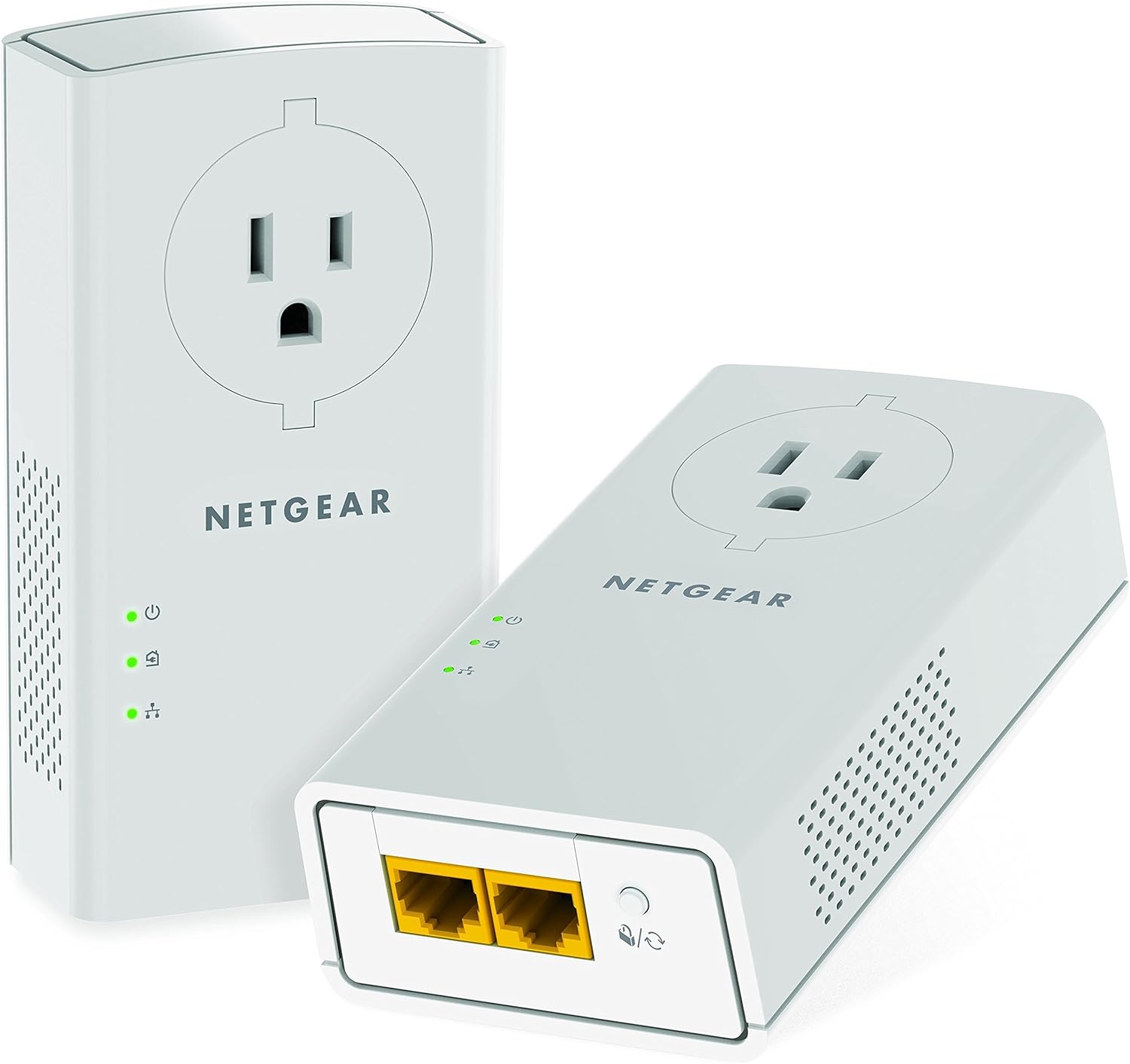 |
| eero Pro 7 | Asus ZenWiFi BQ16 Pro | TP-Link Archer BE3600 | Powerline 2000 Kit |
| View on Amazon | View on Amazon | View on Amazon | View on Amazon |
Before you buy into the hype of a new ‘super-router,’ check in with the Wi-Fi Alliance. This is the official body that certifies every device you own. As of 2026, they’ve established Wi-Fi 7 as the gold standard for handling ‘congested’ environments.
They designed these new protocols specifically for people who live in crowded apartments, allowing your router to talk to your phone on multiple frequencies at once, basically giving your data its own private carpool lane through the noise
Does the Device Matter? (Spoiler: Yes, A Lot)
You can buy the most expensive router on the market, but if you’re trying to stream a 4K movie on a five-year-old tablet, you’re going to have a bad time. Not every device is built to “hear” Wi-Fi equally.
Think of your router as a high-powered speaker at a party. Some of your devices are standing right next to it with professional hearing aids, while others are in the back of the room wearing earmuffs.

1. The “Tiny Antenna” Problem
Size matters. Your laptop usually has a much larger antenna hidden inside the frame of the screen. Your smartphone, however, has to cram its antenna into a tiny space next to the camera and battery.
- The Result: Your laptop can “catch” a weak signal that your phone simply cannot see.
- The Fix: If your laptop works in the home office but your phone doesn’t, it isn’t a “dead zone”—it’s just a “weak zone” that your phone’s tiny antenna can’t handle.
2. Power Management vs. Performance
Phones and tablets are obsessed with saving battery. To keep your phone alive all day, manufacturers often limit how much power the Wi-Fi chip can use.
- The Problem: Your phone becomes a “quiet” talker. While the router is shouting at the phone, the phone is only whispering back. If the router can’t hear the phone’s reply, the connection drops.
- The Contrast: Your Smart TV or Desktop PC is plugged into a wall. It doesn’t care about battery life, so it can “shout” back at the router with full power, maintaining a much steadier connection.
3. The “Weakest Link” Theory
Wi-Fi is a shared resource. Your router has to “take turns” talking to every device in the house. In the tech world, we call this Backward Compatibility: the ability for new tech to still talk to old tech.
- The Reality: If you have an old 2018-era Kindle or a cheap “Smart” lightbulb connected, your router has to “slow down” its speech so those older devices can understand it. This can actually drag down the speed of your brand-new iPhone or laptop.
4. Smart TVs: Big Screens, Tiny Brains
It’s a frustrating irony: your TV is the biggest screen in the house, but it often has the cheapest Wi-Fi chip.
- The Obstacle: Most TVs are placed flat against a wall, with the Wi-Fi antenna buried deep inside the plastic casing. Since the screen itself is a giant shield of metal and electronics, it blocks the signal before it ever reaches the antenna.
- The Fix: If your TV struggles to stream, try a dedicated streaming stick (like a Roku or Apple TV). These often have better antennas than the TV’s built-in system. Even better? Use a wired Ethernet cable.
5. The 2026 Advantage: Wi-Fi 7 and MLO
If you’ve upgraded your phone or laptop recently, you might have Multi-Link Operation (MLO).
- What it is: Older devices can only use one “lane” (like 5 GHz) at a time. Wi-Fi 7 devices can use 5 GHz and 6 GHz simultaneously.
- Why it matters: It’s like having two separate conversations with the router at once. If one gets interrupted by a thick wall or a running microwave, the other keeps the movie playing without a single skip.
The Final Verdict: Is it the House or the Device?
If one person’s phone works in the bedroom and yours doesn’t, the problem is likely your device. If nobody’s device works in that room, the problem is your house.
Ready to find the “weak link”? Try a speed test on three different devices in the same room. The winner tells you which antenna is actually doing the work.
The “Is It Me or Them?” Gut-Check
Before you drive to the electronics store or spend an hour on hold with tech support, perform this two-minute diagnostic. It’s the easiest way to figure out if your internet is actually “broken” or if your house is just being difficult.
- Stand next to your router. Run a speed test on your phone (use an app or just Google “speed test”).
- Walk to your “dead zone.” Run the test again.
The Results:
- Slow in both places? The problem is your Internet Service Provider (ISP) or your actual plan. No amount of moving the router will fix a slow pipe coming into the house.
- Fast near the router, slow far away? You have a coverage problem. This is the “Why-Technology-Works-in-One-Room-but-Not-Another” sweet spot.
High-Impact, Low-Cost Fixes
You don’t always need a $400 Mesh system to get Netflix in the bedroom. Sometimes, your router just needs a better “stage” to perform on. Try these “no-cost” tweaks first:
- Get it off the floor: Wi-Fi signals tend to travel outward and downward. If your router is on the carpet, you’re basically sending half your signal into the floorboards. Put it on a shelf or a side table.
- Escape the corners: Corners reflect signals in messy ways. Pull the router at least a foot away from any wall to let it “breathe.”
- The “Antenna Angle” Trick: If your router has antennas, don’t point them all straight up. Point one vertically and one horizontally. This helps your signal catch devices, no matter how their internal antennas are oriented.
- Update the Firmware: Your router has its own little operating system. Every few months, manufacturers release updates that fix “bugs” (digital glitches) and improve signal handling. Log in to your router’s app and hit “Update.” It’s a five-minute fix that often feels like a hardware upgrade.
Your Roadmap to a Buffer-Free Home
At the end of the day, your Wi-Fi isn’t randomly failing you; it’s just reacting to the maze of your house. It’s a predictable battle between radio waves and brick walls. You don’t have to settle for the “living room only” lifestyle.
Start by getting that router off the floor, switching your heavy-hitting devices to the 5 GHz band, and clearing the clutter out of the signal’s path.
And don’t forget to look at what’s in your hand. If your phone is ancient while your router is brand new, you’re trying to win a race with a flat tire. Audit your gadgets just as much as your floor plan.
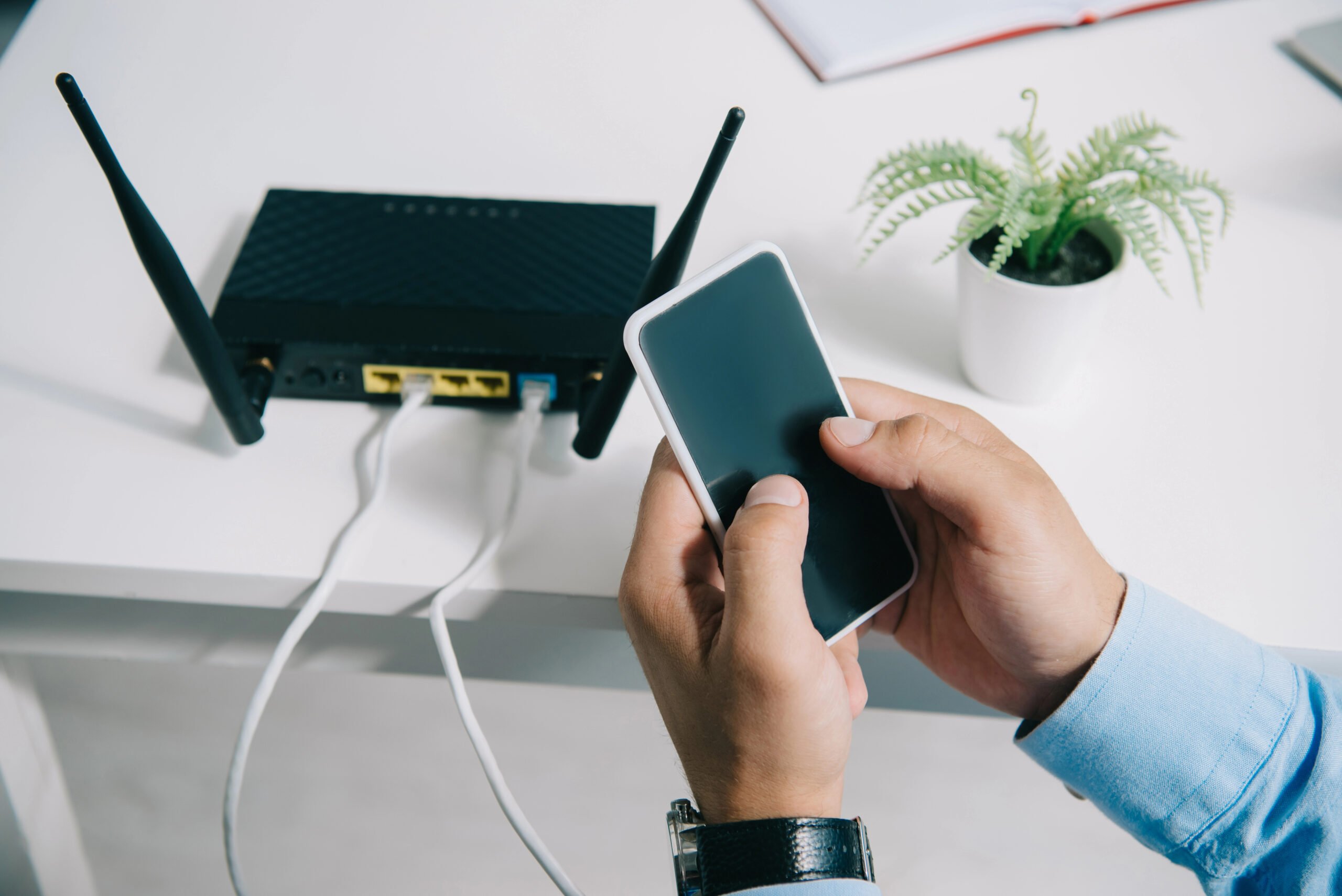
The Bottom Line: You don’t have to live with a “dead room.” Start simple:
- Move the router to a central, high spot.
- Switch bands (use 5 GHz for your important stuff).
- Clear the clutter away from your router’s line of sight.
If your house is just too big or the walls are too thick for a single router to handle, then, and only then, should you look into a Mesh System.
Stop holding your phone to the ceiling. A few small adjustments are usually all it takes to make your technology work in every room, not just the lucky one.
Wait, Should I Care About Wi-Fi 8?
You might see “Wi-Fi 8” starting to pop up in headlines after this year’s CES. Don’t panic. While the tech world is buzzing about it, the standard won’t even be finalized for a couple more years. Wi-Fi 7 is currently the gold standard. It’s faster than your actual internet connection will likely be for the next five years, so don’t feel like you’re buying “old” tech by sticking with 7.
FAQs: Your Burning Wi-Fi Questions, Answered
You’ve got questions. Your house has answers, though they’re usually “no” or “buffer.” Here’s a quick rundown of the things people ask most when their tech starts acting moody.
If you don’t see your tech question or have another question about why technogly works in one room but not another, let us know in the comments. We’re happy to help!
Why does my speed tank the moment I leave the living room?
Imagine your router is a high-powered lantern sitting on your TV stand. In the living room, you’re standing directly in the light, everything is bright and clear. But your bedroom is two corners and a heavy door away. You’re essentially trying to read a book using only the faint glow reflecting off the hallway floor.
Wi-Fi signals are high-frequency radio waves that behave almost exactly like light. They travel in straight lines until they hit an obstacle. The scientists at the National Institute of Standards and Technology (NIST) have documented how materials like wood, glass, and especially metal don’t just block these waves; they absorb the energy. By the time that “light” reaches your bedroom, it has faded into a digital shadow. Your phone isn’t actually “slow,” it’s just squinting to see a signal that’s nearly gone.
Do thicker walls really reduce my signal that much?
They absolutely do. Brick, concrete, and stone are the natural enemies of the internet. A standard drywall interior wall might steal 10-15% of your signal, but a thick brick chimney or a concrete support pillar can eat 50-90% of it before it reaches the other side.
Can my furniture actually block Wi-Fi?
Surprisingly, yes. Large objects like a heavy oak bookshelf, a metal filing cabinet, or even a giant aquarium (water is a major signal absorber) create “shadows.” If your device is sitting in that shadow, it’s going to struggle.
Is it better to put my router upstairs or downstairs?
If you have a two-story home, go upstairs. Wi-Fi signals generally travel downward and outward more effectively than they “climb” through thick floor joists. Placing the router on the top floor (centrally, of course) usually gives you better luck in the kitchen below.
Why does my internet get worse at night?
Unless you’re using a microwave at 10 PM, this is usually “The Neighbor Effect.” In the evening, everyone on your block is home, streaming 4K movies and gaming. All those competing networks are shouting on the same channels, creating a digital traffic jam.
Does a closed door kill the signal?
A standard wooden door is like a pair of sunglasses; it dims the light, but doesn’t block it. However, if you have a heavy fire door or a metal-core door, it’s like putting a blindfold on your router. Keep your office door ajar during that big presentation for a slightly more stable link.
When should I stop tweaking and just buy a Mesh system?
If you’ve moved your router to the middle of the house, cleared the clutter, switched to the 5 GHz band, and you still have rooms where the internet dies, it’s time. If your home is over 2,500 square feet or has a weird, “compartmentalized” layout, one router simply cannot win that fight.
Taking Back Your Home
The mystery of why technology works in one room but not another isn’t a mystery once you look at your home through the eyes of a radio wave. Your house is a maze of reflectors, absorbers, and competitors.

But you aren’t helpless. By understanding that your router needs to be high, central, and “visible,” you can solve 80% of your problems without spending a dime. And for that last 20%? That’s why we have Mesh systems.
Stop settling for the “living room only” lifestyle. A few strategic shifts (and maybe a new node or two) are all you need to make your tech work wherever you decide to sit.
Ready to try the two-minute gut check? Grab your phone, stand by the router, and let’s see what your house is hiding.
Still Dealing With Other Tech Issues?
If your Wi-Fi isn’t the only thing acting up, that’s pretty normal. A weak signal can overlap with other problems, and sometimes what feels like an internet issue turns out to be something else entirely.
If your connection keeps cutting in and out, read why your wireless connection keeps dropping. If websites are loading oddly or not updating the way they should, clearing cache and cookies is a smart next step. If your device feels slow across the board, knowing why your computer suddenly feels slow can help you narrow it down.
And if the issue seems to be coming from the device itself, it may help to read why smartphones start acting strangely after a few years. For a broader look at the everyday digital headaches that show up in connected households, take a look at common technology problems in modern homes.
The bigger point is simple: modern tech problems tend to blur together. Once you start separating Wi-Fi issues from device issues, browser issues, and general network problems, it gets much easier to figure out what’s really wrong.
What Tech Problem Is Driving You Crazy Right Now?
Every home seems to have that one stubborn tech issue that refuses to go away. Maybe it’s weak Wi-Fi in one room, a laptop that suddenly feels slow, or a phone that starts acting strange for no clear reason.
If you’ve dealt with something similar, share it in the comments. Let us know what problem you ran into, what fixed it, or what you’re still trying to figure out.