Picture this: It’s morning. You’ve got your first cup of coffee, the dog is peacefully napping, and your internet is humming along perfectly. Web pages load in the blink of an eye, and your video calls are crystal clear.
Fast forward to 8:00 PM. You sit down to finally relax and stream a movie, and suddenly, you’re staring at the dreaded buffering wheel. Your connection has slowed to a crawl.
Before you threaten to throw your modem out the window, know that this is a very real phenomenon happening to everyone around you. It’s easy to assume your equipment is broken or that the sheer volume of people, devices, video games, and endless data streams is bringing the whole system to its knees.

But what really causes this daily digital slowdown? And more importantly, how do you fix it without losing your mind?
The truth is, your internet connection isn’t a static, unchanging pipe; it’s a dynamic environment that reacts to what is happening around it. Let’s pull back the curtain on why your Wi-Fi seems to have a Dr. Jekyll and Mr. Hyde complex, and explore the behind-the-scenes factors that cause your speeds to fluctuate throughout the day.
Quick Terms to Know
A few internet terms get tossed around a lot in conversations like this, and they can make the whole topic sound more complicated than it really is. Here is the plain-English version of the ones that matter most.
- ISP: The company that gives your home internet access.
- Bandwidth: How much internet your connection can handle at once.
- Congestion: What happens when too many people or devices are trying to use the network at the same time.
- Latency: The delay between your action and the internet’s response.
- Wi-Fi interference: Extra signal “noise” from nearby routers, walls, distance, or electronics.
- Throttling: When certain traffic may be slowed down on purpose under certain conditions.
- Upload speed: The speed that matters when you are sending data, like on video calls or cloud backups.
With those basics out of the way, let’s get into the real reasons your internet can feel perfectly fine one minute and frustratingly slow the next.
Why Speed Fluctuation Does Not Always Mean Something Is Broken
One of the biggest misconceptions about internet slowdowns is the belief that inconsistency automatically means a fault. When the connection dips, people often assume the router is dying, the modem is outdated, or the provider is having a major outage. Those things can happen, of course, but day-to-day fluctuations are often much less dramatic.
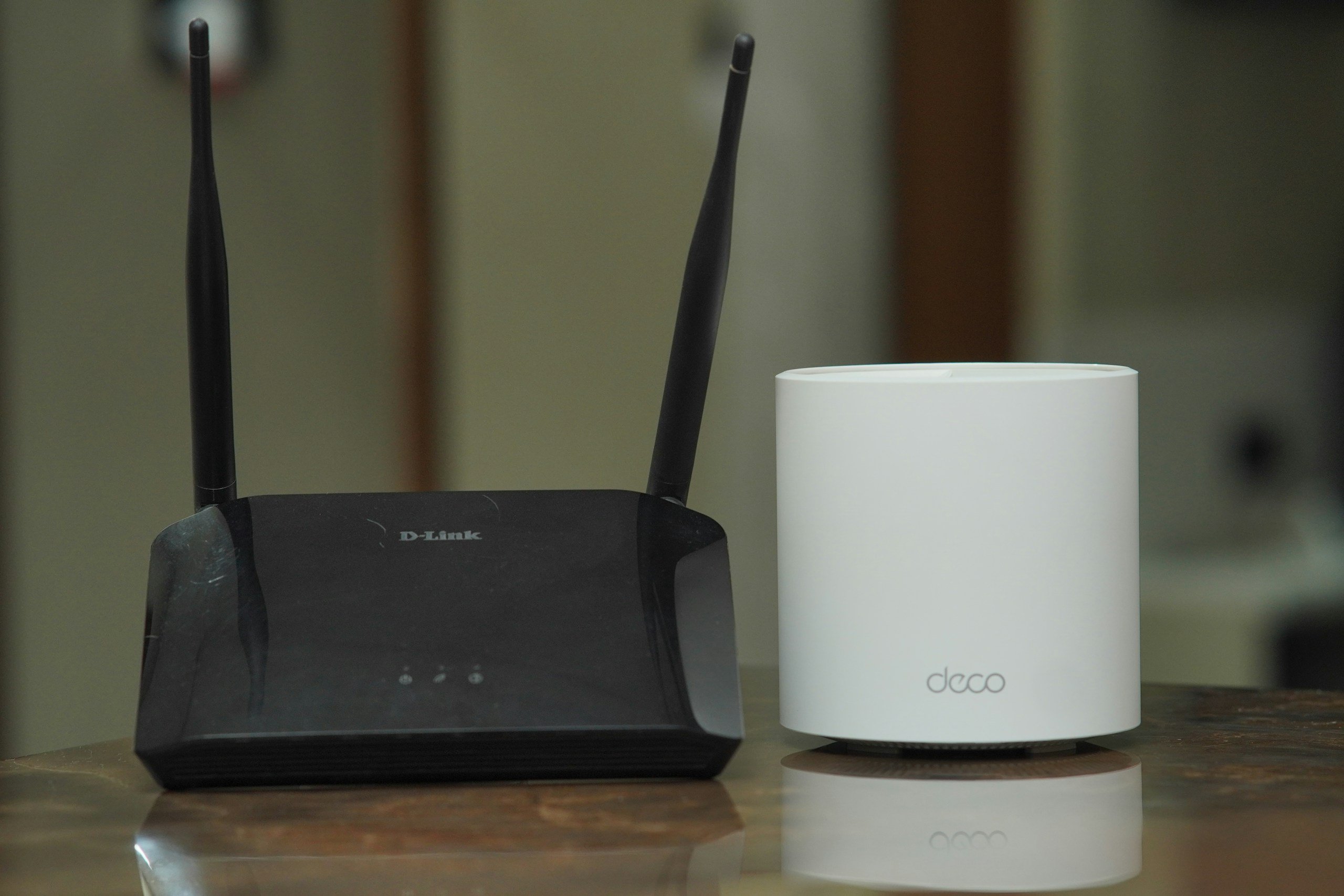
In many cases, the internet is not broken at all. It is just working under different conditions than it was a few hours earlier.
That distinction matters because it changes how you interpret the problem.
- A broken connection usually shows obvious symptoms: frequent disconnections, a total loss of service, flashing warning lights on equipment, or poor performance at all hours of the day.
- A fluctuating connection is different. It may be perfectly fine early in the morning, acceptable in the afternoon, and frustrating in the evening. That pattern points less toward a failure and more toward load-related performance changes. The network is still functioning, but it is under more pressure when usage rises.
Picture a coffee shop with one barista. At 7 a.m., service is quick because only a few people are in line. At 8:30 a.m., the line snakes to the door. The machine still works. The barista still knows what they are doing. The experience feels slower because demand has increased.
Your internet often behaves the same way. The slowdown may reflect crowding, competition, interference, or prioritization rather than a technical breakdown.
This is helpful because it keeps you from chasing the wrong solution.
If you assume something is damaged, you may waste time replacing cables or restarting equipment every night when the real issue is peak-hour congestion or background bandwidth use. Understanding fluctuation as a normal part of internet behavior lets you troubleshoot more intelligently. It also makes the experience less personal.
The evening slowdown is not always your fault, and it is not always a sign of bad equipment. Sometimes the network is simply busier, more crowded, and less forgiving than it was at breakfast.
The Difference Between Active Use and Background Use
One reason home internet can feel so unpredictable is that active use and background use do not look the same, even though both consume bandwidth.
- Active use is the internet activity you can actually see. It is the movie you are streaming, the game you are playing, the Zoom call you are trying to survive without freezing, or the file you are intentionally downloading.
- Background use is sneakier. It is the hidden traffic quietly pulling data while you assume the network is idle. Devices constantly work behind the curtain, phones uploading photos, tablets updating apps, streaming boxes preloading content, and smart cameras syncing to the cloud.
Think about how many devices do things on their own now.
Phones upload photos the second they hit Wi-Fi. Laptops sync folders to cloud storage. Tablets refresh apps and download updates. Streaming boxes preload content. Smart cameras send clips to online servers. Even web browsers can keep tabs refreshed or extensions updated in the background.
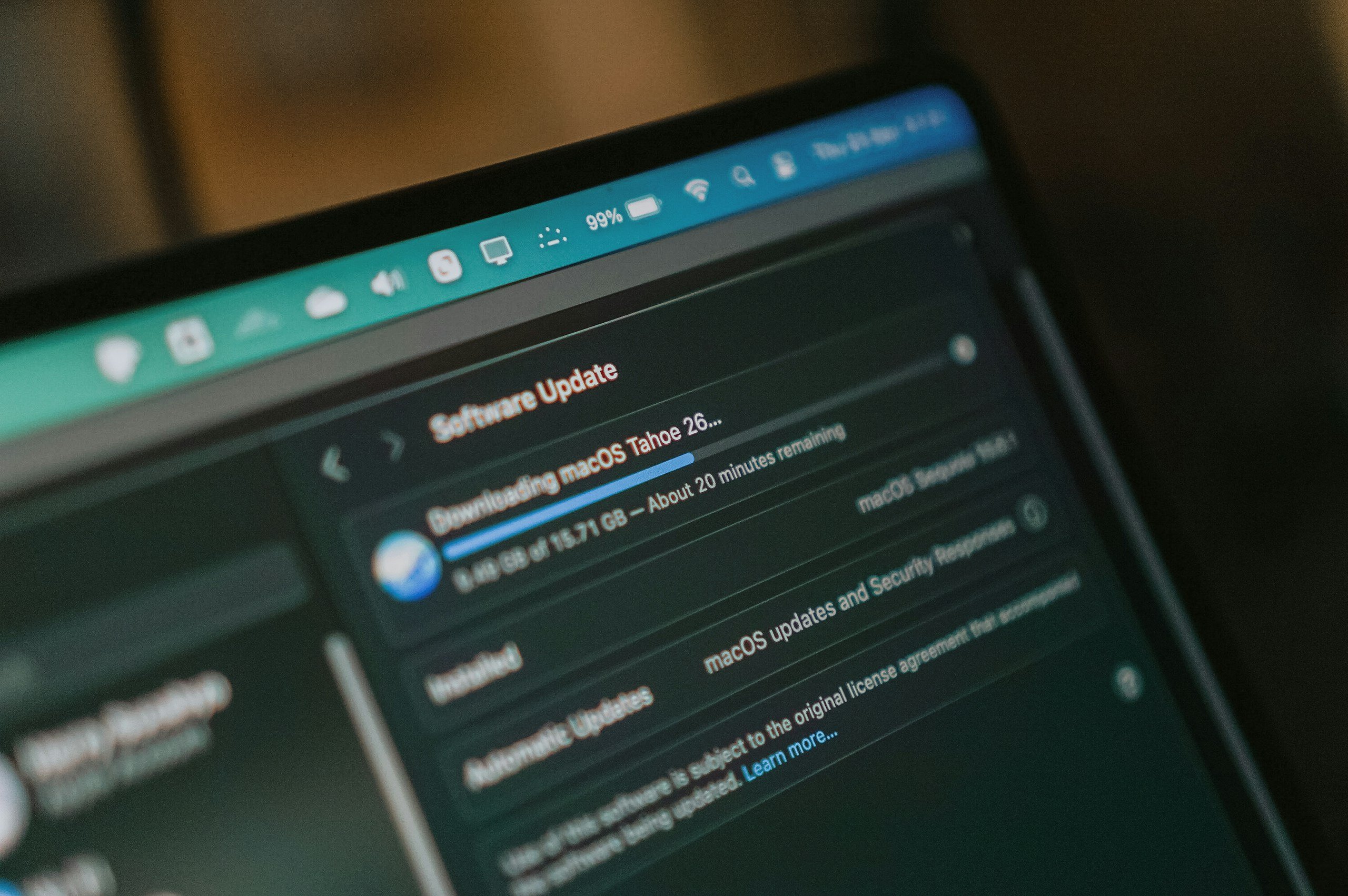
These background tasks don’t ask for permission; they just happen. Because they operate silently, they are the usual culprits when a “nobody is using the internet” moment turns into a confusing slowdown.
The real trouble starts when these two worlds collide. If you try to start a video call at the exact moment a game console silently initiates a multi-gigabyte background update, your connection is forced to split its attention. That is a guaranteed recipe for stutters, buffering, and lag.
This is why internet slowdowns often feel so unfair. From your perspective, you are only doing one thing. From your network’s perspective, it is frantically juggling ten.
6 Reasons Why Internet Speed Changes Throughout the Day
If your internet feels fast in the morning and frustrating at night, that does not automatically mean something is broken. In many homes, speed changes are simply a side effect of when people are online, how many devices are active, and what the network is being asked to do at that moment.
The biggest reason is simple: Internet demand is not constant. It rises and falls throughout the day, and your connection has to react to those changing conditions.
1. Peak-Hour Congestion on Your ISP’s Network
At 10 a.m., your internet feels fast and cooperative. By 8 p.m., it is suddenly fighting for its life. Nothing changed in your house except the fact that your entire neighborhood also got home, grabbed their phones, and hit play on something.

An internet service provider (ISP) is the company that delivers internet access to your house. Think of it as the middleman between your home and the wider internet. When that network gets busy, especially during peak hours, your connection can feel slower even if nothing in your home has changed.
Your internet connection works a lot like a highway. During quieter hours, traffic moves easily. In the evening, when more people are home streaming, gaming, scrolling, and joining video calls, that same route gets crowded fast.
That is because residential internet service depends partly on shared infrastructure. Even if you pay for a fast plan, your provider is still serving many homes across the same local network. When demand spikes between roughly 7 p.m. and 11 p.m., performance can dip simply because so many people are using the system at once.
That does not always mean everything slows down evenly. Some tasks may still feel fine while others start buffering, lagging, or dropping in quality. That uneven performance is often a sign of congestion, not failure.
2. Too Many Devices Using the Connection at Once
You may think only one person is using the internet until you do a mental roll call: the TV is streaming, the kids are on tablets, someone is on a laptop, four phones are connected, and the smart doorbell is still out there doing its little job. Suddenly, the network has a full house.

Slow internet is not always caused by one big event. More often, it is the combined effect of many devices doing different things at the same time.
In a typical evening, one TV may be streaming, a game console may be online, several phones may be refreshing apps and loading videos, a laptop may be syncing files, and smart home devices may still be quietly connected in the background.
Even when each device seems harmless on its own, together they all compete for the same connection.
This is also where active use and background use start to matter. You notice the movie you are streaming or the game you are playing. You usually do not notice the phone backing up photos, the tablet downloading an update, or the doorbell camera uploading clips. But your network notices all of it.
That is why internet slowdowns can feel so unfair. From your perspective, you may only be doing one thing. From the network’s perspective, it may be juggling ten.
3. Automatic Updates, Cloud Backups, and Background Downloads
The classic internet betrayal is when nothing looks busy, but your devices have launched a secret meeting and decided tonight is the perfect time to update, sync, back up, and download everything all at once.
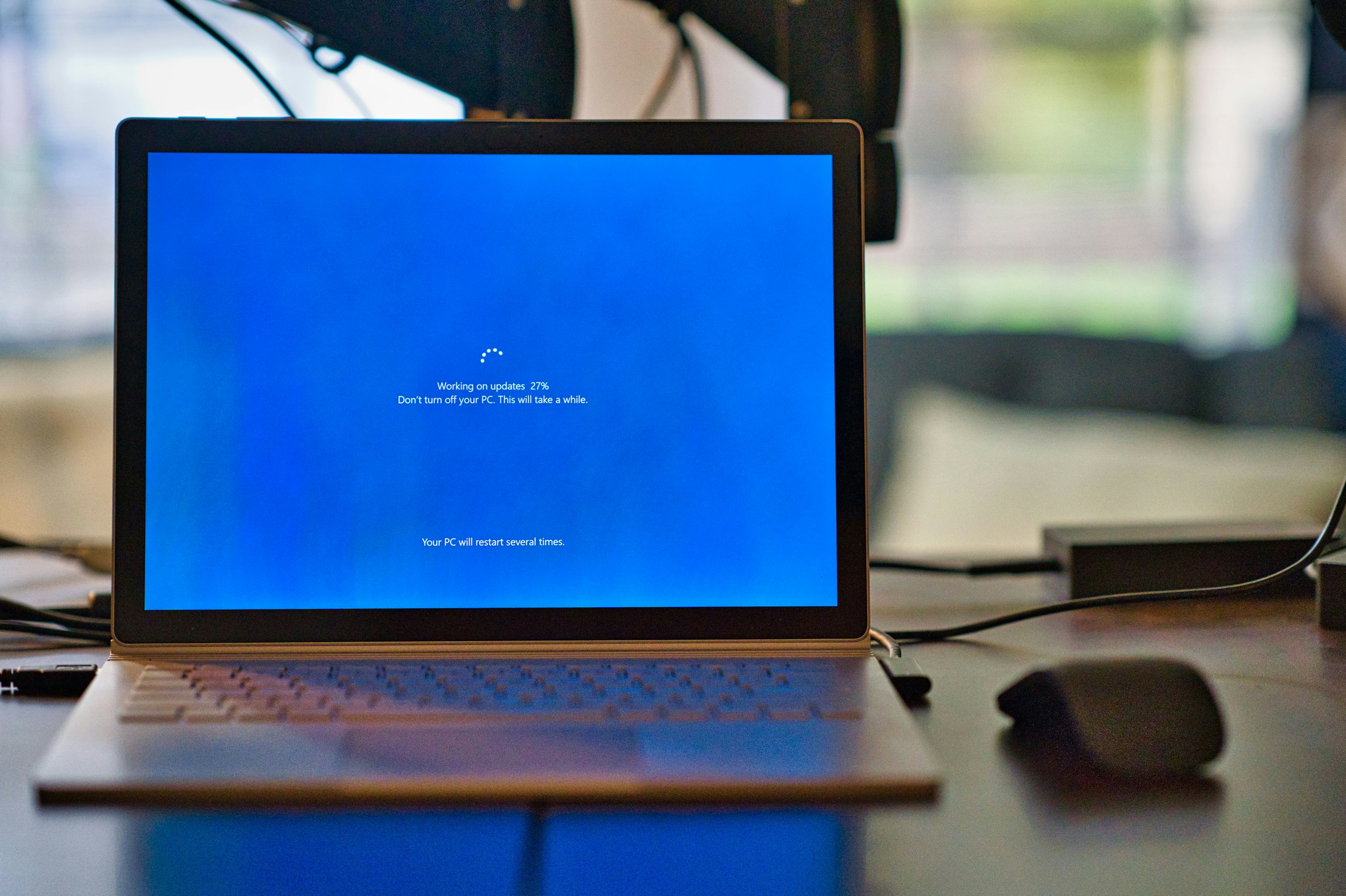
Some of the biggest bandwidth drains happen quietly.
Phones, laptops, consoles, smart TVs, and tablets all perform background tasks without much warning. They check for updates, refresh apps, sync photos, back up files, and download software whenever they get the chance.
Common bandwidth thieves include:
- Windows and macOS updates
- iPhone and Android software downloads
- Smart TV app refreshes
- Game console patches
- Photo syncing and cloud backups
A single background task usually is not enough to wreck your connection. The trouble starts when several devices begin doing heavy work at once.
That might mean:
- A phone syncing hundreds of photos
- A console is downloading a huge game patch
- A laptop pulling down a system update
- A cloud backup is catching up after being paused
Uploads can be especially sneaky here. People tend to focus on download speed, but upload capacity matters too, especially for video calls, gaming, live streaming, and large file transfers. That is why your browsing may seem normal while your Zoom audio turns robotic or your stream starts buffering.
4. Wi-Fi Interference and Weak Signal Quality
Ever notice how the Wi-Fi is great in one room and absolutely dramatic in another? That is because your signal has to fight its way through walls, distance, electronics, and sometimes half your neighbors’ networks just to reach you.
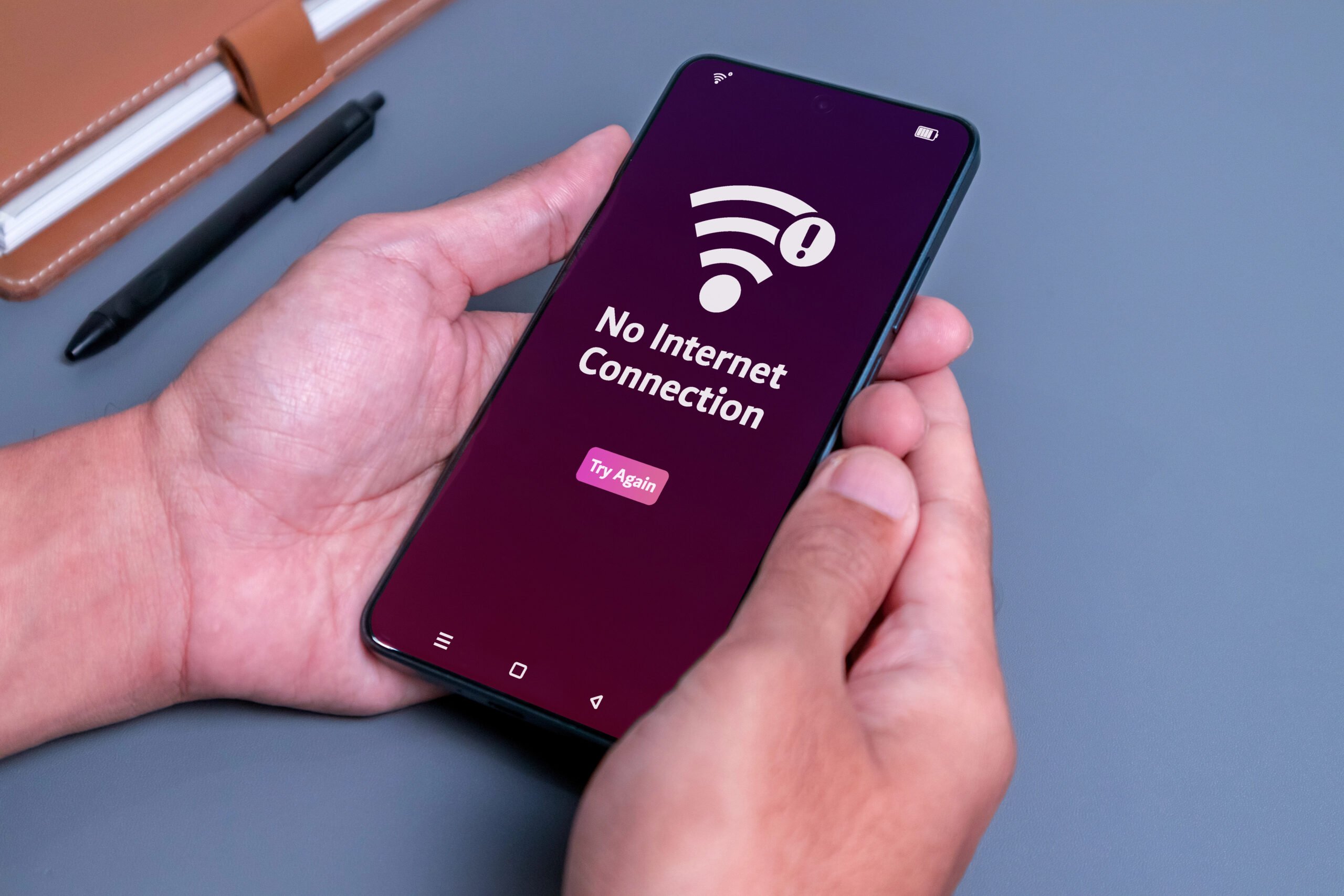
Sometimes the problem is not your internet speed at all. It is your Wi-Fi.
A weak or unstable wireless signal can look exactly like slow internet. Streams buffer, pages drag, and calls freeze, even if the connection coming into your home is technically fine.
Wi-Fi conditions can get worse because of:
- Nearby networks
- Crowded apartment buildings
- Walls and floors
- Microwaves and electronics
- Distance from the router
- Poor router placement
That is why one room may work perfectly while another struggles. It also explains why speed problems can change depending on the time of day. In the evening, more nearby networks are active, more devices reconnect, and the airwaves get more crowded.
Google notes that nearby routers, Bluetooth devices, baby monitors, microwaves, and even some electronics can interfere with Wi-Fi, which is one reason internet problems can feel worse in certain rooms or at certain times of day.
Wi-Fi interference from nearby networks is especially common in apartments, condos, dorms, and dense neighborhoods, where many routers are all trying to use the same wireless channels at once. When those signals overlap and compete, your connection can feel slower, less stable, or more inconsistent, especially in the evening when more people nearby are home and online.
So sometimes your internet is not actually getting slower. Your Wi-Fi environment is just getting noisier.
5. ISP Traffic Management and Possible Throttling
This is when the internet gets oddly specific. Browsing feels okay. Then your stream drops quality, your download crawls, or one app suddenly acts cursed. That is what makes provider-side slowdowns feel so confusing.

Some slowdowns happen outside your home.
Internet providers may manage traffic differently during busy periods, especially when certain activities use large amounts of bandwidth. That can make the slowdown feel selective.
You might notice:
- Streaming gets rough at night
- Big downloads crawl
- Browsing still feels mostly fine
- One service struggles more than another
That does not always mean something unfair is happening. In many cases, it just means bandwidth-heavy tasks show the effects of congestion first. Still, when certain apps or types of traffic consistently slow down at the same time of day, provider-side traffic management can be part of the picture.
The FCC’s broadband labels require providers to disclose key plan details and link to their network management practices, and the FCC glossary defines throttling as intentionally slowing network speeds for certain content or subscription levels.
6. Why Streaming, Gaming, and Video Calls Show Problems First
The internet can barely hold it together, and you may not notice until you try to do something that actually needs consistency, like a movie night, a work call, or an online match you are way too emotionally invested in.

Some online activities are much less forgiving than others.
Streaming needs a steady flow of data. Gaming needs low latency and stable timing. Video calls need both download and upload performance in real time. That is why these are usually the first things people notice when the network gets crowded.
The symptoms are familiar:
- Movies buffer or drop quality
- Video calls freeze or sound robotic
- Games lag, rubber-band, or delay your inputs
A simple webpage can often limp along on a busy connection. A 4K stream, live meeting, or competitive match cannot hide network strain nearly as well.
The FCC’s Broadband Speed Guide lists 25 Mbps as the minimum download speed for 4K streaming, while official Zoom guidance shows that video calls can require anywhere from about 600 kbps to several Mbps, depending on quality and call type.
Why Your Internet Gets Better Late at Night
If your connection improves after midnight, that is usually a strong clue that congestion is the issue.
At that point, fewer households are streaming, gaming, downloading, syncing, and competing for wireless space. Your own devices may also have finished updates or backups. The result is a quieter network inside your home, around your neighborhood, and on your provider’s side.
A broken router does not usually keep office hours. Congestion does.
Things You Might Be Doing That Make Slow Internet Even Worse
Sometimes the internet is slow because the network is crowded. Sometimes it is slow because your setup is being asked to do way too much at the exact wrong time.

A few common habits that can make things worse:
- Streaming a movie while another device downloads a huge update
- Starting a video call while cloud backups are running in the background
- Keeping the router hidden behind furniture or electronics
- Using the farthest room in the house for the most important tasks
- Gaming over weak Wi-Fi when a wired connection is available
- Letting old devices stay connected and quietly use the bandwidth
- Putting off router updates or hanging onto outdated equipment for too long
In other words, your internet may already be dealing with enough. A few extra bad habits can be the thing that pushes it from “a little annoying” to “why is everything buffering right now?”
8 Tips to Improve Internet Speed and Consistency
The good news is that not every slowdown is out of your hands.
You may not be able to control peak-hour congestion in your neighborhood, but you can make your connection more stable, reduce everyday slowdowns, and give your Wi-Fi a better chance to perform well when you need it most.
A lot of the best fixes are not especially technical either. They usually come down to improving your setup, reducing background traffic, and making sure your network is not working harder than it has to.
Sometimes the fastest way to understand what helps is to see it. This quick video walks through a few practical ways to make your internet feel faster, more stable, and less frustrating during busy hours.
Now that you have seen the basics, here are some of the most practical ways to improve your internet speed and make your connection feel more consistent day to day.
1. Start With the Easiest Fixes First
Sometimes the simplest changes make the biggest difference.
A good place to start:
- Restart your router and modem
- Move your router to a more open, central location
- Keep it out of cabinets, corners, and behind TVs
- Reduce unnecessary connected devices
- Pause large downloads or backups during busy hours
These steps will not solve every problem, but they can remove some of the most common causes of inconsistent performance.
2. Move Bandwidth-Hungry Tasks Out of Peak Hours
If your internet always seems worse in the evening, try shifting the heaviest tasks to another time of day.
That might include:
- Game downloads and console updates
- Cloud backups
- Large file uploads
- Operating system updates
- Syncing photo libraries
If those jobs happen overnight or earlier in the day, your connection has more room to handle the things you actually care about at night, like streaming, gaming, or video calls.
3. Improve Your Wi-Fi Setup
Sometimes the issue is not your internet plan. It is the wireless setup inside your home.
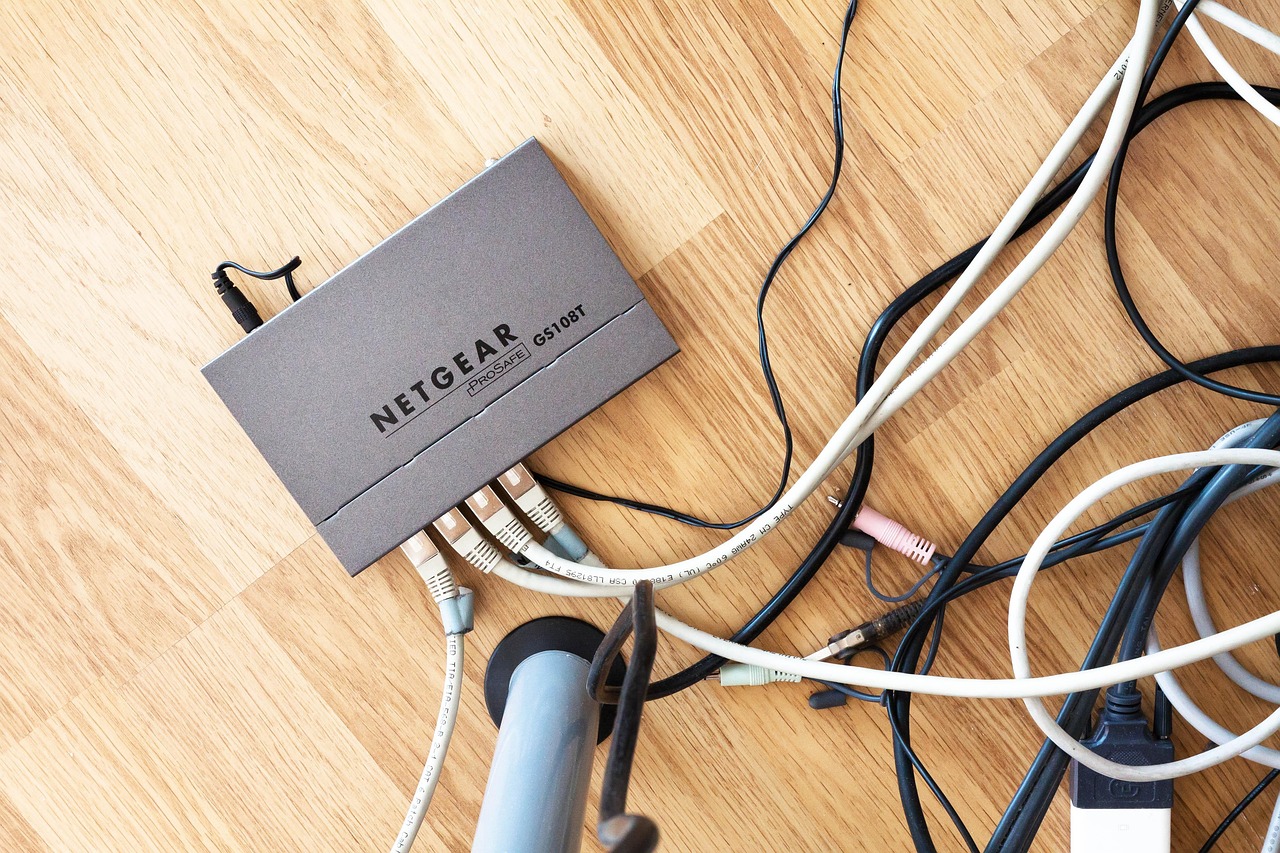
A few changes that often help:
- Place the router in a central, elevated spot
- Keep it away from thick walls and large appliances
- Use the 5 GHz or 6 GHz band when available for faster nearby connections
- Use 2.4 GHz for longer range when needed
- Upgrade older routers if your equipment is outdated
- Consider a mesh system if you have dead zones or a larger home
If one room always struggles more than the others, that is often a sign that Wi-Fi coverage is the real issue.
4. Use Ethernet When Stability Matters Most
Wi-Fi is convenient, but wired connections are usually more consistent.
If you have activities that really depend on stability, like:
- Work video calls
- Online gaming
- Live streaming
- Large uploads
Plugging in with Ethernet can make a noticeable difference.
It will not fix provider-side congestion, but it can remove a lot of the signal issues, interference, and inconsistency that come with Wi-Fi.
5. Watch for Background Bandwidth Thieves
One of the easiest ways to improve consistency is to catch the things quietly using your connection in the background.
Check for:
- Automatic app updates
- Cloud photo backups
- Operating system downloads
- Smart TV refreshes
- Game console patches
- Large file syncing
If several of those happen at once, your network can feel slow even when nobody thinks they are doing much online.
6. Limit the Evening Pile-On
If your connection always gets rough at the same time, it helps to reduce how many heavy tasks happen at once.
For example, try not to stack all of these together:
- A 4K movie in the living room
- A game download in the bedroom
- A video call on a laptop
- Cloud backups running in the background
- Multiple people scrolling video on their phones
Your internet may be fast, but it still has limits. The more demand you stack into one moment, the more likely something starts buffering or lagging.
7. Check Whether the Problem Is Wi-Fi or Your ISP
Before blaming your internet plan, it helps to figure out where the slowdown is actually happening.
A quick way to test it:
- Run a speed test near the router
- Compare that with a speed test in the room where things feel slow
- If possible, test with a wired connection too
If wired speeds look good but Wi-Fi is inconsistent, the issue is probably your in-home setup. If everything slows down at the same time, especially at night, the problem may be congestion or your provider.
8. Consider Whether Your Plan Still Fits Your Household
Sometimes the issue is not a glitch. Your household has simply outgrown the plan.

That is especially true if you now have:
- More people working from home
- More streaming devices
- More smart home equipment
- More gaming or cloud use
- More simultaneous users than when you first signed up
If your internet demands have changed a lot, a faster plan or better equipment may be worth considering.
The Bottom Line
You cannot control every internet slowdown, but you can improve your odds of getting a faster, more stable connection.
In most homes, the biggest wins come from better router placement, fewer overlapping downloads, less background activity, and a setup that matches how many people and devices are actually online each day.
The goal is not just more speed. It is more consistent, especially during the times when you notice slowdowns the most.

Your Slow Internet Questions, Answered (FAQs)
Internet slowdowns can be confusing, especially when they seem to happen for no obvious reason. Below are answers to a few of the questions people ask most often.
And if your issue is not listed here, leave your question in the comments. Someone else may be seeing the same thing in their home, too.
Why is my internet slower at night but fine in the morning?
This usually happens because internet use climbs sharply in the evening.
More people in your home are online, more neighbors are using their connections, and your ISP’s local network may be under a heavier load. On top of that, streaming, gaming, updates, and cloud syncing often pile up later in the day.
Morning hours are usually quieter, so the same connection feels faster and more stable.
Can too many devices slow down Wi-Fi even if nobody is actively using them?
Yes.
Many devices use bandwidth in the background even when nobody seems to be doing anything. Phones may back up photos, apps may refresh, smart devices may sync, and consoles may download patches automatically.
Those background tasks can add up and leave less bandwidth for the things you actually want to do.
Does restarting the router fix daily speed drops?
Sometimes, but not always.
Restarting the router can help clear temporary glitches and refresh the connection. That can improve performance if the issue is local.
But if the slowdown is caused by peak-hour congestion, neighborhood Wi-Fi interference, or multiple devices using bandwidth at the same time, restarting the router may only help a little—or not at all.
It is useful, just not a guaranteed fix.
How do I know if my ISP is throttling my connection?
It can be hard to tell because throttling can look a lot like normal congestion.
One clue is when certain activities or services consistently slow down at the same time, while general browsing still feels fine. Another clue is a repeated pattern that does not seem to match what is happening inside your home.
That said, many slowdowns are caused by ordinary congestion, background traffic, or Wi-Fi issues rather than intentional throttling.
Why does my internet suddenly get better late at night?
Because the network around you is usually less crowded.
Late at night, fewer people are streaming, downloading, gaming, and joining video calls. Your own devices may have finished updates and backups, nearby Wi-Fi networks may be quieter, and your ISP’s infrastructure may be under lighter demand.
All of that gives your connection more room to perform well, which is why it often feels faster after peak hours.
Can a VPN slow down your internet?
Yes, it can.
A VPN routes your internet traffic through an extra server before it reaches the website, app, or service you are using. That extra step can reduce speed a little, and sometimes a lot, depending on the VPN, the server location, and how busy that server is.
You may notice it most when:
- Streaming video
- Gaming online
- Downloading large files
- Joining video calls
That does not mean VPNs are bad. They can be useful for privacy and security. But if your internet already feels crowded or inconsistent, a VPN can add one more layer that makes things feel slower.
If your connection improves when the VPN is turned off, that is a good clue that it may be part of the issue.
Still Troubleshooting? Start Here Next
If your internet still feels inconsistent, the problem may not be just one thing. Sometimes it is weak Wi-Fi, sometimes it is browser junk slowing things down, and sometimes it is part of a bigger tech headache happening around the house.
If you want to keep troubleshooting, these guides can help:
The more connected your home gets, the more these problems tend to overlap. A little extra troubleshooting can go a long way toward making your setup feel faster, smoother, and a lot less frustrating.
Tell Us What Your Internet Slowdowns Look Like
Does your Wi-Fi always seem to fall apart at the worst possible time?
Share your experience in the comments. What kind of slowdown do you notice most, and have you found anything that actually helps? Your tip or story might help someone else troubleshoot the exact same problem.