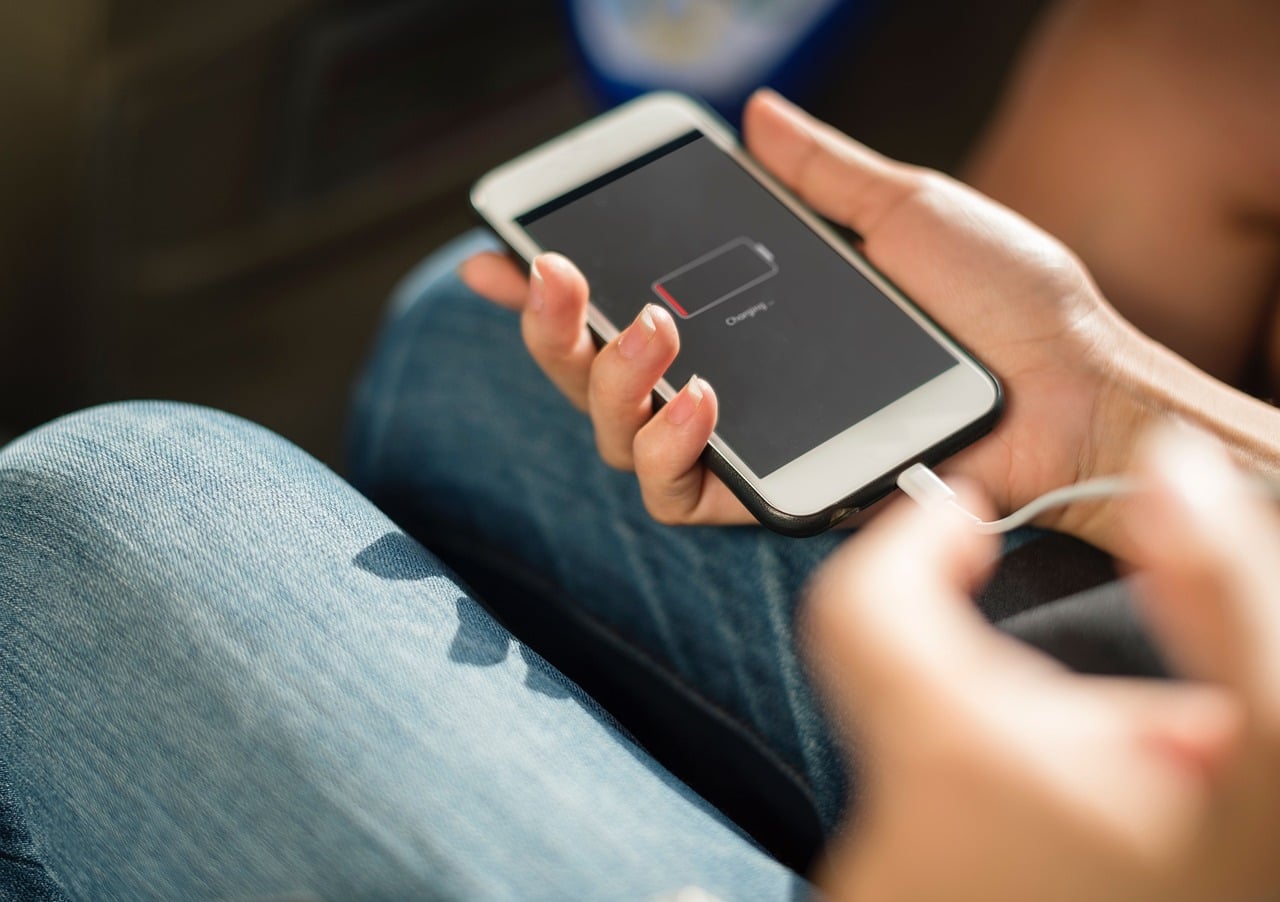
Remember when plugging in your phone for 20 minutes actually accomplished something?
Now it feels like you can make coffee, answer a few emails, fold a load of laundry, and somehow your battery has only climbed from 18% to 23%.
A phone that used to charge quickly shouldn’t suddenly need twice as long without an explanation. While it’s tempting to blame an aging battery, that’s only one piece of the puzzle. The real reason is often much more surprising.
Let’s look at why your phone takes longer to charge than it used to — and what you can do to speed things back up.
Before You Blame The Battery, Start Here
When a phone suddenly starts charging more slowly, most people immediately blame the battery. Sometimes they’re right, but plenty of other issues can make charging drag even when the battery itself is still in decent shape.
Want our human-written content to rank above AI-generated garbage? Help us out by clicking this button!
Before we dive into the most common reasons, think about when the slowdown happens. That one clue often points you in the right direction.
| If Charging Is Slow… | The First Thing To Check |
|---|---|
| Everywhere you charge | Your charging cable or wall adapter |
| Only in the car | Your car’s USB port or car charger |
| Only while you’re actively using the phone | Heat or heavy power usage |
| Mostly overnight | Adaptive charging features |
| It’s been getting slower over months or years | Battery aging |
You don’t need to diagnose it perfectly right now. This quick check is simply a shortcut. As we go through the most common reasons, you’ll have a much better idea which one matches what you’re seeing.
If your phone still reaches 100% in roughly the same amount of time it always has, you’re probably noticing normal charging behavior rather than a problem.
If charging now takes significantly longer than it did a few months ago, keep reading—one (or more) of the reasons below is likely responsible.
8 Reasons Your Phone Suddenly Takes Longer To Charge
When a phone that used to charge quickly suddenly starts crawling toward 100%, it’s easy to assume the battery is dying. While that’s certainly one possibility, it’s far from the only one.
Everything from heat and worn charging accessories to built-in battery protection features can affect how quickly your phone charges. Some of these changes happen so gradually that you don’t notice them until one day you realize a quick top-off isn’t so quick anymore.
Let’s start with the most common culprit.
1. Your Battery Isn’t Holding Energy Like It Used To
Like almost every rechargeable battery, your phone’s battery slowly changes as it gets older. It isn’t an all-or-nothing process where one day it’s healthy, and the next day it’s worn out. The changes happen little by little, which is why many people don’t notice them until charging starts feeling noticeably slower.
One of the biggest reasons is something called charge cycles.
A charge cycle isn’t every time you plug in your phone. Instead, it adds up to using 100% of your battery over time. For example:
- Charge from 50% to 100% today = about half a cycle
- Charge from 40% to 90% tomorrow = about another half cycle
- Together, that’s roughly one full charge cycle
After hundreds of charge cycles, the battery’s chemistry naturally begins to change.
One of those changes is an increase in internal resistance. That sounds technical, but the idea is simple:
- A newer battery accepts energy quickly and efficiently.
- An older battery has to work harder to absorb that same energy.
Think of it like pouring water through a brand-new coffee filter versus one that’s partially clogged. The water still gets through—it just takes longer.
Modern smartphones also become more protective as batteries age. If the battery shows signs of wear, the phone may intentionally slow charging to generate less heat and reduce stress on the battery. It isn’t trying to annoy you—it’s trying to help the battery last longer.
Because of that, a gradual slowdown over months or years is often completely normal. If your phone didn’t suddenly change overnight but instead seems to charge a little slower every few months, battery aging is one of the most likely explanations.
Best Fix
- Check your battery health. iPhones include a Battery Health screen, and many Android phones offer similar battery diagnostics.
- Look for a gradual pattern. A slow decline over months usually points to battery aging rather than a bad charger.
- Consider replacing the battery if its health is significantly reduced but the rest of the phone still performs well. A new battery can often make an older phone feel much more usable again.
Battery Health Quick Guide
If your phone lets you view its battery health (such as on iPhone or many Android devices), here’s a general way to interpret the number:
- 90%–100%: Your battery is still in excellent shape. Any charging slowdown is likely caused by something else.
- 80%–89%: Some loss of capacity is normal, but most phones still perform well.
- Below 80%: You’ll likely notice shorter battery life, and charging may not feel as fast or consistent as it once did. Many manufacturers consider this the point where battery replacement becomes worth considering.
2. Your Phone Is Intentionally Charging More Slowly Because It’s Too Hot
Have you ever plugged in your phone only to realize it was already warm from scrolling social media, using GPS, watching videos, or sitting in a hot car? If so, your phone may have been doing exactly what it was designed to do: protect itself.
Heat is one of the biggest enemies of lithium-ion batteries. The hotter a battery gets, the more stress it experiences, especially while charging. Rather than risk long-term damage, modern smartphones automatically reduce charging speed until the battery cools down.
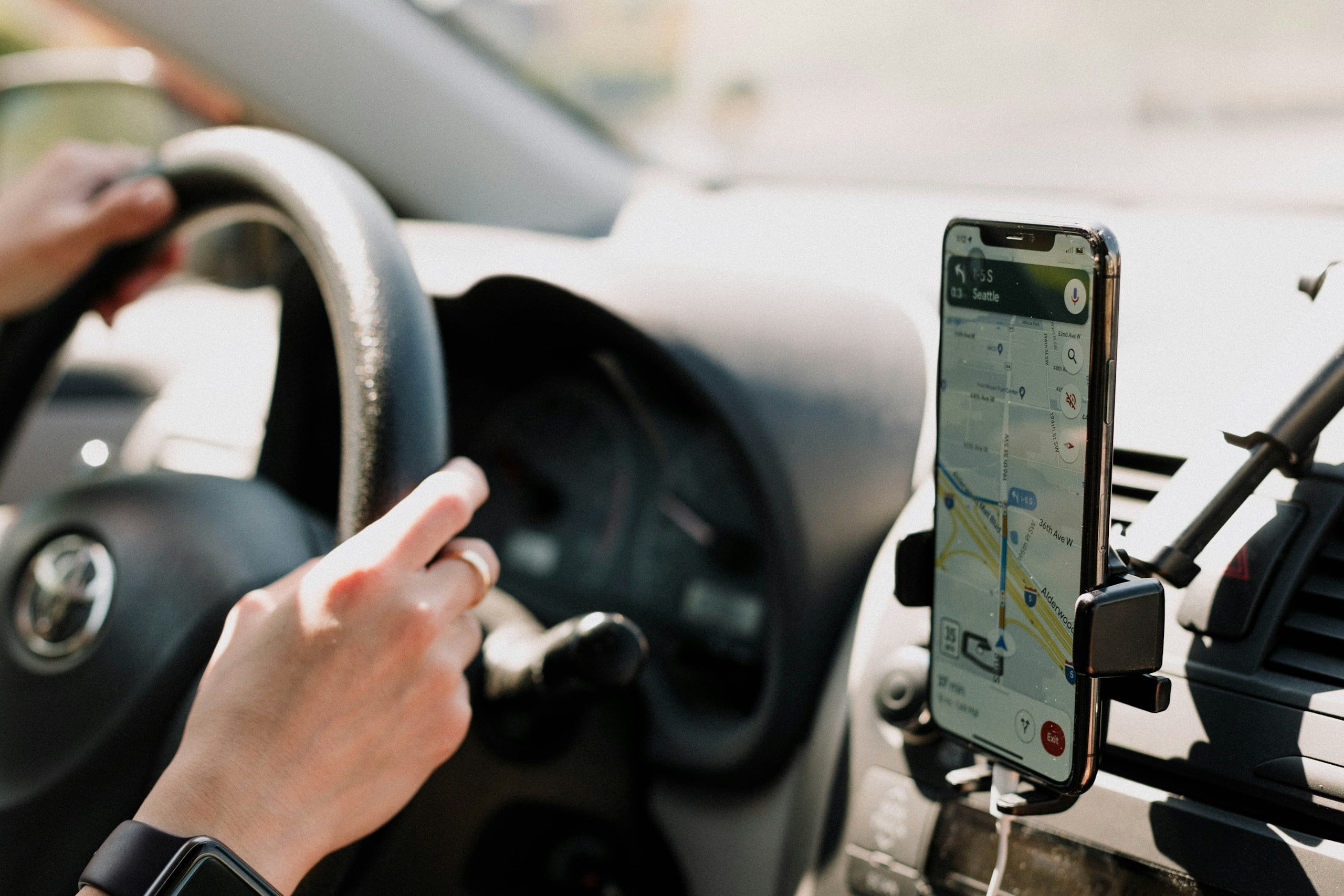
You might notice this happening when you:
- Use navigation while charging in the car.
- Watch videos or play games with the charger plugged in.
- Leave your phone in direct sunlight or on a hot dashboard.
- Charge under a pillow, blanket, or thick comforter that traps heat.
- Use wireless charging, which naturally produces more heat than a cable.
This built-in protection happens automatically. Your charger may be capable of delivering plenty of power, but your phone decides how much of that power it’s willing to accept. If it detects too much heat, it slows the process until temperatures return to a safer range.
That can make charging feel frustratingly inconsistent. Some days your phone seems to fly from 20% to 80%, while other days it feels like it’s barely moving—even with the exact same charger.
Best Fix
- Move your phone to a cooler location while it charges.
- Take off a thick or insulated case if your phone regularly gets hot.
- Avoid gaming, streaming, or using GPS during charging whenever possible.
- Use a wired charger instead of wireless charging if speed is your priority.
- Never cover your phone with blankets, pillows, or clothing while it’s plugged in.
3. Your Phone Is Using Almost As Much Power As It’s Receiving
Plugging your phone into a charger doesn’t automatically mean all of that electricity goes into the battery.
Your phone is still working while it’s plugged in. If you’re watching videos, scrolling social media, playing games, using GPS, or video chatting, it may be using a large portion of the power it’s receiving before the battery ever gets a chance to store it.
Think of it like trying to fill a bathtub while someone has the drain open. Water is still flowing in, but it takes much longer for the tub to fill.
Some of the biggest power-hungry activities include:
- GPS navigation, especially with the screen at full brightness.
- Gaming, which pushes both the processor and graphics chip.
- Video streaming or video calls, which keep multiple components working at once.
- Using your phone as a mobile hotspot.
- High screen brightness, especially outdoors.
Even background activity can make a difference. App updates, cloud photo backups, software downloads, and syncing emails or files all consume power while your phone is charging.
If you’ve ever wondered why your phone seems to charge much faster when you leave it alone than when you’re actively using it, this is usually why.
Best Fix
- Lock the screen while charging whenever possible.
- Pause gaming, streaming, or navigation until your battery has recovered.
- Turn on Airplane Mode if you need the fastest possible charge and don’t need calls or data.
- Lower screen brightness to reduce power consumption.
- Close apps only if they’re actively doing work (such as navigation, video calls, or recording). Simply force-closing every app won’t noticeably speed up charging.
Charging Myth
Myth: Leaving your phone plugged in overnight ruins the battery.
Reality: Not anymore. Modern smartphones stop actively charging once the battery reaches full capacity. While keeping your phone plugged in for days at a time isn’t ideal, charging it overnight is generally part of the design — not a shortcut to a dead battery.
4. Your Charging Cable Or Charger Has Deteriorated
Sometimes the problem isn’t your phone at all. It’s what you’re plugging it into.
Charging cables and power adapters wear out over time. A cable that’s been bent, twisted, stuffed into backpacks, or wrapped tightly around a charger hundreds of times can gradually lose its ability to deliver power efficiently. The same goes for charging bricks that have seen years of daily use.
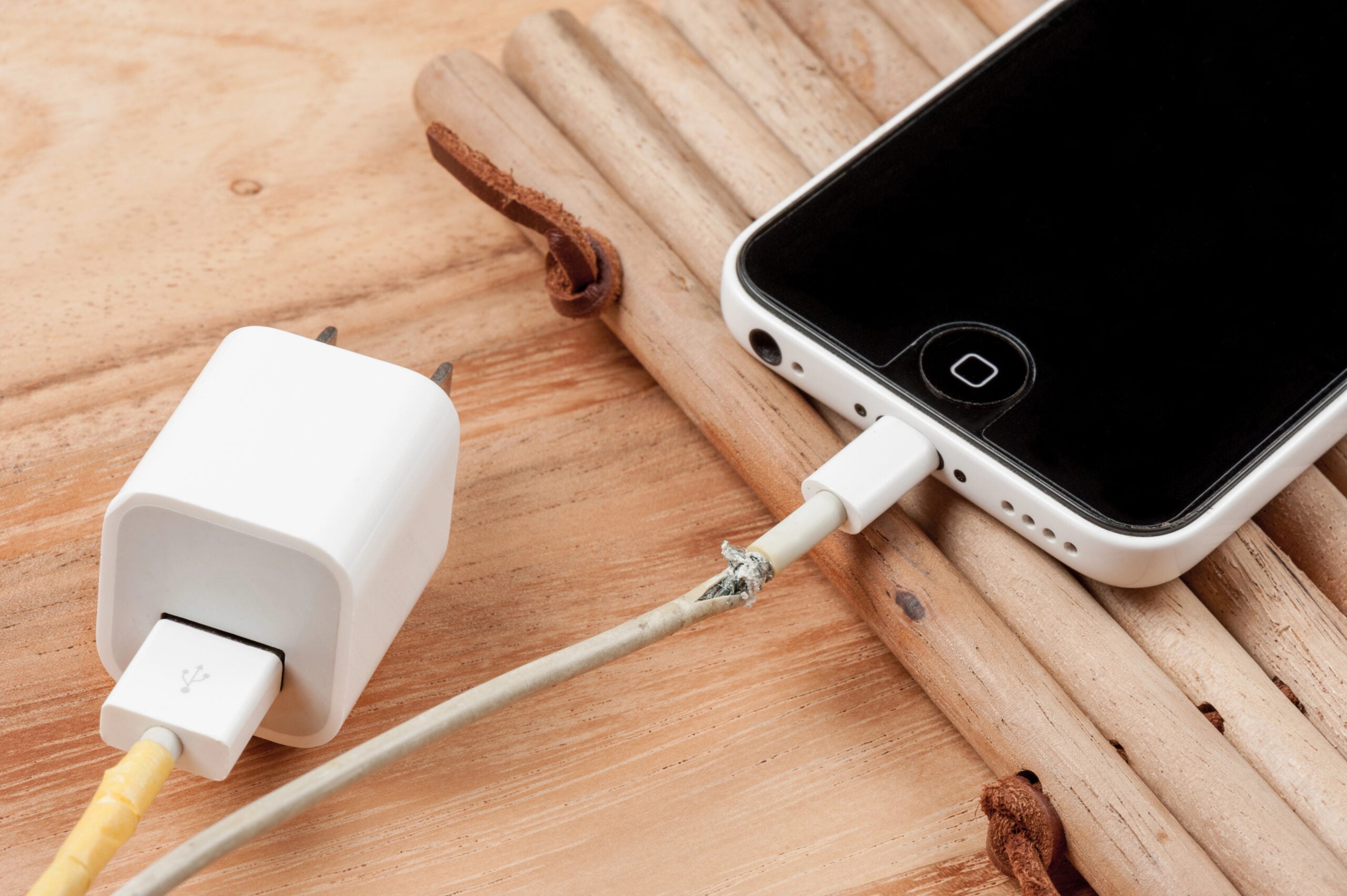
Even if everything looks fine on the outside, small amounts of wear can affect charging performance.
You may also be using a charger that simply isn’t powerful enough. Many people keep an old charging brick after upgrading their phone, or grab the nearest spare cable without realizing it doesn’t support fast charging.
Some common charging bottlenecks include:
- Frayed or repeatedly bent charging cables.
- Loose USB or USB-C connectors that don’t fit as securely as they once did.
- Older, lower-watt charging adapters that can’t deliver as much power as newer phones can accept.
- Cheap replacement cables that support charging but not higher-speed charging.
One weak accessory is all it takes. Your phone can only charge as fast as the slowest part of the entire charging setup.
Best Fix
- Try a different cable first, especially if yours has been heavily used.
- Use a charger that matches your phone’s recommended charging speed.
- Choose certified or manufacturer-approved accessories whenever possible.
- If charging seems inconsistent, test another wall outlet to rule out a faulty outlet or power strip.
5. Dirt Inside The Charging Port Can Slow Things Down
Your charging port doesn’t have to be completely blocked to cause problems. Even a small amount of pocket lint or dust can interfere with the connection between your charging cable and your phone.
Think about where your phone spends most of its day. Pockets, purses, backpacks, cup holders, and even countertops are all great places for tiny bits of debris to collect. Over time, that material gets packed into the charging port every time you slide your phone into your pocket.
If the cable can’t make a solid connection, you might notice things like:
- Slower-than-normal charging speeds.
- Charging that starts and stops randomly.
- Having to wiggle the cable before charging begins.
- A cable that doesn’t click into place as firmly as it used to.
The good news is that this is often one of the easiest charging problems to fix.
Best Fix
- Inspect the charging port with a flashlight if you suspect debris.
- Remove loose lint carefully using a wooden or plastic toothpick, or a soft anti-static brush. Avoid using anything metal that could damage the internal contacts.
- If you’re uncomfortable cleaning it yourself, have the port cleaned professionally rather than risking damage.
- Keep the port covered when practical, especially if you work in dusty environments or frequently carry your phone in your pocket.
Charging Myth
Myth: Using your phone while it’s charging damages the battery.
Reality: Not necessarily. Browsing, texting, or watching a quick video while charging won’t usually harm your battery. The bigger issue is that your phone is using part of the incoming power instead of storing it, so charging naturally takes longer.
6. Your Phone May Be Waiting To Finish Charging
Have you ever plugged in your phone before bed, only to wake up and notice it seemed to sit at 80% for hours before finally reaching 100%? That doesn’t necessarily mean your charger is failing. Your phone may simply be following the plan.
Many modern smartphones include features like Adaptive Charging or Optimized Battery Charging. Instead of charging to 100% as quickly as possible every time, these features learn your routine and intentionally slow or pause charging overnight.
Why? Because lithium-ion batteries experience more stress when they stay at 100% charge for long periods. By waiting until closer to when you normally unplug your phone, your device can reduce that stress and help preserve battery health over the long run.

You’ll find versions of this feature on many phones, including:
- iPhones (Optimized Battery Charging)
- Google Pixel phones (Adaptive Charging)
- Samsung Galaxy phones (Battery Protection and related charging features)
If your phone seems to charge quickly to around 80% and then slows dramatically, that’s often normal behavior—not a sign that something is broken.
Best Fix
- Check your battery settings to see whether Adaptive Charging or a similar feature is turned on.
- Leave the feature enabled if you usually charge overnight, since it’s designed to extend battery lifespan.
- Temporarily disable it only if you genuinely need your phone to reach 100% as quickly as possible before heading out.
7. A Software Update May Have Changed How Your Phone Charges
It’s not uncommon for people to notice slower charging after installing a major software update. While the update itself usually isn’t reducing your charger’s power, it may be changing how your phone manages the battery behind the scenes.
Phone manufacturers regularly update battery management software to improve stability, reduce heat, fix bugs, and help batteries last longer. Sometimes those changes make charging behavior feel different, especially if your phone is a few years old.
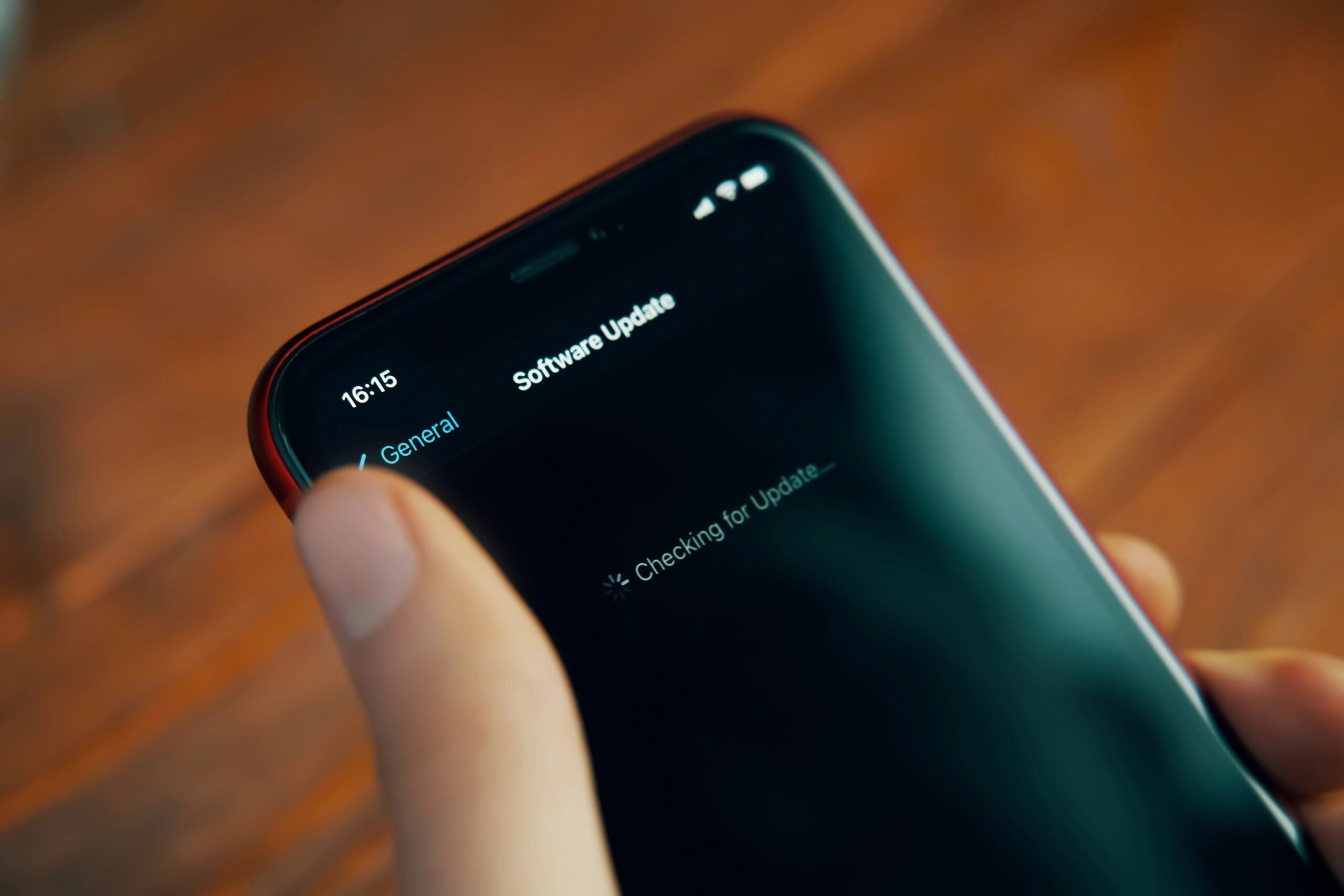
You may also notice temporary changes immediately after a major update. During the first day or two, your phone may be busy with tasks like:
- Indexing photos and files.
- Optimizing apps for the new software.
- Restoring background processes and syncing data.
- Downloading additional updates for installed apps.
All of that extra work uses power, which can make charging seem slower than usual.
Fortunately, this is often temporary. Once those background tasks finish, charging performance may return to what you’re used to. If it doesn’t, another factor in this article—such as battery aging, heat, or your charging accessories—is more likely to be responsible.
Best Fix
- Give your phone a day or two after a major software update before judging battery or charging performance.
- Restart your phone if charging seems unusually inconsistent after an update.
- Install future updates when available, as they often include battery management improvements and bug fixes.
- Look for other symptoms before blaming the update alone. In many cases, the timing is simply a coincidence rather than the true cause.
8. Your Phone Was Never Designed To Charge At The Same Speed All The Way To 100%
Many people assume that if their phone supports fast charging, it should charge at that top speed from 1% all the way to 100%.
That’s not how modern batteries work.
Most smartphones charge in stages. When the battery is low, the phone accepts power as quickly as it safely can. But as the battery fills up, it gradually slows the charging rate to reduce heat and protect the battery.
That’s why you might notice:
- 20% to 50% happens surprisingly quickly.
- 50% to 80% starts to slow down.
- 80% to 100% can feel like it takes forever.
This isn’t a defect or a worn-out charger. It’s how nearly every modern smartphone is designed to charge.
If your phone is also warm, running demanding apps, or using an Adaptive Charging feature, that final stretch may take even longer.
Understanding this charging curve can save you a lot of unnecessary troubleshooting. In many cases, your phone isn’t charging slowly—it’s charging exactly as it was designed to.
Best Fix
- Don’t judge charging speed by the last 20%. That’s naturally the slowest part of the process.
- Charge earlier if you need a quick boost. You’ll usually gain much more battery life from charging at 20% than at 85%.
- If your phone charges quickly when the battery is low but slows near full, that’s typically a sign everything is working normally—not that something is wrong.
When Slow Charging Means Something Is Actually Wrong
Most of the time, slower charging is simply the result of battery aging, heat, charging habits, or worn accessories. But in some cases, it can point to a problem that shouldn’t be ignored.

Watch for these warning signs:
- Your phone only charges when the cable is held at a certain angle. This often points to a worn or damaged charging port.
- Charging randomly starts and stops even after trying a different cable and charger.
- The battery percentage jumps up or down unexpectedly, such as going from 40% to 15% within minutes.
- Your phone becomes unusually hot every time you charge it, even when you’re not using it.
- The battery appears swollen, or the back of the phone no longer sits flat. Stop using the device immediately if you notice swelling.
- Charging is dramatically slower than it used to be, even after replacing the cable, charger, and cleaning the charging port.
These symptoms don’t automatically mean your phone is beyond repair, but they’re worth investigating sooner rather than later. In many cases, replacing the battery or repairing the charging port costs far less than replacing the entire phone.
The Fastest Ways To Speed Up Charging Today
If your phone has gradually started taking longer to charge, you don’t necessarily need to buy a new one. A few simple changes can often make a noticeable difference, especially if more than one of the issues we’ve covered is slowing things down.
Here’s a quick reference guide to the fixes most likely to speed up charging.
| Do This | Why It Helps |
|---|---|
| Use a certified fast charger and cable | Eliminates charging bottlenecks caused by worn or low-quality accessories. |
| Keep your phone cool while charging | Prevents your phone from slowing charging to protect the battery. |
| Avoid gaming, streaming, or GPS while plugged in | Allows more incoming power to go toward charging instead of running the phone. |
| Remove a thick case if your phone gets hot | Helps heat escape more easily during charging. |
| Clean the charging port if it’s dirty | Improves the connection between the cable and your phone. |
| Charge before your battery gets extremely low | Gives you the biggest boost in the shortest amount of time. |
| Check your battery health | Helps determine whether an aging battery is limiting charging speed. |
| Replace a worn battery if necessary | Can restore much of the charging performance on an otherwise healthy phone. |
None of these tips can make your phone charge faster than it was designed to, but together they can help it charge as fast as it’s capable of charging today.
Frequently Asked Questions
Below are answers to some of the questions readers ask most often about slow phone charging. If you don’t see yours here, feel free to ask in the comments.
How Long Should A Phone Battery Last Before It Needs Replacing?
Most smartphone batteries are designed to retain about 80% of their original capacity after roughly 500 full charge cycles, though this varies by manufacturer. For many people, that works out to about two to three years of daily use.
If your phone no longer lasts through the day, charges unusually slowly despite trying different chargers, or shuts down unexpectedly, the battery may simply be reaching the end of its useful life.
Does Wireless Charging Wear Out Your Battery Faster?
Wireless charging itself doesn’t significantly damage your battery, but it can generate more heat than wired charging. Since heat is one of the biggest factors affecting long-term battery health, frequent wireless charging may contribute to slightly faster battery aging if your phone regularly gets hot.
Using a certified wireless charger and removing thick cases that trap heat can help minimize this effect.
Why Does My Phone Charge Faster In Airplane Mode?
Airplane Mode turns off features like cellular data, Wi-Fi, and Bluetooth, reducing the amount of power your phone uses while it’s plugged in.
Because the phone is consuming less energy, more of the incoming power can go toward charging the battery, which often results in noticeably faster charging—especially on older devices.
Is It Better To Charge My Phone To 100% Or Stop At 80%?
For day-to-day battery health, many experts recommend keeping your battery between about 20% and 80% whenever practical. Spending long periods at either 0% or 100% places more stress on lithium-ion batteries.
That doesn’t mean charging to 100% is harmful when you need the extra battery life. It’s simply a habit that’s best reserved for times when you’ll actually benefit from the full charge.
Can A Phone Charger Lose Power Over Time?
Yes. Charging cables can develop internal breaks, connectors can loosen, and wall adapters may gradually become less reliable after years of use.
If your phone suddenly starts charging more slowly and you’ve ruled out battery health and overheating, trying a different certified cable and charger is one of the quickest and least expensive troubleshooting steps.
Your Phone Is Just One Piece Of The Puzzle
One frustrating tech problem often leads to another. A phone that charges slowly may also have a battery that drains too quickly. A laptop that suddenly runs hot may start getting louder. An internet connection that feels sluggish may have nothing to do with your internet plan at all.
The more you understand what’s happening behind the scenes, the easier it becomes to recognize the warning signs early—and often fix the problem before it becomes an expensive replacement.
If you’re still troubleshooting, these guides can help:
- Why Your Phone Battery Suddenly Drains Faster Than It Used To
- Why Your Computer Sounds Louder Than It Used To (And What It’s Trying To Tell You)
- Why Your Wi-Fi Keeps Dropping And How To Fix It
Have you ever figured out a surprising reason your phone was charging slowly? Tell us what happened in the comments — your experience might help someone else solve the same problem.