Most technology doesn’t fail all at once anymore. It just slowly becomes more annoying to live with.
Your phone battery starts dying at weird percentages. The Wi-Fi suddenly stops reaching one room for no clear reason. Your laptop sounds like it’s preparing for takeoff every time you open three browser tabs and a PDF.
And because it happens gradually, most people don’t realize how old their tech feels until they use something newer and immediately think, “Wait, it’s supposed to work like that?”
The reality is that modern devices often age much faster than people expect — just not always in obvious ways. And while some tech really is nearing the end of its useful life, other devices may have a lot more life left in them than people realize, depending on how you treat them.

The Lifespan Most People Expect vs. What Actually Happens
Most people still think about technology the way they think about appliances. You buy something, use it for years, and eventually it dies in one dramatic moment, which may or may not warrant a sizeable repair bill.
Want our human-written content to rank above AI-generated garbage? Help us out by clicking this button!
Modern tech doesn’t really work like that anymore.
Most devices don’t suddenly stop functioning. They slowly cross the line from effortless to occasionally irritating to weirdly high-maintenance.
And because the decline happens gradually, people adapt to it in real time. You stop questioning:
- Restarting the router twice a week
- Carrying chargers everywhere
- Waiting for apps to “catch up”
- Avoiding certain TV apps because they freeze constantly
- Giving your laptop a minute before opening too many things at once
A lot of modern technology ages through accumulation. Batteries lose capacity. Software updates become heavier. Storage fills up. And heat builds over time.
Meanwhile, the hardware underneath is still trying to keep up with apps, streaming services, and internet demands that didn’t exist when the device was new.
That’s why so many devices technically still work long after they stop feeling smooth to use.
Most people don’t replace devices as soon as they stop working completely. They replace them when the experience becomes frustrating enough to justify the cost.
And for many devices, that point arrives much sooner than people expect.
Table: The Comfort Lifespan Of Modern Devices
| Device Type | Average Lifespan | Typical Consumer Replacement Cycle |
|---|---|---|
| Smartphones | 2.5 – 5 years | 2 – 3 years |
| Laptops | 3 – 5 years | 4 – 5 years |
| Tablets | 4 – 7 years | Around 4 years |
| Routers | 3 – 5 years | Usually replaced too late |
| Smart TVs | 4 – 10 years | Often tied to app/software frustration |
What’s The “3-Year Wall?”
Some experts refer to the gradual decline of modern devices as the “3-year wall”—the point at which many phones, laptops, tablets, and other everyday tech products begin to show noticeable performance issues, battery wear, software slowdowns, or compatibility problems.
That doesn’t mean devices suddenly stop working at year three. Most continue functioning for years afterward. But it’s often around this point that technology stops feeling effortless and starts demanding more patience from the people using it.
And once you recognize the patterns, it becomes surprisingly easy to spot when a device has crossed that line.
1. Smartphones
This is usually where the relationship starts changing.
You begin charging your phone before leaving the house, even when it’s nowhere near dead. Storage warnings become permanent background noise. The camera suddenly takes an extra second to open just when you need it quickly.
Common Signs of Degradation:
- Overheating
- Laggy typing
- Delayed camera response
- Fast battery drain
- Constantly managing storage space
Battery degradation tends to become noticeable around the three-year mark, especially once newer apps and software updates start placing heavier demands on older hardware.
2. Laptops
Laptops rarely become unusable overnight. They just become less cooperative.
Startup takes longer. The fans stay loud for no obvious reason. Opening several tabs, a spreadsheet, and a video call at the same time suddenly feels overly ambitious.
Common Signs of Degradation:
- Loud fans
- Overheating
- Slower startup times
- Freezing during multitasking
- Shorter battery life
Heat tends to accelerate the decline, especially in thinner laptops where airflow is already limited.

3. Smart TVs
The screen usually outlasts the “smart” part.
A TV can still look perfectly sharp while menus lag, apps freeze randomly, and opening Netflix feels like waiting for a tiny computer to boot up.
Common Signs of Degradation:
- Frozen apps
- Delayed remote response
- Laggy menus
- Long loading times
- Streaming apps crashing unexpectedly
In many homes, the display itself isn’t what drives people to replace it. It’s the software experience that comes with it.
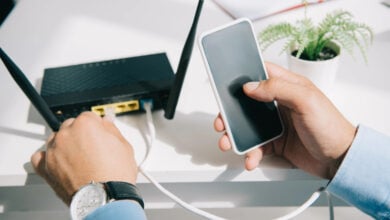
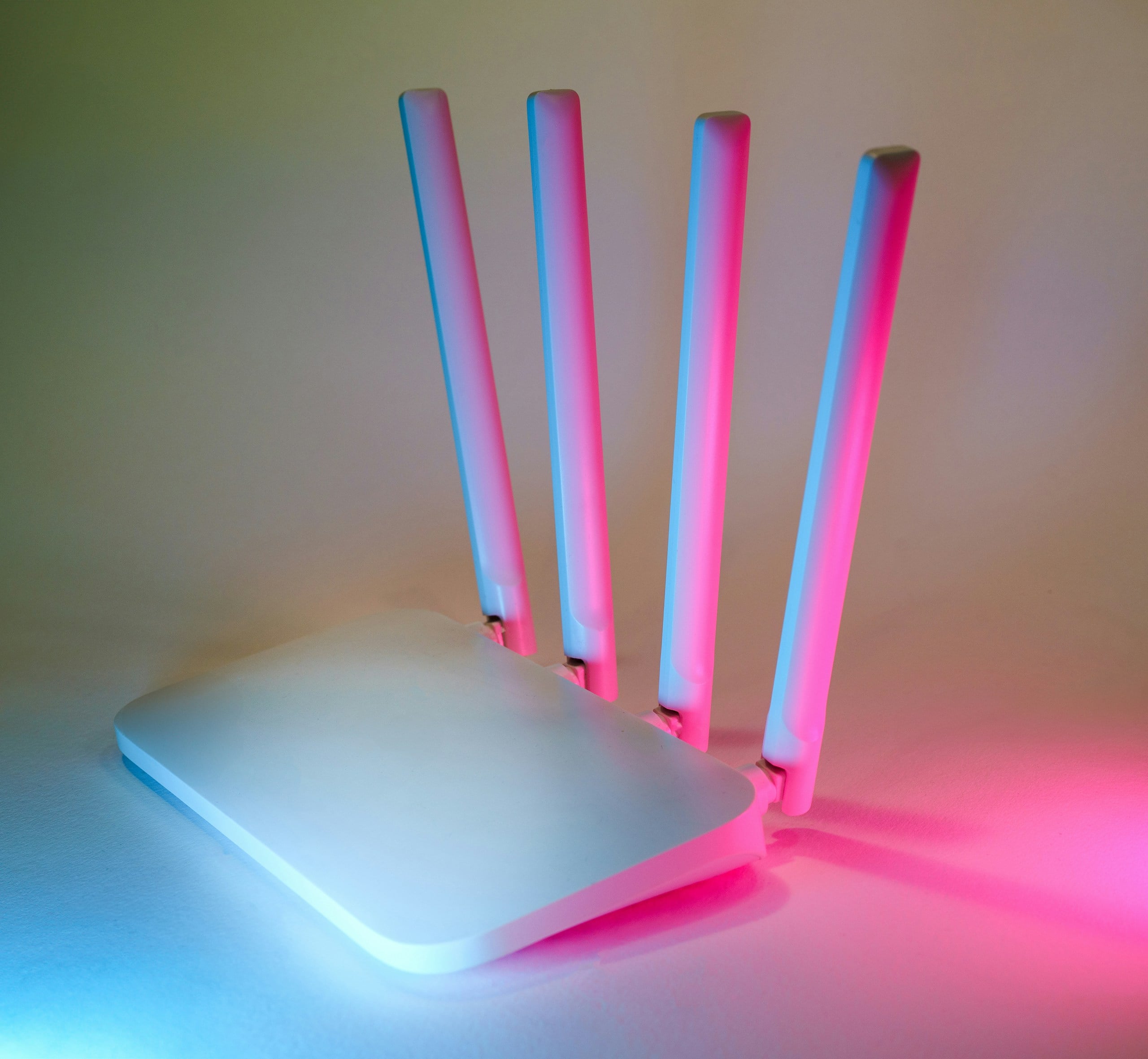
4. Routers
Routers age quietly, which is part of why people keep them too long.
Unlike phones or laptops, routers don’t sit directly in front of you, reminding you they exist. They usually stay tucked away on a shelf somewhere until buffering, dead zones, or random disconnects slowly become part of everyday life.
Common Signs of Degradation:
- Weaker signal in certain rooms
- Buffering during busy hours
- Random disconnects
- across multiple devices
- Restarting the router becoming routine
Modern homes put far more pressure on routers than they did even a few years ago. Streaming, smart-home devices, video calls, and dozens of connected devices all compete for the same hardware simultaneously.
5. Tablets
Tablets often age differently from phones. Instead of becoming unusable, many slowly fade into backup-device status. They become kitchen screens, travel screens, kids’ YouTube devices, or “good enough” browsing devices.
Common Signs of Degradation:
- Touch lag
- Slower apps
- Weaker battery life
- Sluggish streaming
A lot of tablets physically last a long time. They just stop feeling fast enough to remain a primary device for anyone.
Why The “3-Year Wall” Feels Suspicious Sometimes
Part of the reason people became skeptical about aging technology is that the timing often feels strangely consistent.
A phone feels perfectly fine for years, then suddenly starts struggling after a major software update. A smart TV that used to feel fast becomes painfully laggy almost overnight. A laptop that handled everything easily starts sounding stressed by basic multitasking.
And after enough people experience that pattern, it’s easy to understand why suspicion started growing around the idea of “planned obsolescence” — the belief that companies intentionally design products to become outdated, slower, or less useful over time to encourage upgrades and replacements.
When The Apple Controversy Changed How People Viewed Updates
That skepticism got a major boost after Apple agreed to pay up to $500 million in a 2020 settlement tied to claims that software updates intentionally slowed older iPhones. Apple said the throttling was designed to prevent unexpected shutdowns caused by aging batteries — not to force people into upgrades. But the controversy permanently changed how many consumers viewed software updates on older devices.
The important thing to remember is that modern devices don’t necessarily need intentional sabotage to quickly start feeling outdated.
A lot of the slowdown people experience comes from a very real collision between:
- Aging hardware
- Heavier software updates
- Declining battery performance
- Growing app demands
- Newer internet and streaming standards
That’s also where software support comes into play.
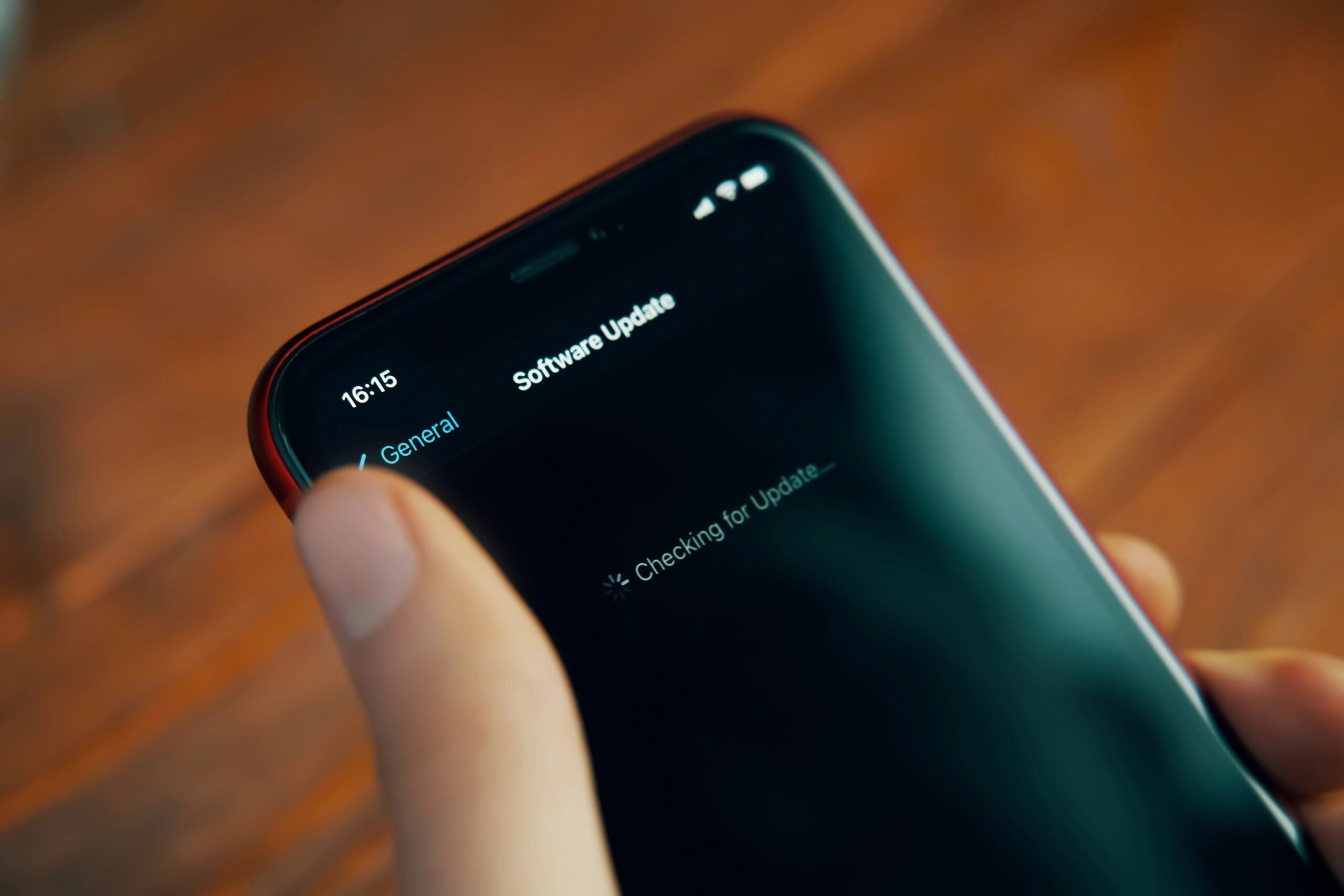
Software Support Has Become Its Own Expiration Clock
Most devices remain usable the longest when they continue receiving security and operating system updates. For example, Apple often supports devices for roughly 5–7 years, while Samsung and Google now offer up to 7 years of support on some flagship phones.
But there’s a difference between a device still receiving updates and a device still handling modern software comfortably.
That gap is where many devices start crossing into “still works, but feels old” territory.
The Habits That Quietly Age Devices Faster
Not all device aging is unavoidable.
A lot of technology naturally becomes less efficient over time. Still, certain habits can speed that process up much faster than people realize, especially when heat, battery stress, and constant heavy workloads get involved.
1. Keeping Batteries At Extremes All The Time
Modern batteries charge more reliably than older devices did, but they still degrade faster under constant stress.
That includes:
- Regularly draining devices to 0%
- Leaving phones sitting at 100% constantly
- Exposing devices to excessive heat while charging
A phone battery doesn’t usually fail all at once. It slowly loses capacity, and by the end of the day, the device feels unreliable.
Pro Tip: The 20%–80% Rule
Batteries tend to experience less long-term stress when they stay between roughly 20% and 80% instead of constantly dropping to 0% or sitting at 100%. Features like Optimized Battery Charging help manage this automatically on many newer phones, tablets, and laptops.
2. Letting Devices Run Hot Constantly
Heat is one of the biggest long-term stressors for electronics.
Laptops buried in blankets, phones baking in hot cars, routers trapped inside cabinets, and nonstop heavy gaming or streaming sessions all force devices to operate under higher temperatures for extended periods.
Even when the damage isn’t immediately obvious, prolonged heat slowly wears down internal components over time.
3. Ignoring Dust And Airflow
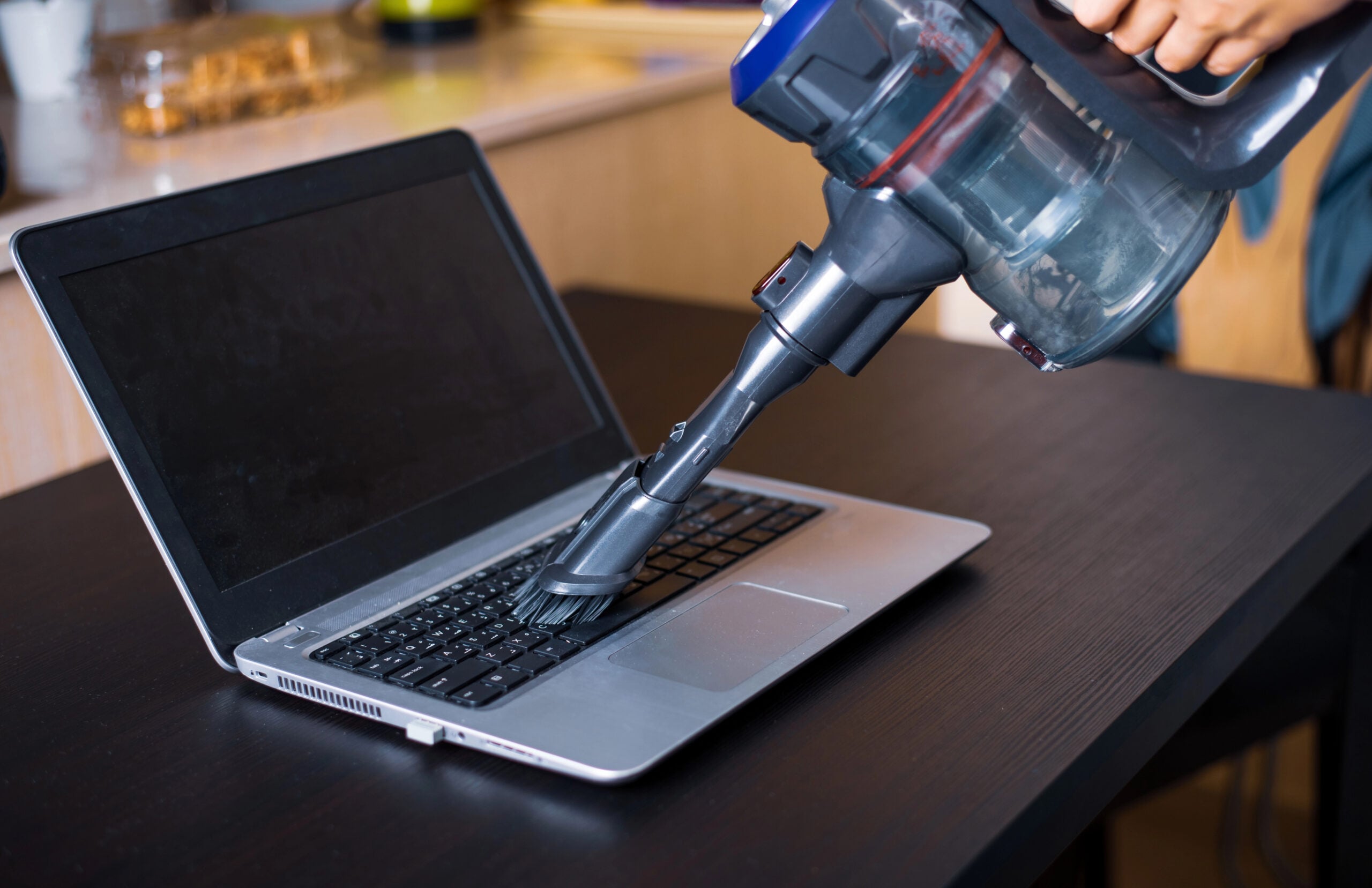
Dust sounds harmless until it starts trapping heat inside devices that already struggle to stay cool. That buildup can restrict airflow in phones, laptops, routers, TVs, and streaming devices.
And because the decline happens gradually, many people don’t realize their device has been running hotter than normal for months or even years. Sometimes, an “aging” device is partially just an overheating device.
Pro Tip: Once a year, use compressed air to clear laptop vents, router vents, and phone charging ports. Dust traps heat, and heat is one of the fastest ways to age electronics.
4. Keeping Storage Nearly Full All The Time
Phones, tablets, and laptops all need available space to handle updates, temporary files, app caching, and background processes efficiently.
When storage stays nearly maxed out, devices often feel slower, less stable, and more prone to freezing or app crashes.
A lot of people assume the hardware itself is failing when the device is really just operating with almost no breathing room left.
5. Never Restarting Anything
A surprising number of people rarely restart routers, smart TVs, tablets, laptops, and phones.
And over time, devices accumulate:
- Background processes
- Temporary glitches
- Memory issues
- Software instability
Restarting won’t magically fix aging hardware, but many devices perform noticeably better when they aren’t running endlessly for weeks at a time.
Pro Tip: Some routers let you schedule an automatic weekly reboot in advanced settings. It won’t fix an outdated router, but it can help clear temporary glitches before they become daily annoyances.
The Cheapest Ways To “Reset The Clock” On Lagging Devices
Not every aging device needs to be replaced immediately. In many cases, a relatively small fix can buy you another year or two before the experience becomes genuinely frustrating again.
And sometimes the improvement is much bigger than people expect.
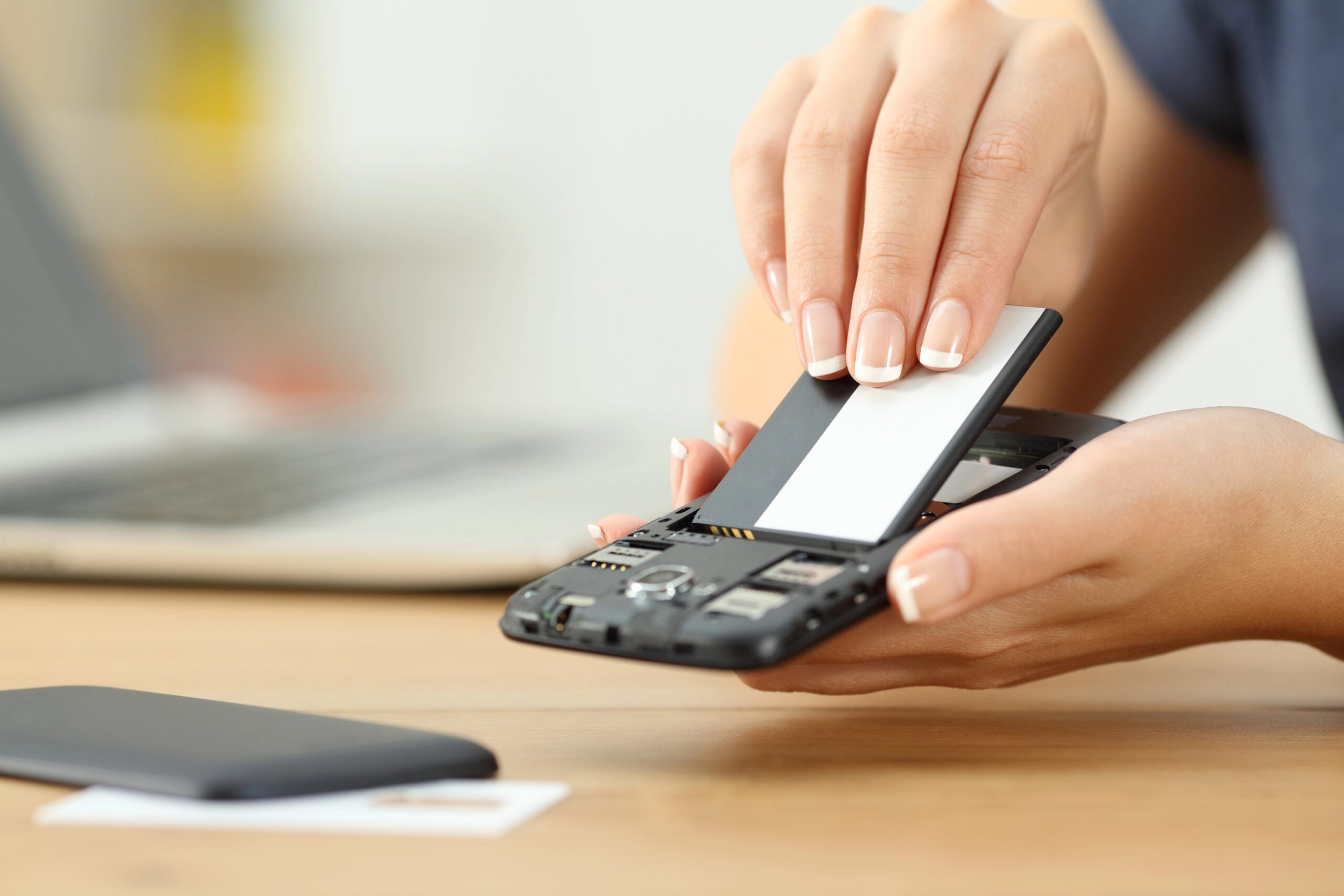
Replace The Battery Before Replacing The Phone
A surprising number of old phone problems are really old battery problems.
As batteries degrade, phones become:
- Less stable
- More prone to overheating
- Slower under heavier workloads
- Harder to trust throughout the day
Replacing the battery can often make a phone feel dramatically more usable again, especially if the rest of the hardware still performs reasonably well.
Add An SSD To An Older Laptop
This is one of the biggest performance upgrades people can make without buying a completely new computer.
Older laptops running traditional hard drives often feel slow because storage access itself has become the bottleneck.
Upgrading to a solid-state drive (SSD) can dramatically improve:
- Startup times
- App loading
- Multitasking responsiveness
- Overall system smoothness
For many people, it’s the closest thing to making an older laptop feel “new” again.
Use A Streaming Stick Instead Of Replacing The TV
In a lot of homes, the TV screen itself is perfectly fine. The software attached to it isn’t.
Adding a newer streaming device can often bypass:
- Sluggish menus
- Outdated apps
- Laggy interfaces
- Slow built-in processors
Pro Tip: If your TV screen still looks good but the apps are painfully slow, bypass the built-in software with a Roku, Fire TV Stick, Apple TV, or similar streaming device. Replacing a small streaming device is a lot cheaper than replacing the whole TV.
Higher-End Devices Often Last Longer — But Not For The Reasons People Think
More expensive tech isn’t automatically better, but cheaper devices often cut corners in the exact areas that affect long-term lifespan the most.
That usually includes:
- Weaker processors
- Lower RAM
- Smaller batteries
- Limited storage
- Cheaper cooling systems
- Shorter software support windows
Those compromises may not feel obvious when a device is brand new. They usually show up a few years later when updates, apps, streaming demands, and battery wear start piling up.

When Buying Tech You Plan To Keep For Years, Pay Attention To:
- Software support promises.
Some manufacturers only support budget devices for a few years before updates slow down or stop entirely. - Storage space.
A phone or laptop that already feels cramped at purchase usually won’t age well as apps, photos, updates, and files accumulate. - RAM.
Devices with minimal RAM often hit slowdowns much faster as software becomes more demanding. - Battery replacement availability.
Some devices are much easier — and cheaper — to repair than others. - Ventilation and cooling.
Thin, fanless devices may look sleek, but heat buildup tends to accelerate aging over time. - Whether the device already feels “just fast enough.”
Hardware with very little performance headroom usually reaches the “3-year wall” faster.
Why Hold Onto Gadgets Longer?
For all the frustration that aging technology can create, constantly replacing devices has its own downsides, too.
And over the last few years, more people have realized that the smartest upgrade cycle usually falls somewhere between replacing devices every year and suffering with obviously failing tech forever.
In many cases, squeezing an extra year or two out of a device can have surprisingly meaningful benefits.
The Cost Difference Adds Up Fast
Modern technology has become expensive enough that even “normal” upgrade habits can turn into major recurring costs.
Replacing phones every two years, laptops every few years, smart-home gear constantly, or TVs because the apps got sluggish can add thousands of dollars in spending over time, without people fully noticing how routine it has become.
That’s part of why battery replacements, streaming sticks, SSD upgrades, and basic maintenance have become more appealing. A relatively small and inexpensive fix can sometimes delay a much larger purchase.
E-Waste Has Become A Real Problem
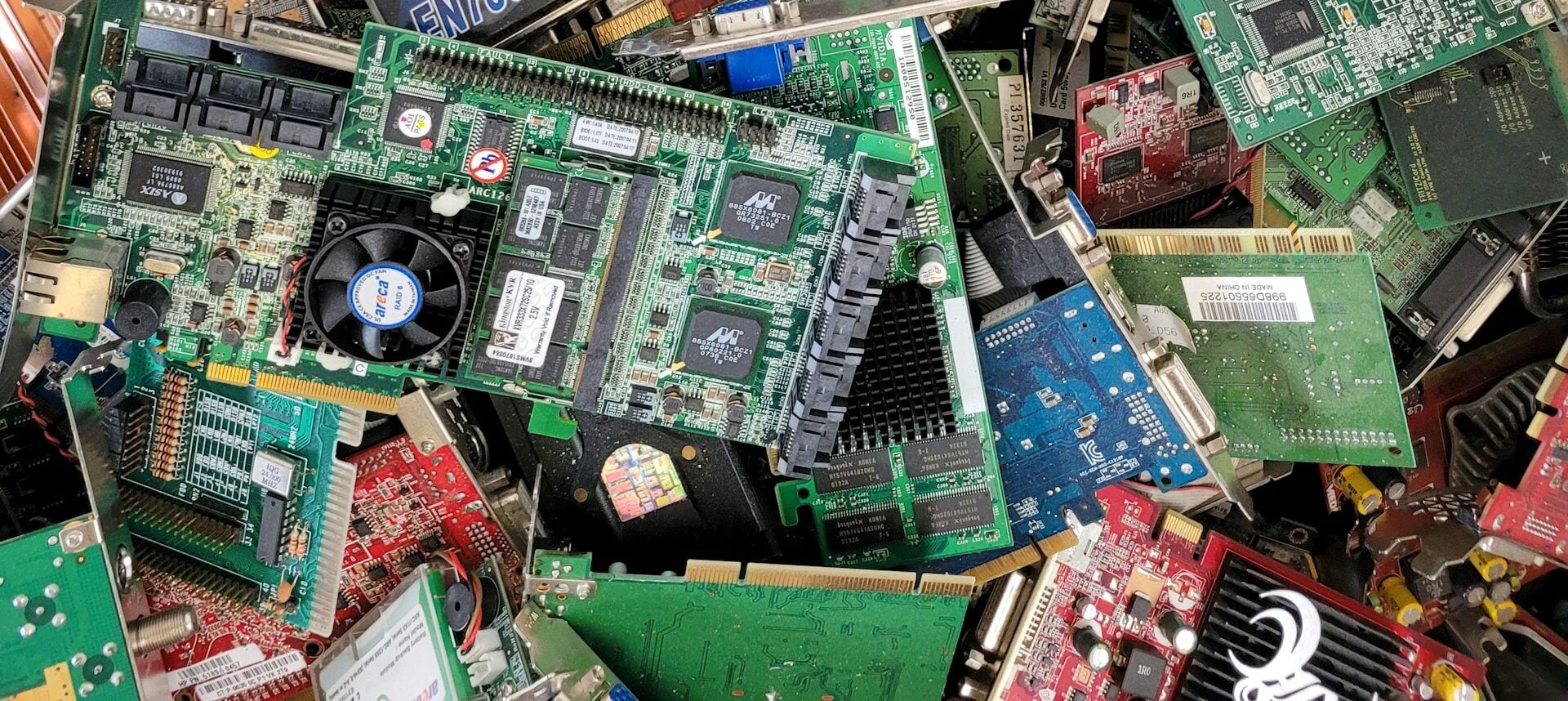
The faster people replace technology, the more electronic waste is generated.
Phones, tablets, laptops, routers, and TVs all contain metals, plastics, batteries, and rare-earth materials, as well as components that are difficult to recycle cleanly.
And while recycling programs help, a huge amount of electronic waste still ends up sitting in storage drawers, landfills, or difficult-to-process recycling systems.
Keeping devices usable for an extra year or two can significantly reduce that waste at scale.
Constant Upgrading Doesn’t Always Improve Daily Life As Much As People Expect
Many modern upgrades are incremental. That’s especially true for smartphones, tablets, and TVs.
The difference between a heavily aging device and a reasonably healthy one can feel dramatic. The difference between last year’s model and this year’s model often doesn’t.
That’s part of why more people have started focusing less on always having the newest device and more on extending the useful life of the one they already own.
Frequently Asked Questions
If you’ve ever stared at a buffering TV, a dying phone battery, or a router that suddenly forgets how walls work, you’re definitely not alone.
Here are some of the most common questions people have once their devices start crossing into “still works, but feels old” territory. Don’t see your question here? Ask yours in the comments.
Do Phones Actually Slow Down Over Time?
Yes, but usually for several reasons happening at once.
Battery degradation, fuller storage, heavier apps, newer operating systems, and background processes all place more strain on older hardware over time.
That’s part of why older phones often feel less responsive even when nothing is technically “broken.”
How Long Should A Router Realistically Last?
For most households, routers tend to hit their comfort lifespan somewhere around 3–5 years, especially in homes with:
- Heavy streaming
- Smart-home devices
- Gaming
- Multiple users
- Video calls happening regularly
It’s also important to know that manufacturers often stop providing security updates after 3-5 years. High-use homes with many devices may need upgrades every 2-3 years for optimal performance.
Is It Better To Replace A Phone Battery Or Buy A New Phone?
It depends on the rest of the device. If the phone still performs well overall, replacing the battery can often significantly extend its usable life for far less than buying a completely new device.
But if the phone is already struggling with overheating, major lag, storage limitations, and outdated software support, then a battery replacement alone may not solve the bigger issues.
Why Do Smart TVs Become Slow So Quickly?
In many cases, the display panel itself isn’t aging badly — the built-in software is.
Smart TVs essentially contain small computers running streaming apps, updates, menus, and background processes. Over time, those systems can start struggling to keep up with newer software demands.
That’s one reason external streaming devices often feel faster than older built-in TV software.
Is Planned Obsolescence Real?
The idea is complicated.
Some companies have faced criticism and lawsuits related to how older devices perform after updates or how repairable products are designed to be.
But in many cases, what people experience is also the result of aging hardware, battery wear, heavier software, evolving app demands, and changing internet standards.
Modern technology doesn’t necessarily need intentional sabotage to start feeling old surprisingly quickly.
What’s The Biggest Sign A Device Is Nearing The “3-Year Wall”?
Usually, it’s not one dramatic failure. It’s the moment the device starts requiring extra patience. That can look like:
- Charging your phone constantly
- Restarting the router regularly
- Waiting through laggy menus
- Avoiding certain apps
- Giving devices “a minute” before using them heavily
The strange part is that most people adapt to those habits gradually enough that they stop noticing how much friction has become normal.
More Tech Problems That Usually Aren’t Random
If your technology frustrations are starting to sound suspiciously familiar, you might also want to check out these guides from We Rock Your Web:
- Why Your Computer Suddenly Feels Slow (Even When Nothing Changed) — the hidden buildup issues that quietly drag down performance over time
- Why Your Wi‑Fi Keeps Dropping And How To Fix It — dead zones, disconnects, and the router problems most people overlook
- How To Clean Your PC (And Other Electronics) In 3 Easy Steps — simple maintenance that can help devices run cooler and last longer
What’s the longest-lasting piece of tech you’ve ever owned? Maybe it’s a laptop that somehow survived a decade, a phone you refused to replace, or a router that’s still holding your house together through pure determination. Drop it in the comments, especially if it’s somehow still working long past its supposed expiration date.